Classroom World Map Poster Size: Readability, Sheet Count, and Assembly
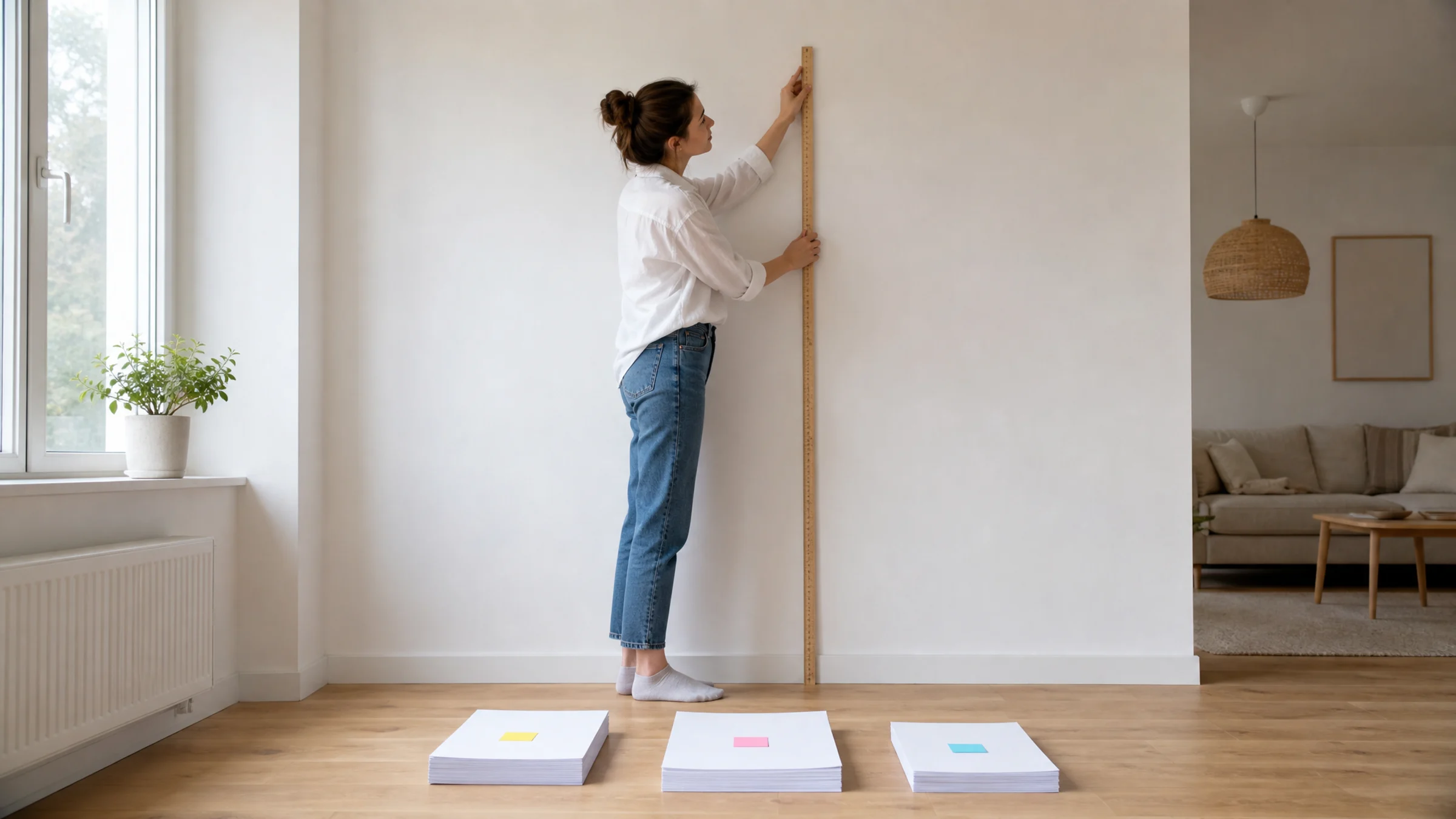
If a map looks fine on screen but turns into tiny labels and messy seams on the wall, the problem is usually size planning. Start with readability before printing.
Read MoreExplore Rasterbator guides for printing giant posters at home, choosing image sources, styling wall art, and assembling multi-page prints cleanly.
If a map looks fine on screen but turns into tiny labels and messy seams on the wall, the problem is usually size planning. Start with readability before printing.
Read More
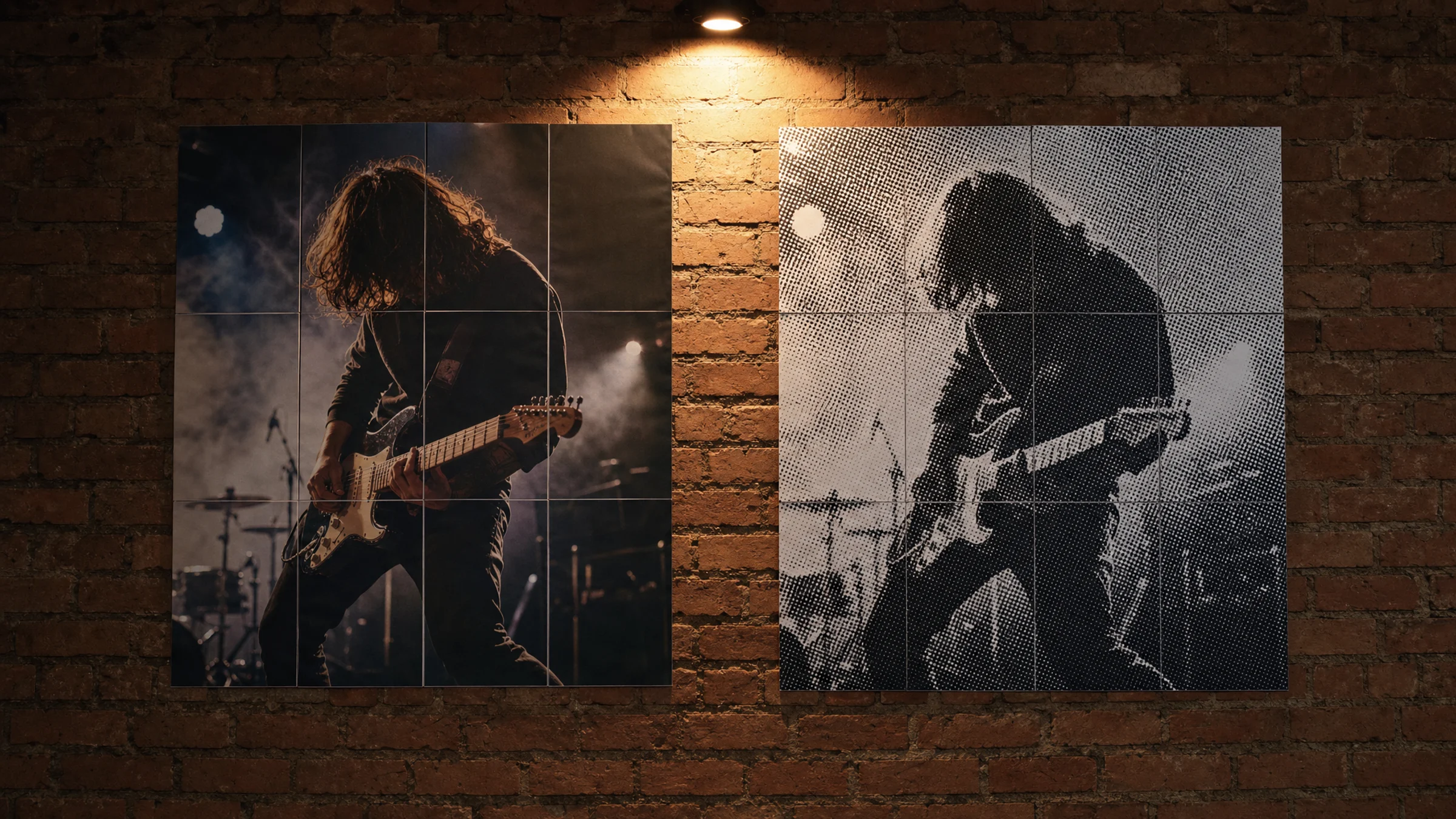
Updated Jun 4, 2026 / 8 min
A poster that looked perfect on screen can come out undersized if Windows 11 or the PDF reader adds automatic scaling. These are the settings to check.
Read More
If a map looks fine on screen but turns into tiny labels and messy seams on the wall, the problem is usually size planning. Start with readability before printing.
Read More
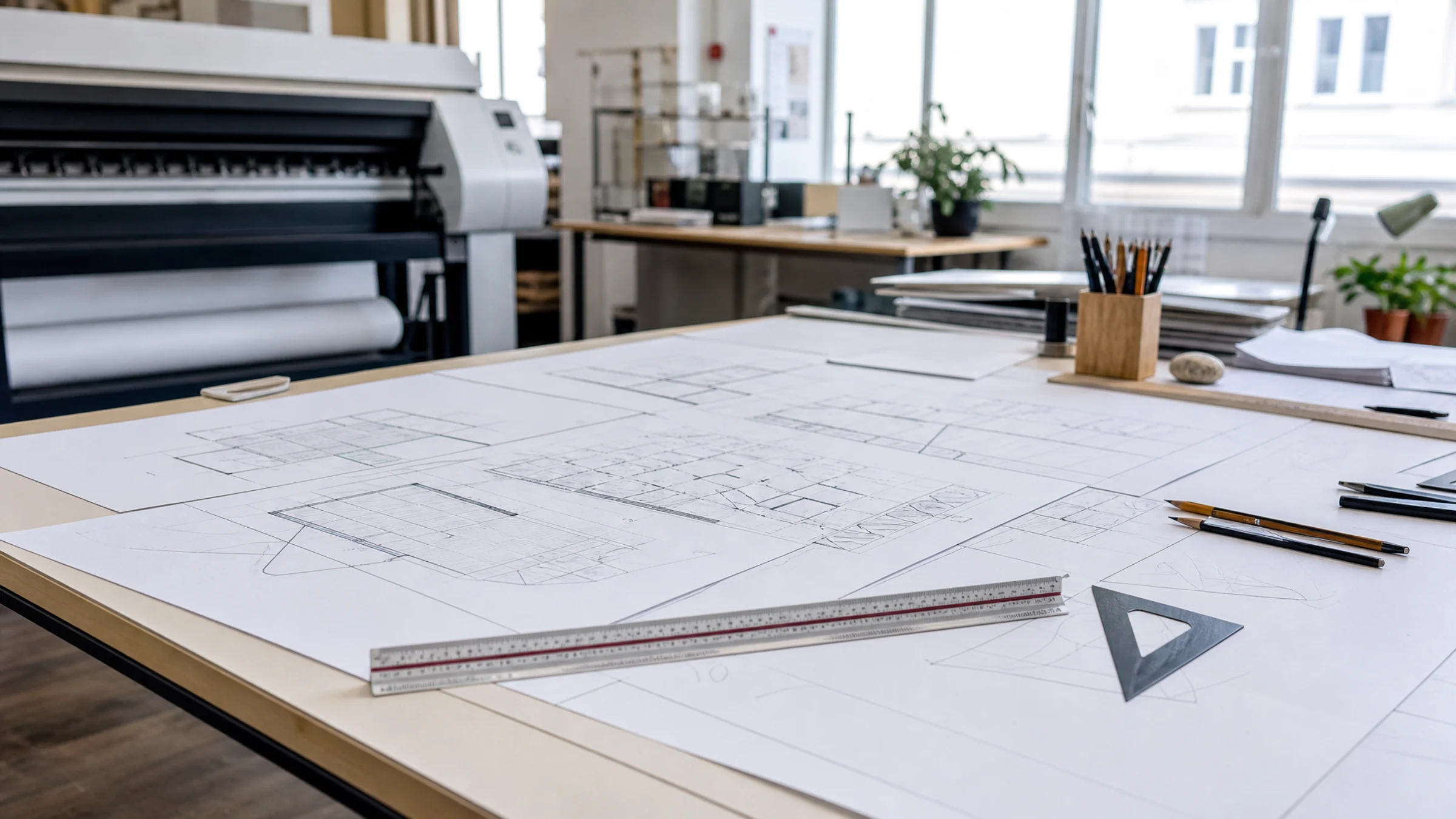
A poster that looked perfect on screen can come out undersized if Windows 11 or the PDF reader adds automatic scaling. These are the settings to check.
Read More
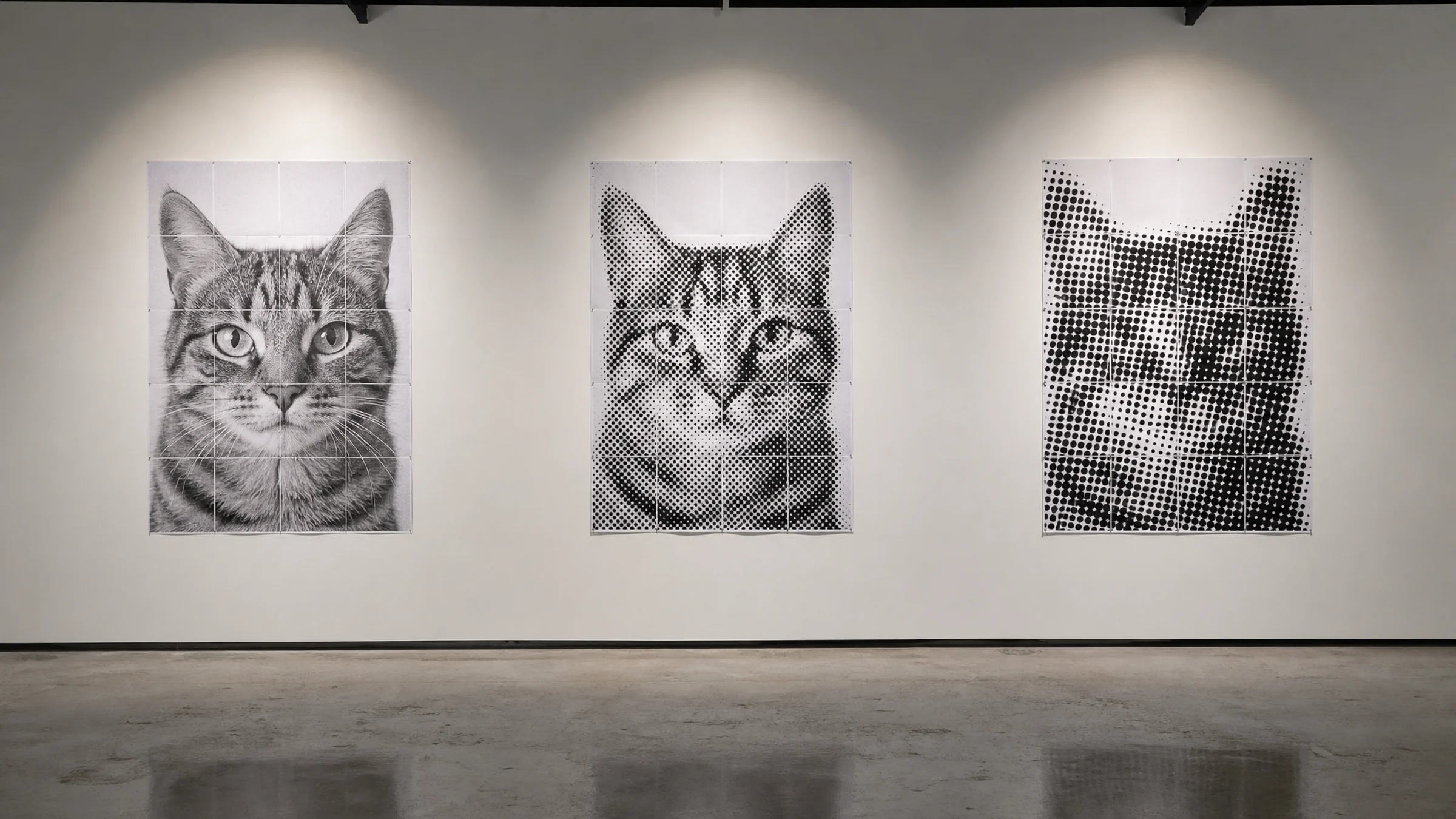
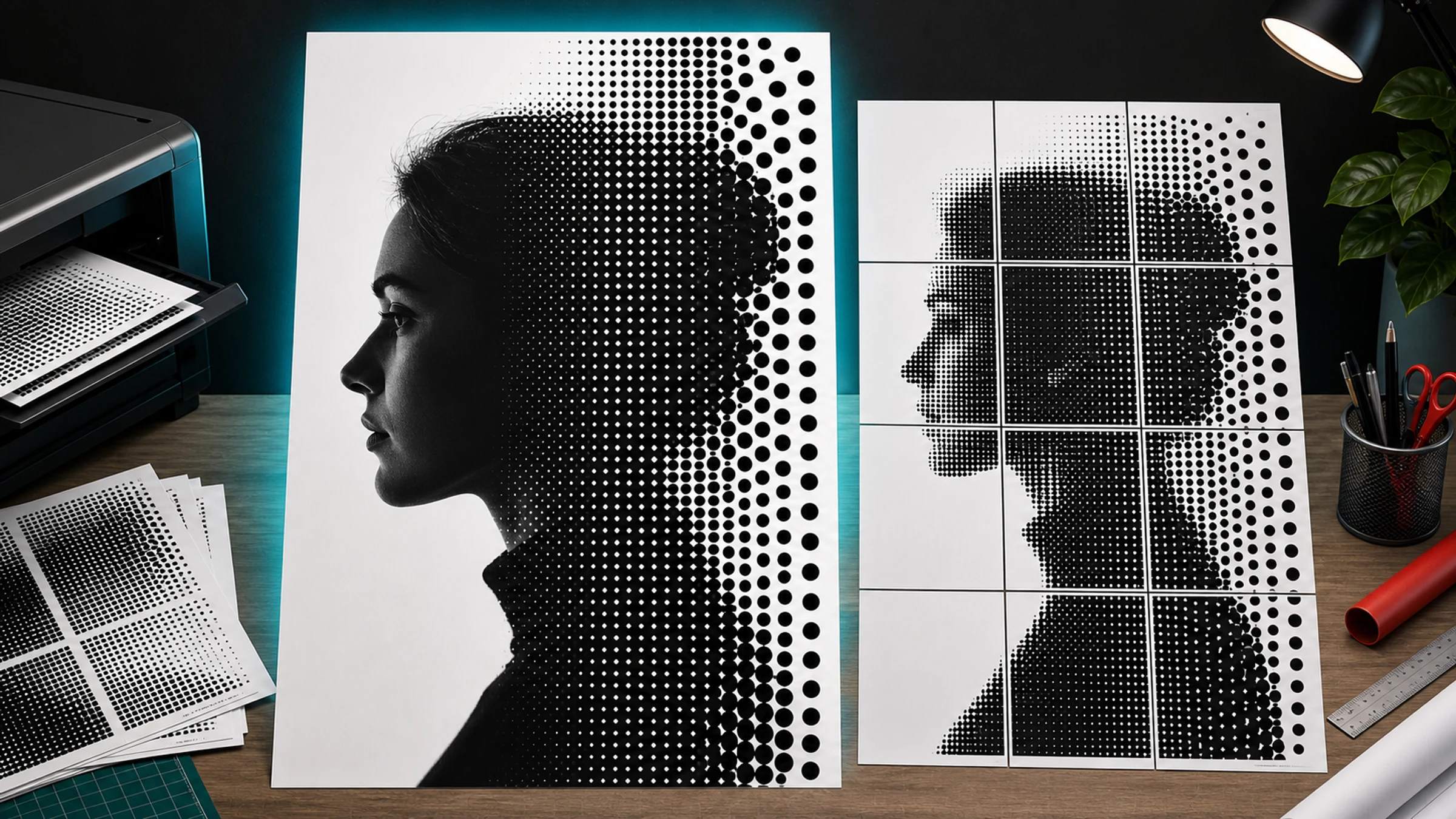
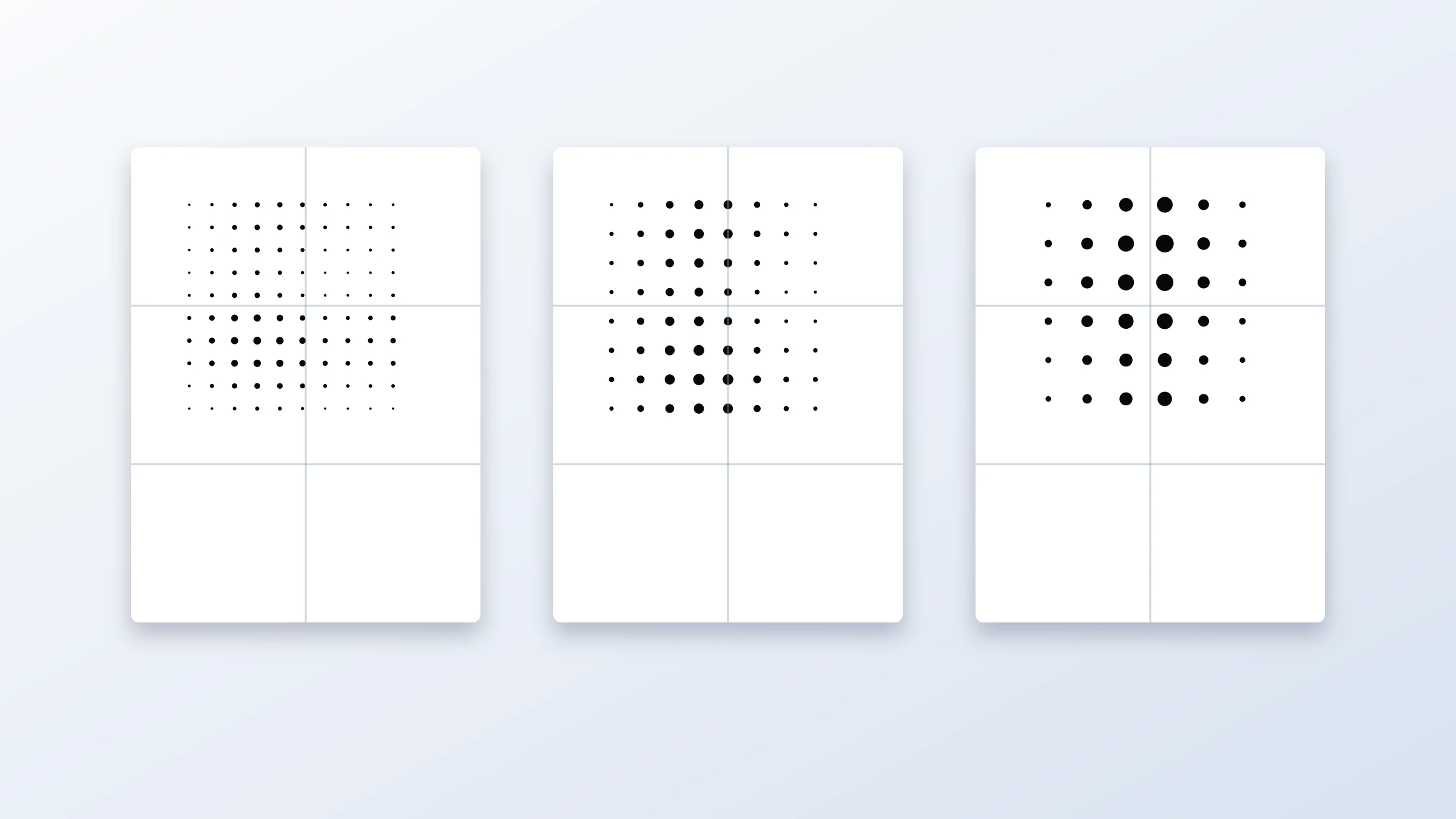
Some images become stronger as visible dots, while others need smooth tones. This guide helps you choose the right poster style before printing a full tiled PDF.
Read More
Big drawings, maps, and posters often go wrong when the print dialog scales them down. This A3 tiling workflow keeps size and assembly under control.
Read More
Some photos become striking halftone posters. Others fall apart when dots get larger and the image is split across pages.
Read More
If your image looks decent but not perfect, 100 DPI may still be enough for a wall poster when viewing distance is on your side.
Read More
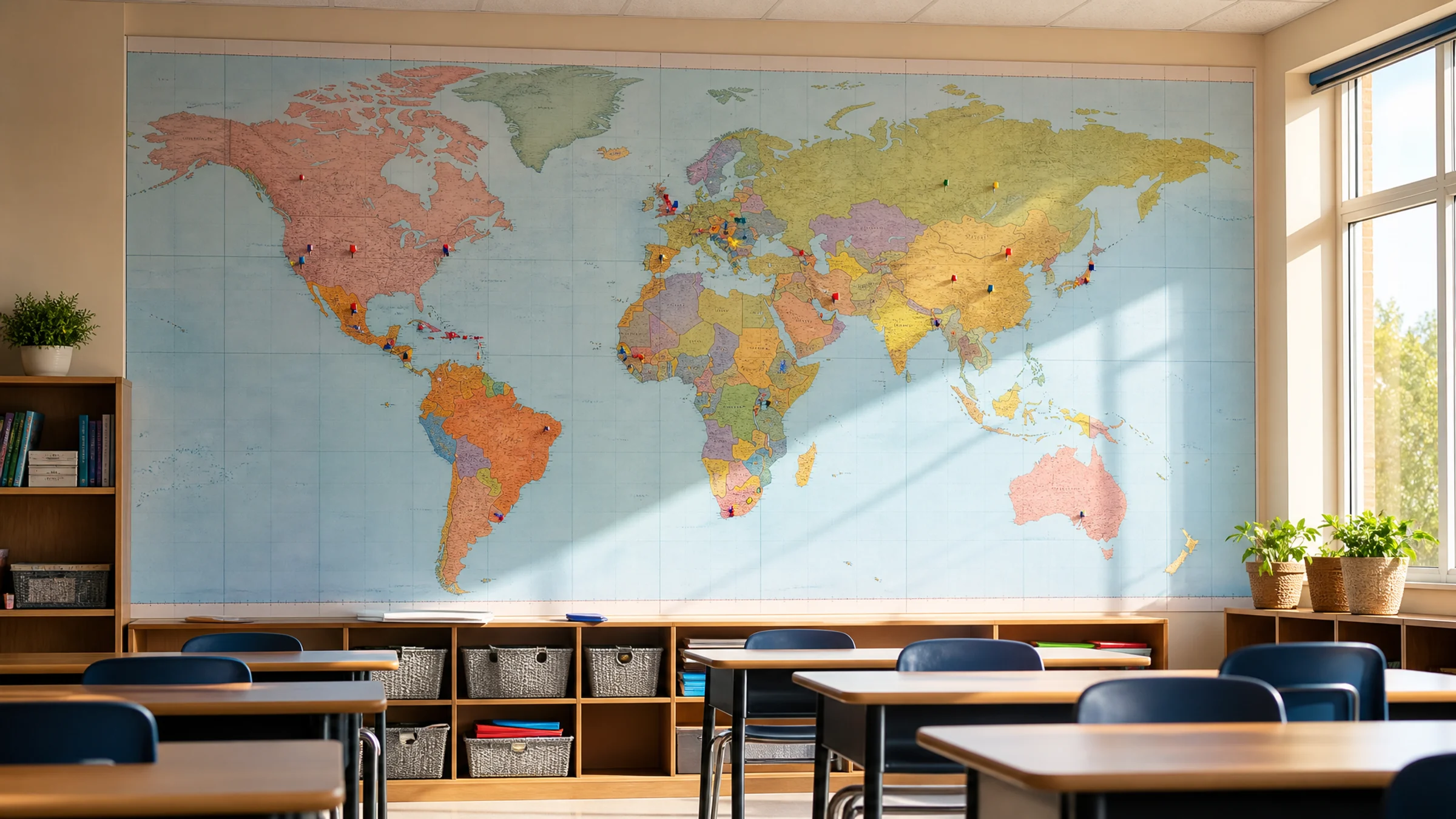
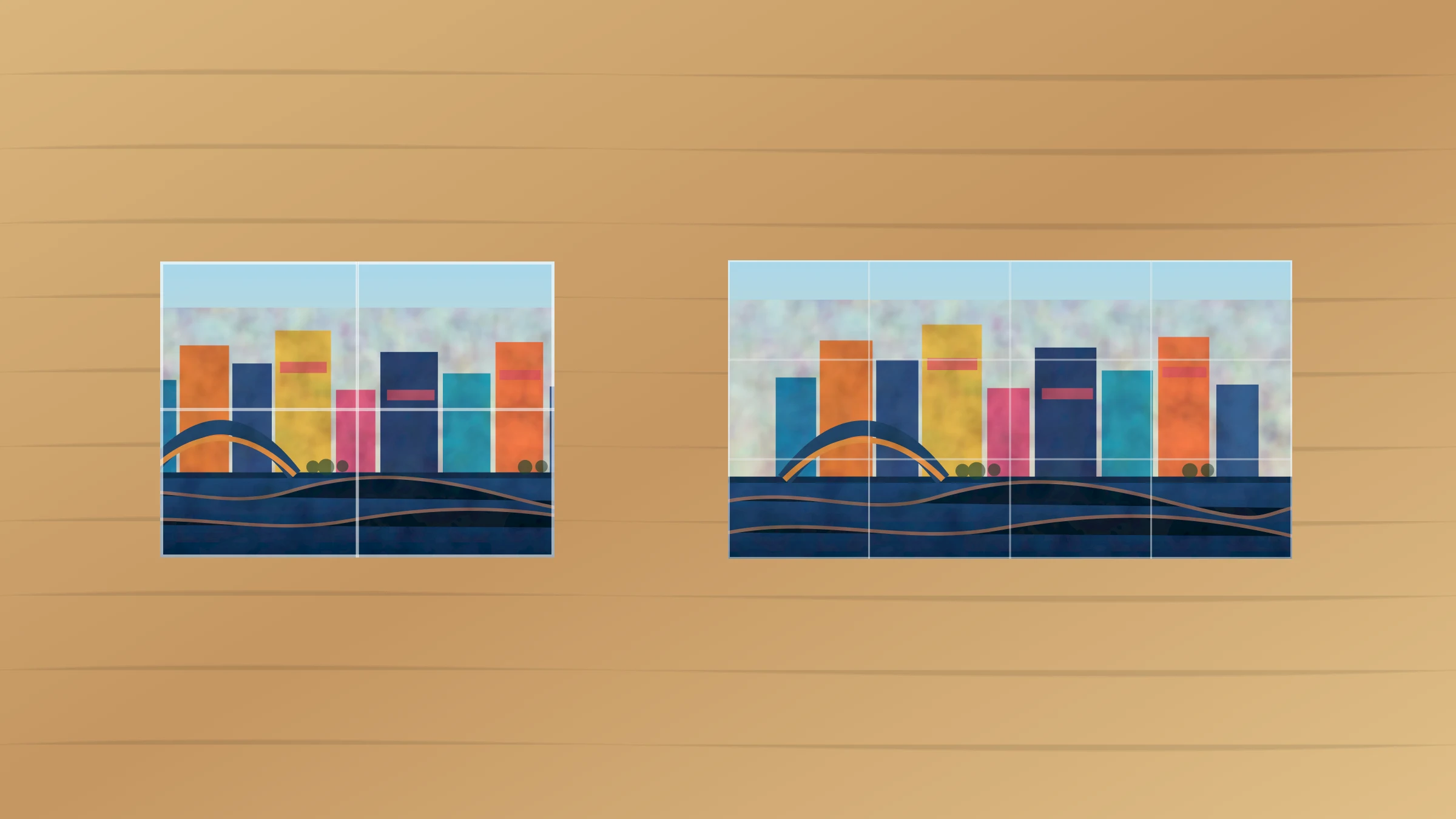
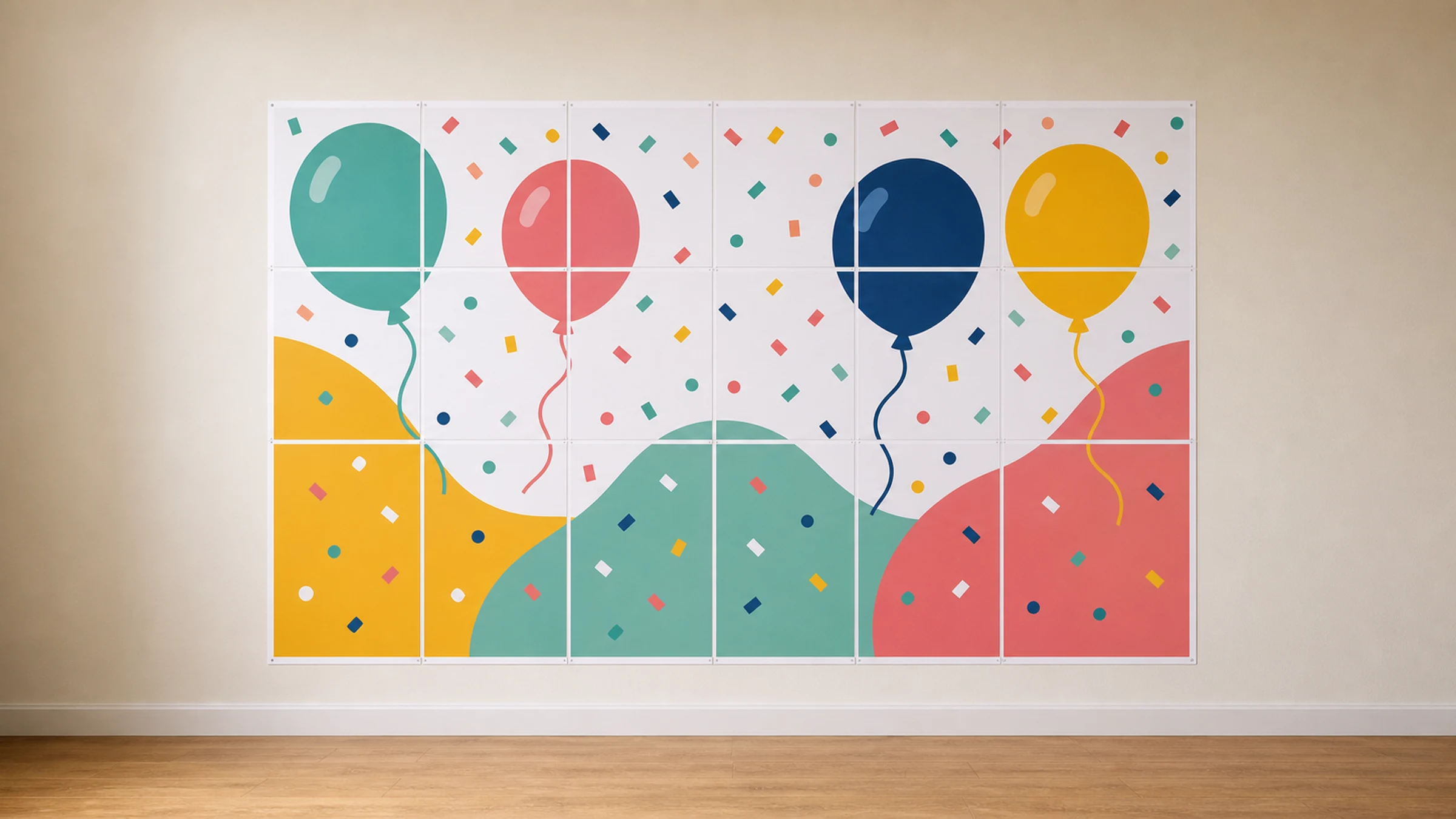
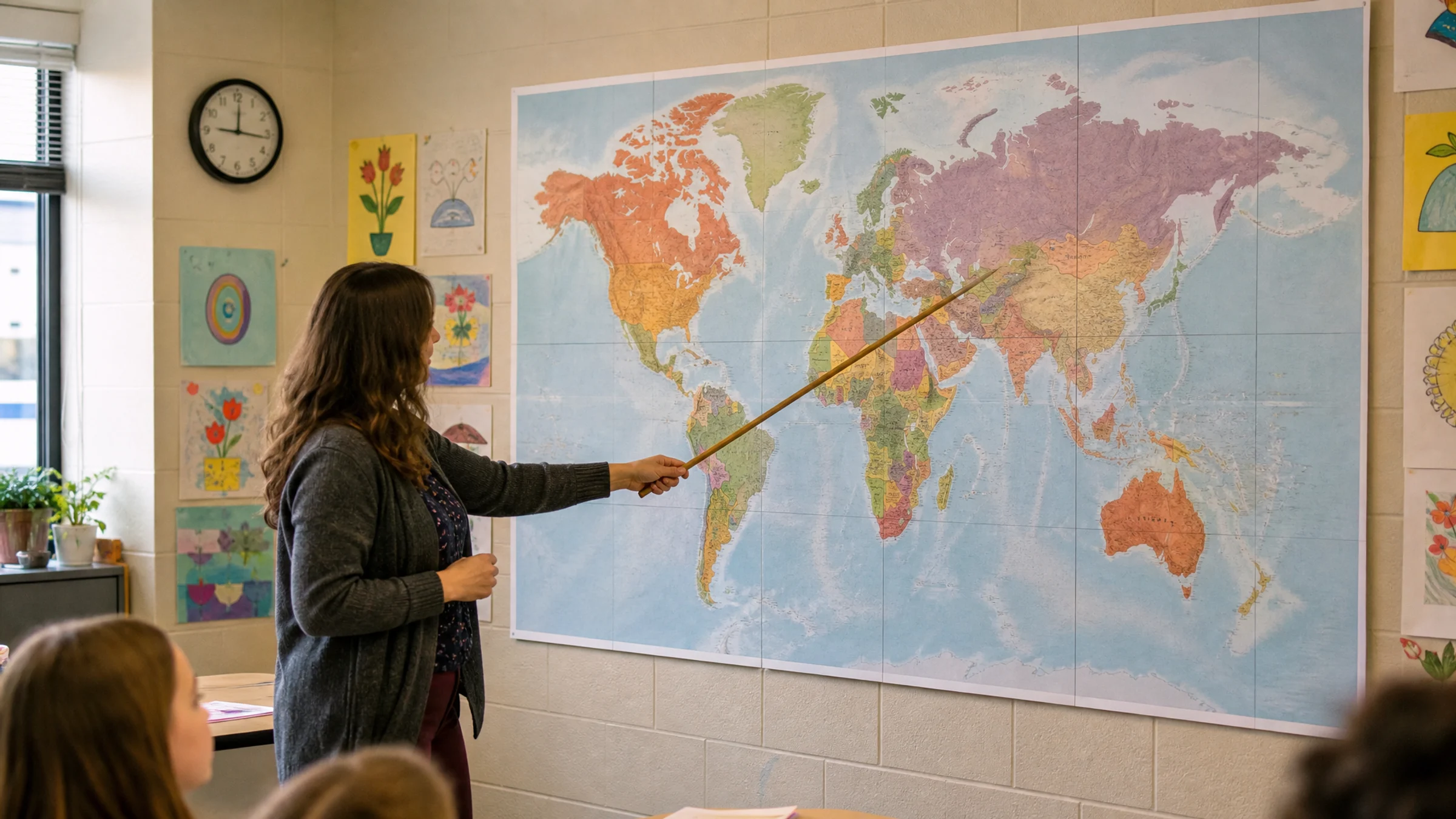
A giant world map can turn an empty classroom wall into something students actually use, but only if the labels stay clear and the seams hold up.
Read More
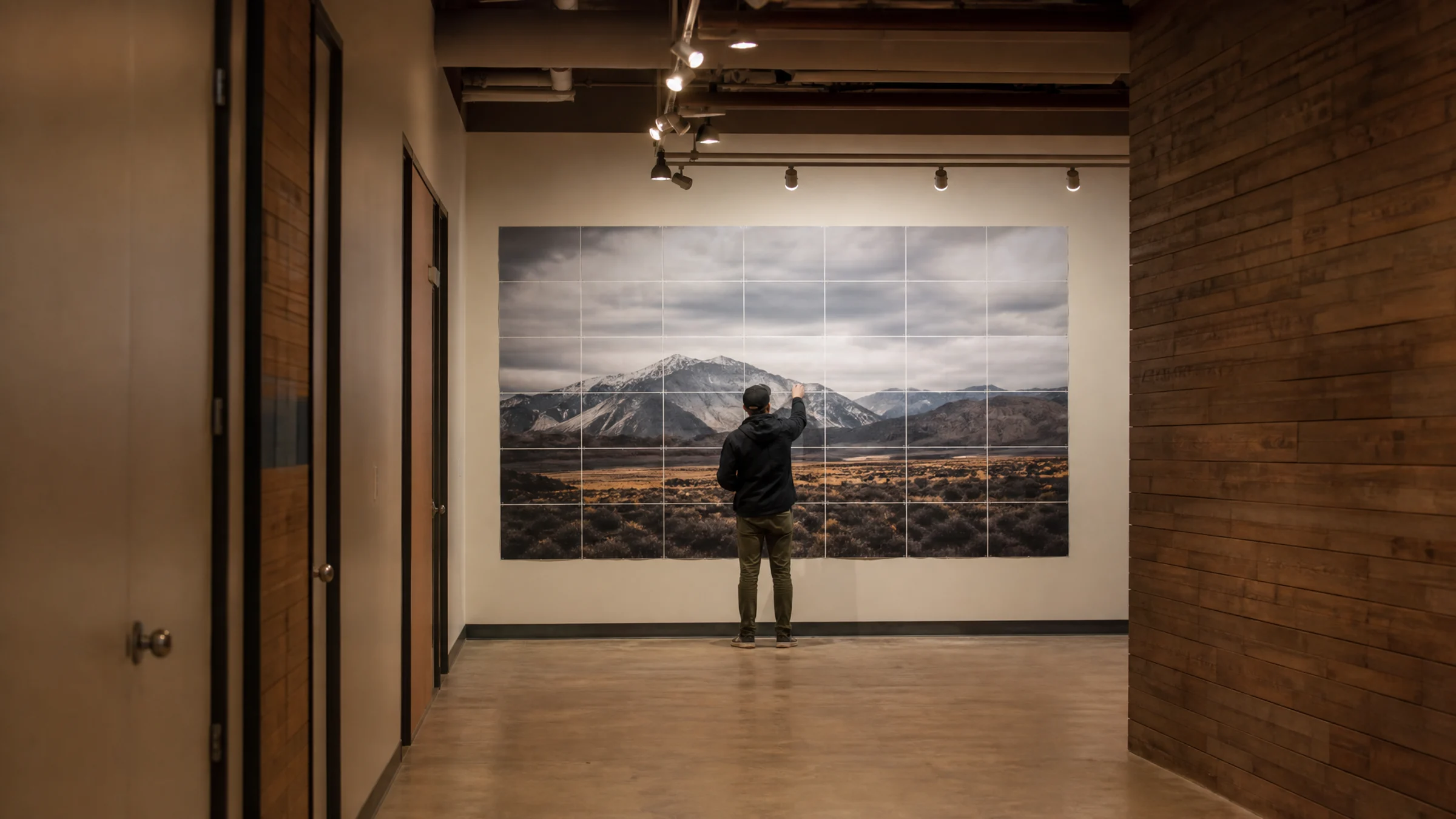
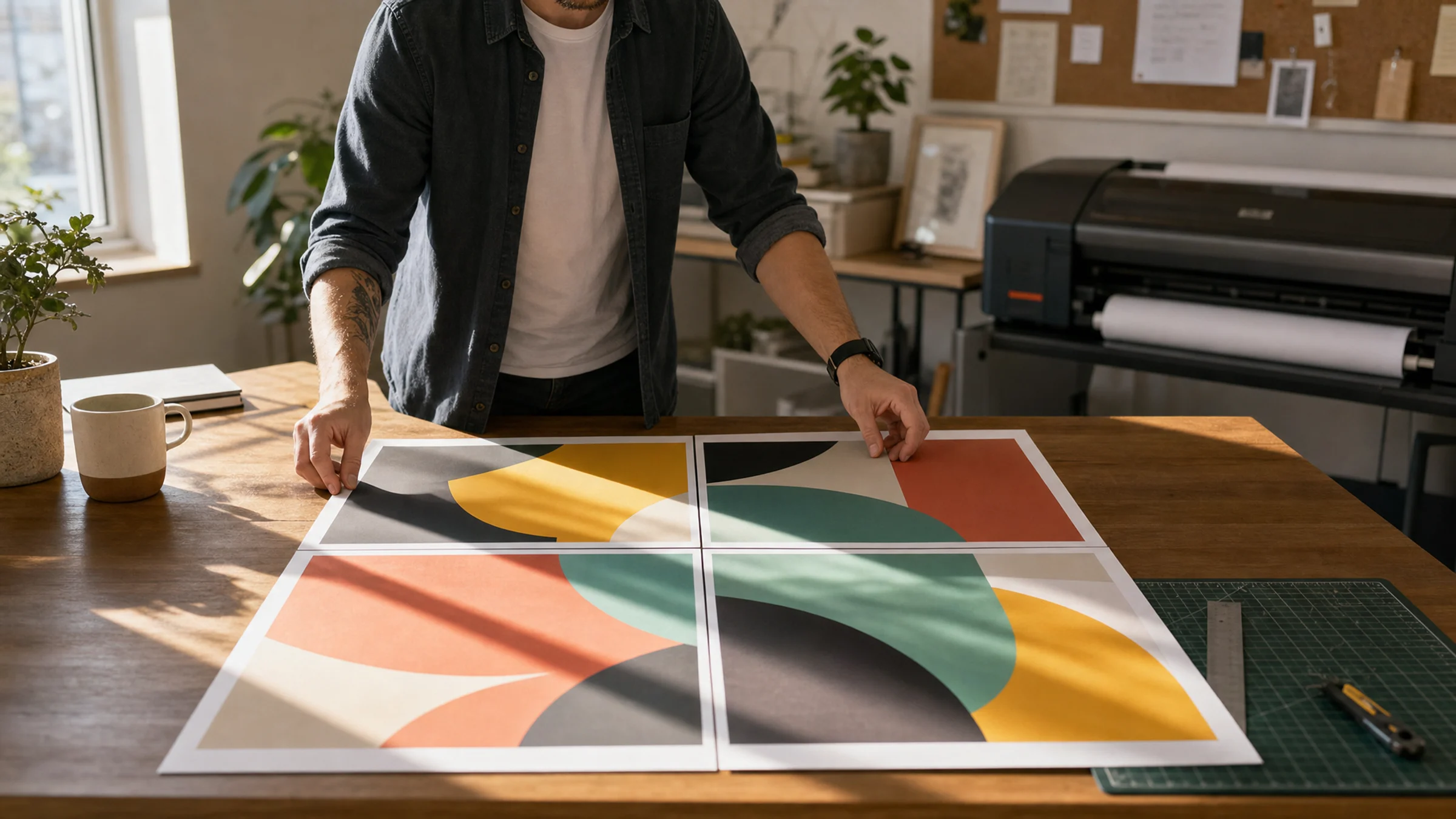
A tiled poster can look perfect on screen and still fall apart on paper. Check scale, paper size, overlap, trimming, orientation, and one test seam first.
Read More
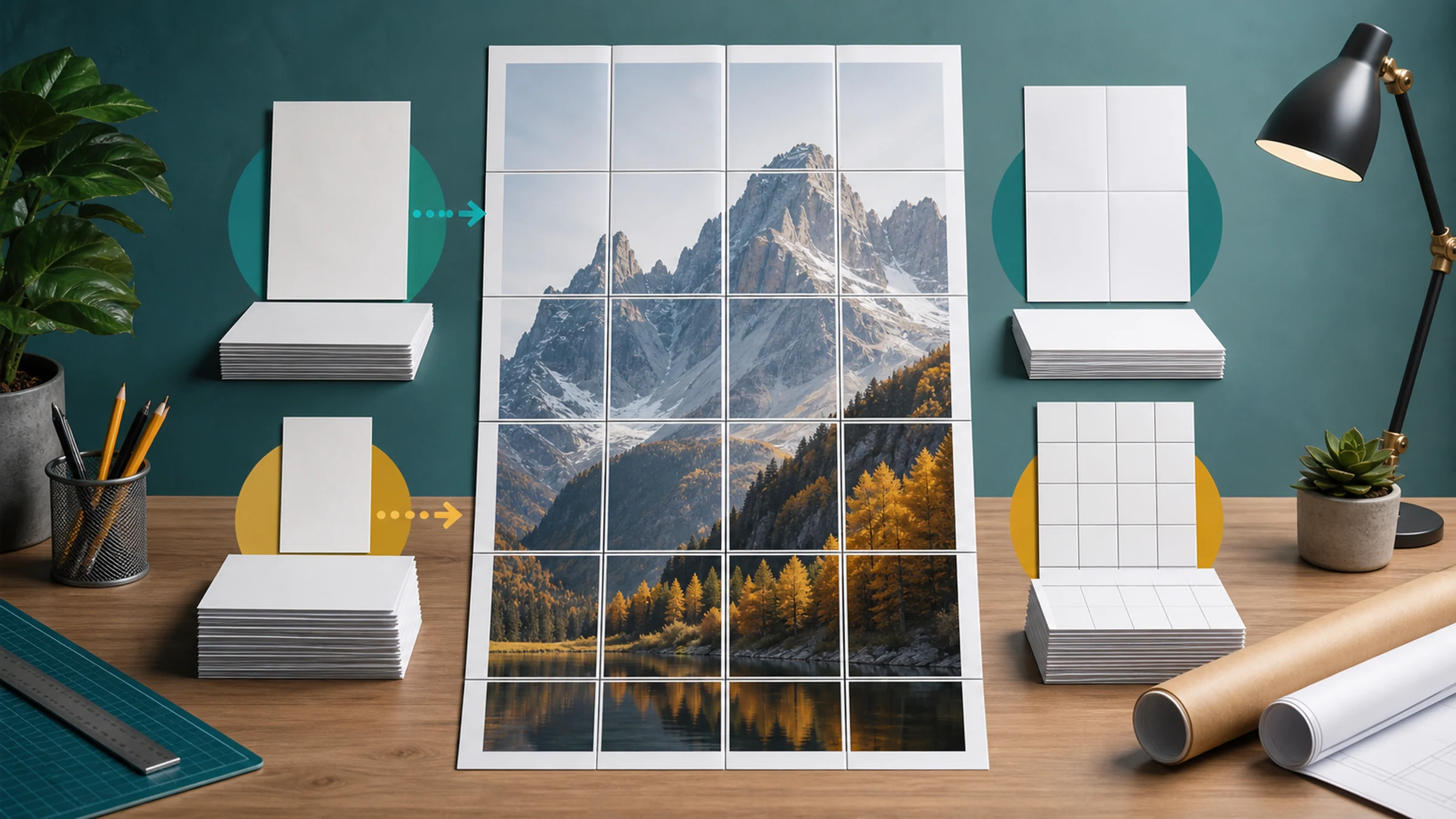
A one-meter poster might take 12 sheets or 30 depending on paper size, height, orientation, margins, and overlap. Use these estimates before printing.
Read More
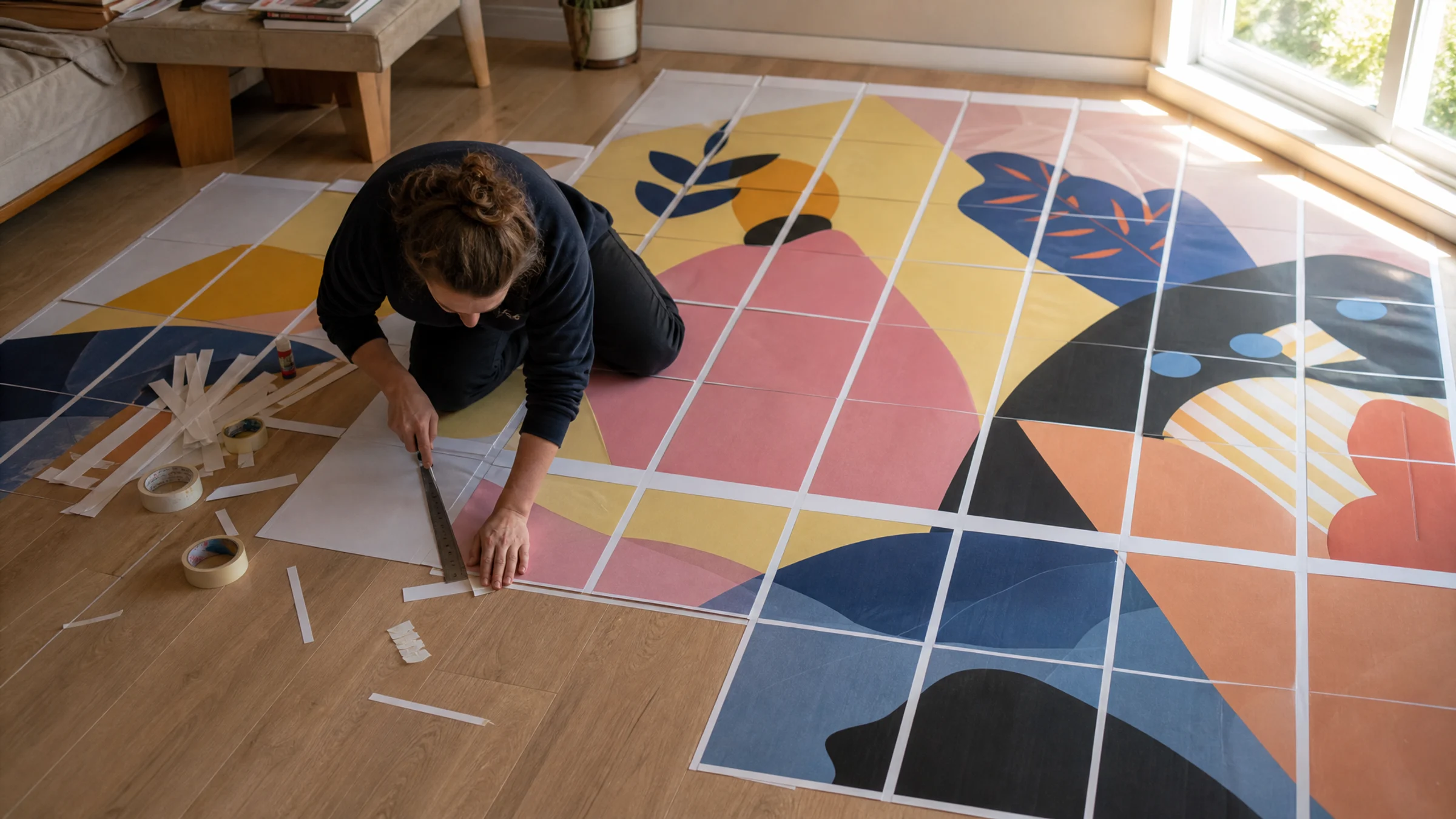
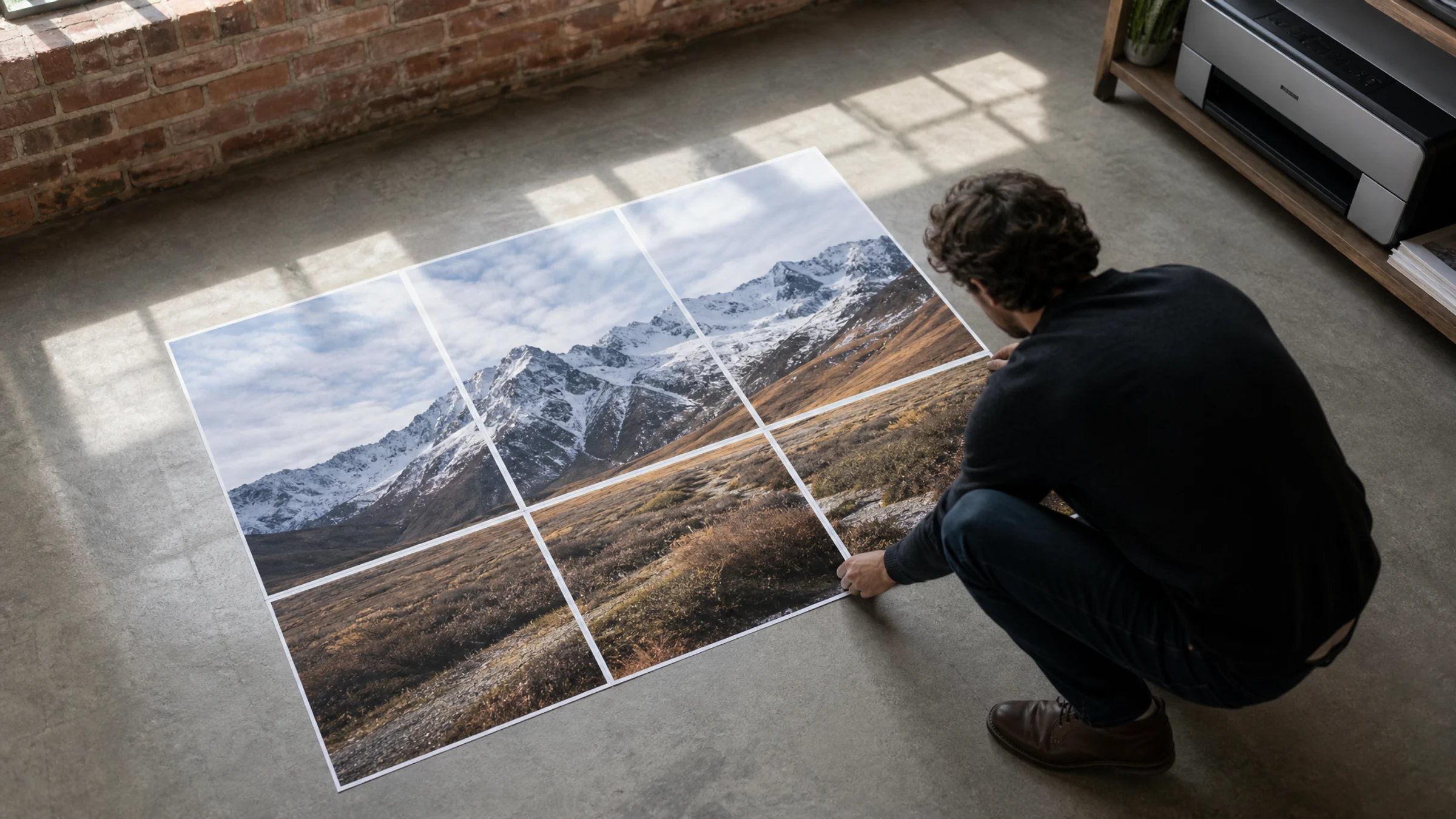
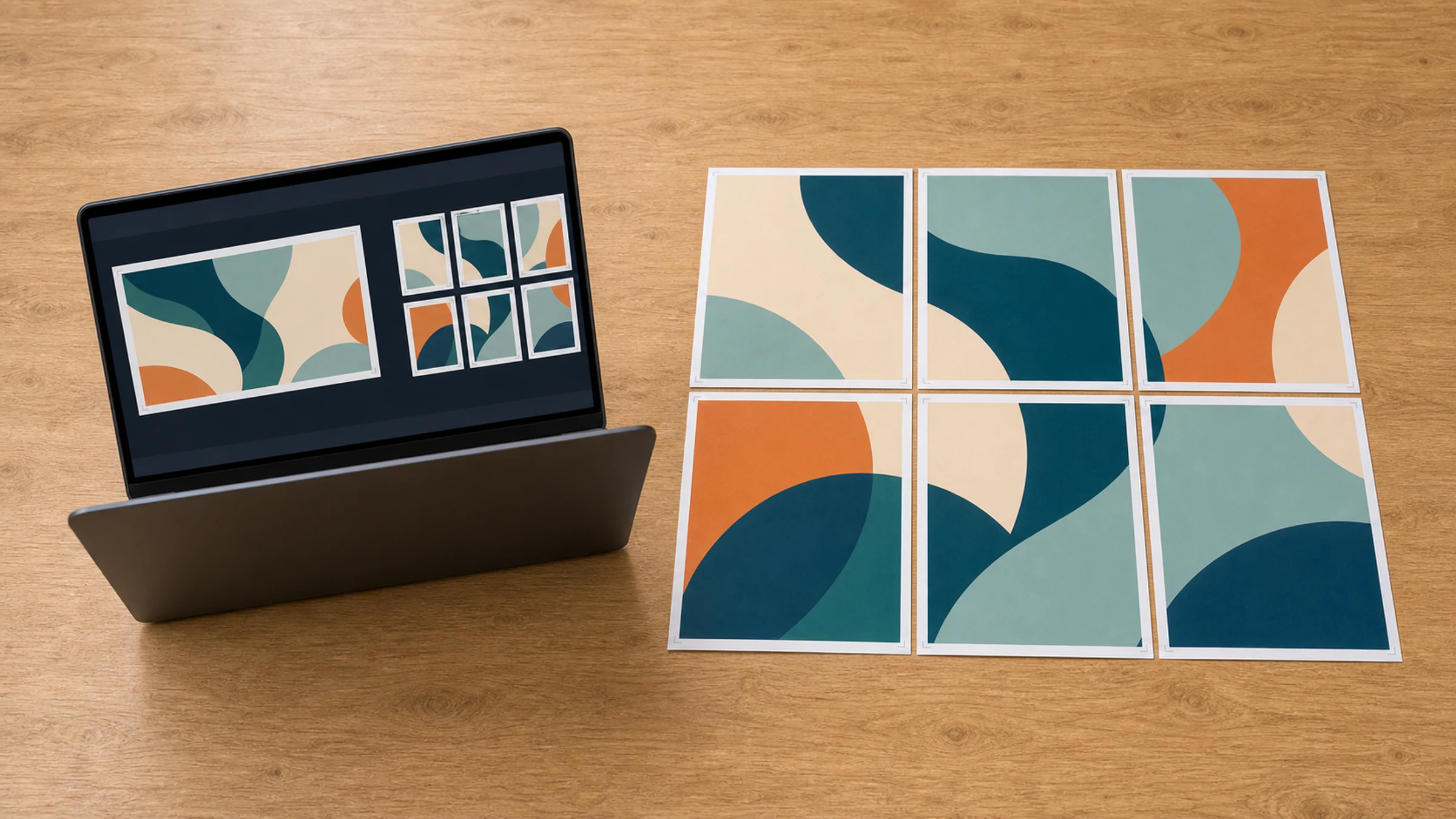
Set the page grid first, export a tiled PDF, print it at Actual Size, then trim and join the six A3 pages so the JPG lines up cleanly.
Read More
Standard 80 gsm paper can work for temporary tiled posters if ink coverage is controlled, margins are trimmed, and the pages are mounted carefully.
Read More
Start with the right photo, choose black-and-white halftone settings, preview the dots, and print the tiled PDF at 100% with trimming in mind.
Read More
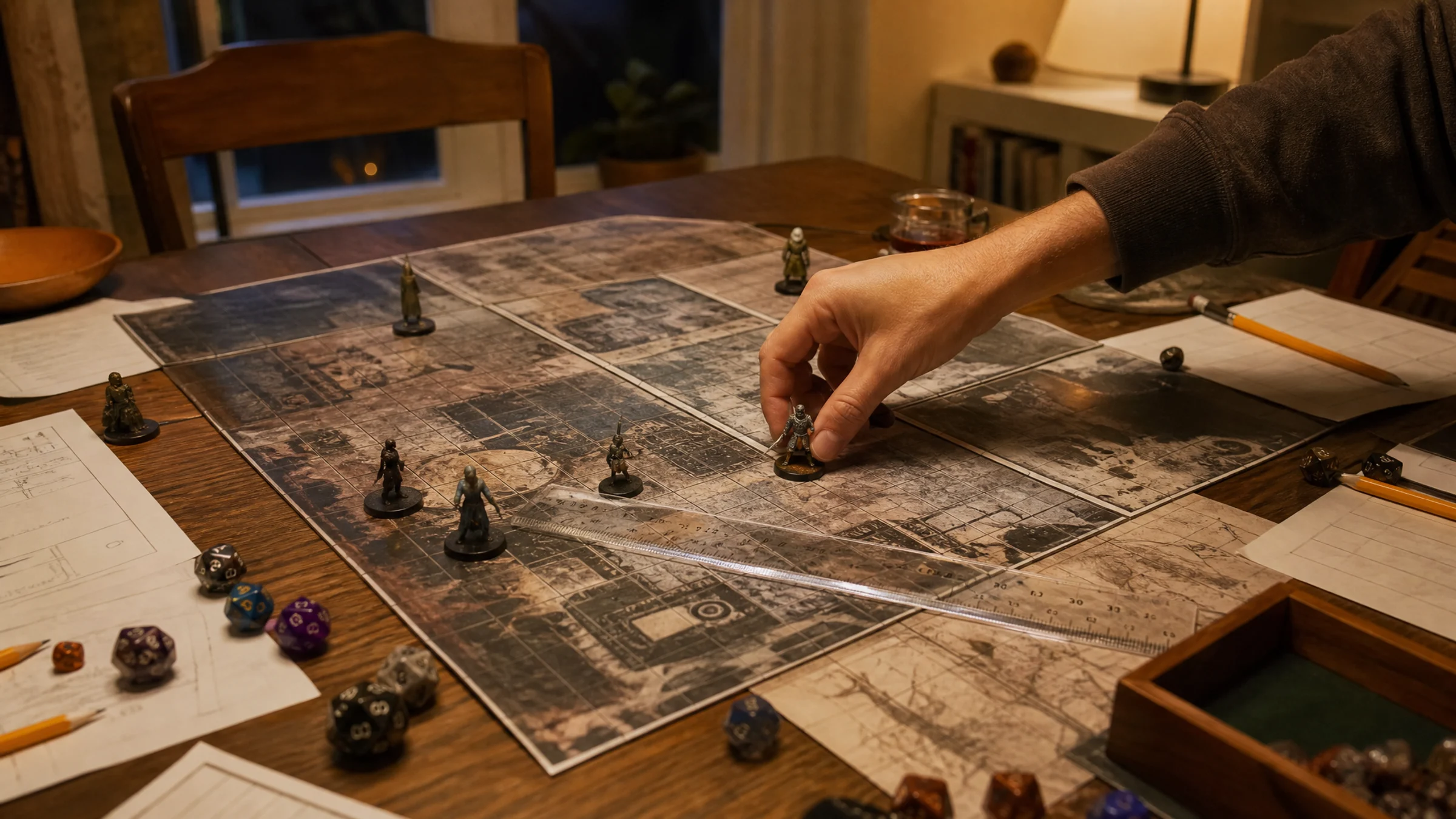
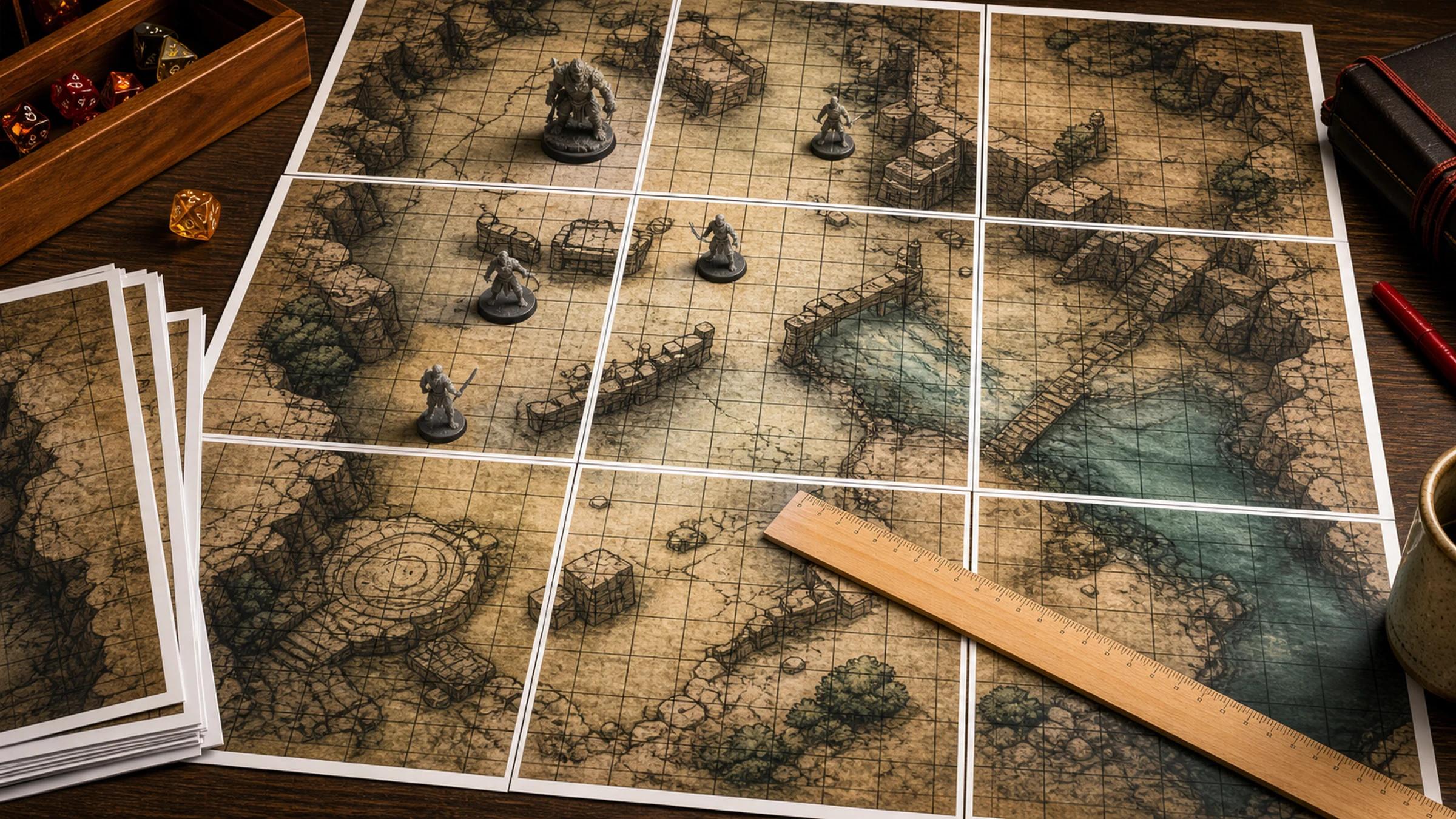
A tiled map can look perfect until you drop a miniature on the grid and notice every square is slightly off. This guide shows how to measure the finished map, tell scaling errors from trimming mistakes, and fix only the pages that need another pass through the printer.
Read More
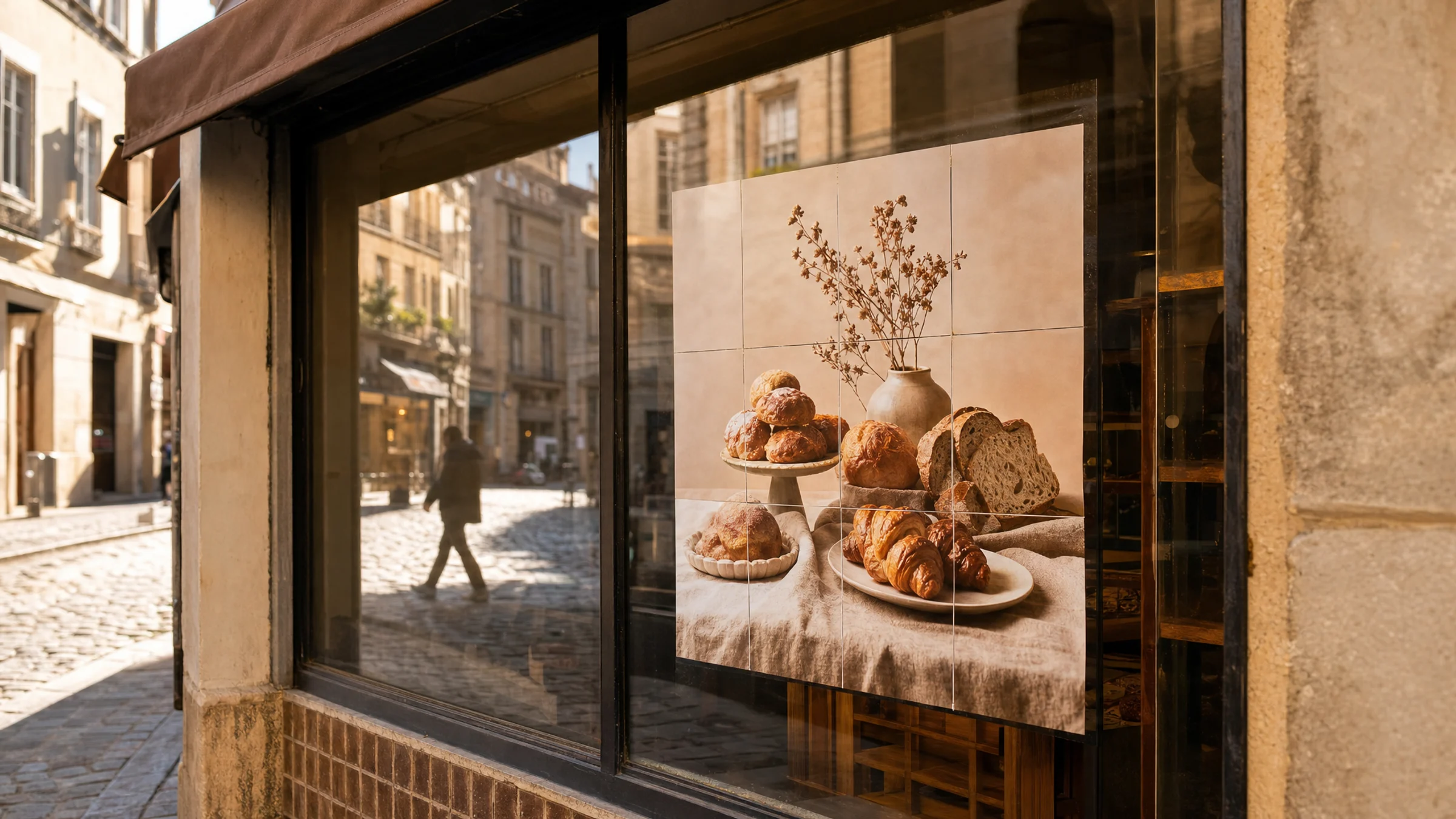
Before you tape A4 sheets into a window poster, make sure the image is actually safe to use. This checklist helps you spot risky sources, confirm commercial rights, and set up a cleaner tiled print.
Read More
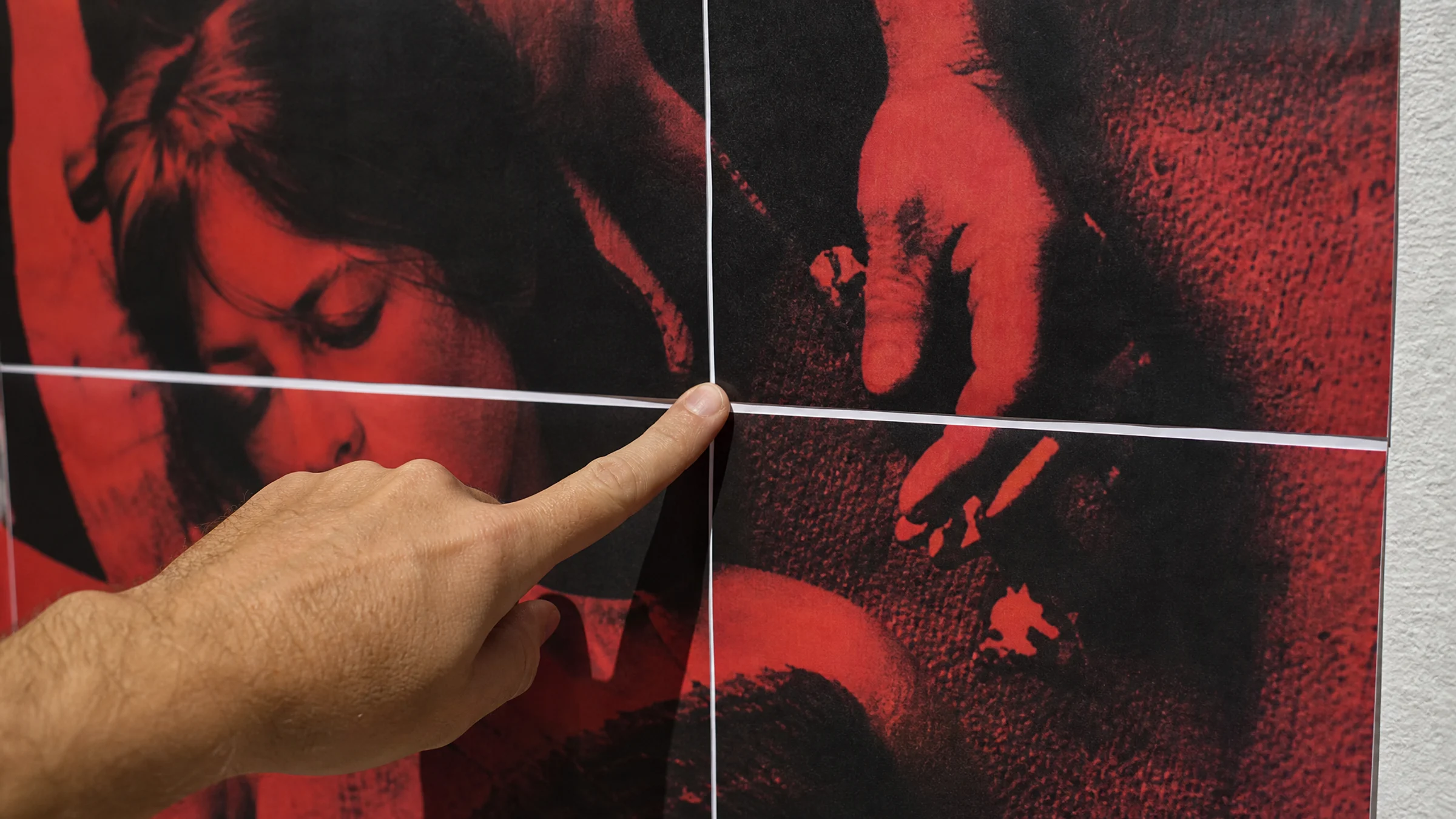
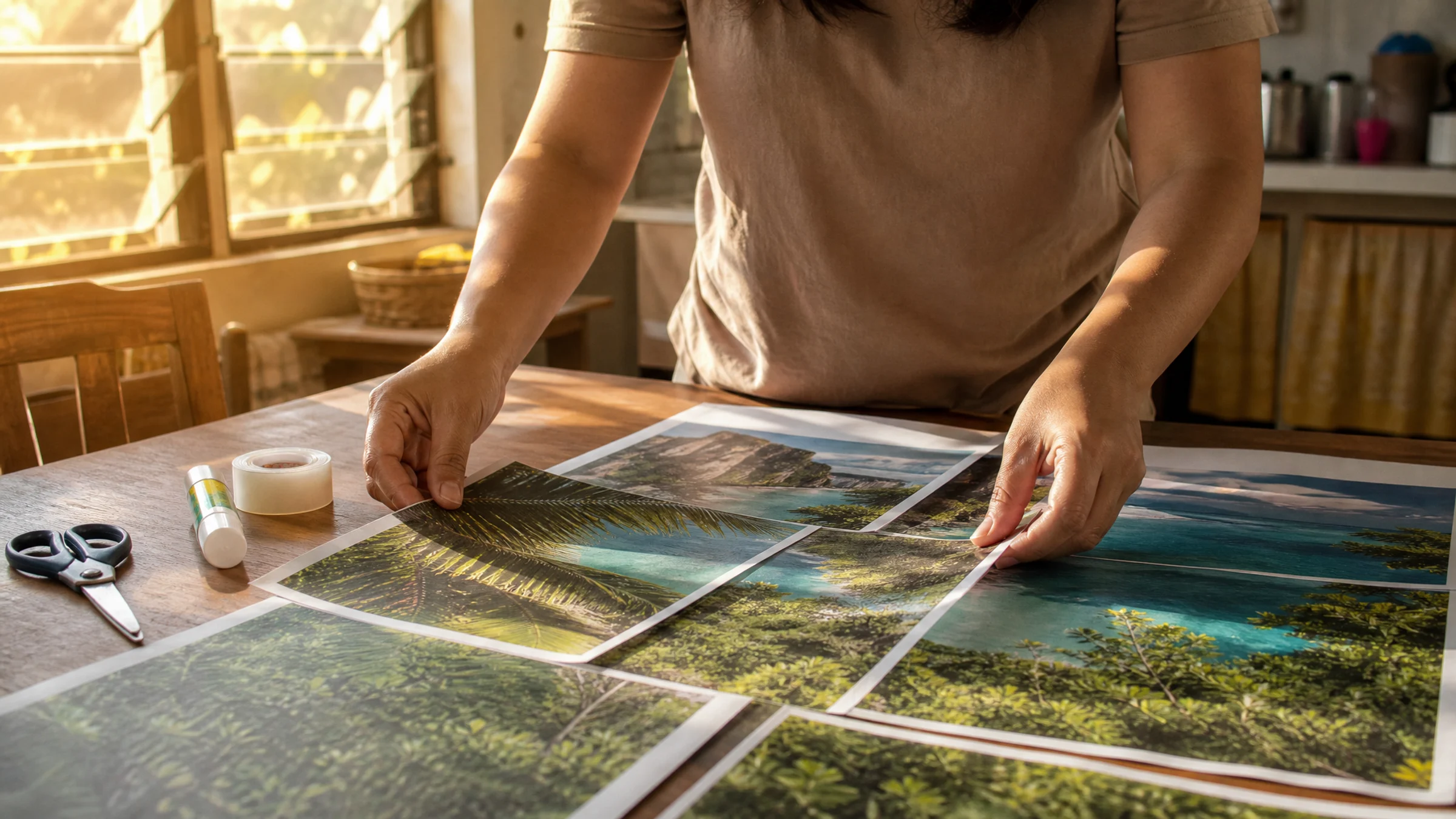
A tiled poster can look surprisingly polished at home if you trim the right edges, overlap by a couple of millimeters, and reinforce the seams from the back. Here’s a practical way to assemble A4 pages without visible joins or size mistakes.
Read More
A tarpapel poster is usually just a poster split across multiple sheets. If you are unsure whether to use A4 or Letter, or why your pages never line up cleanly, this guide walks through a simple workflow that prints reliably and assembles neatly.
Read More
Photos usually survive JPG well. Screenshots, logos, and heavily compressed downloads need a closer look before you make a multi-page PDF.
Read More
Use Block Poster for simple throwaway tiles; switch to Rasterbator.pics when you need browser-local processing, clean overlaps, and export control.
Read More
For quick basic grids, Block Poster may be enough. For controlled home printing, Rasterbator.pics gives you more room to avoid messy joins.
Read More
Pick a seasonal poster concept, size it for the board, and keep the print workflow simple enough to finish before the room fills up.
Read More
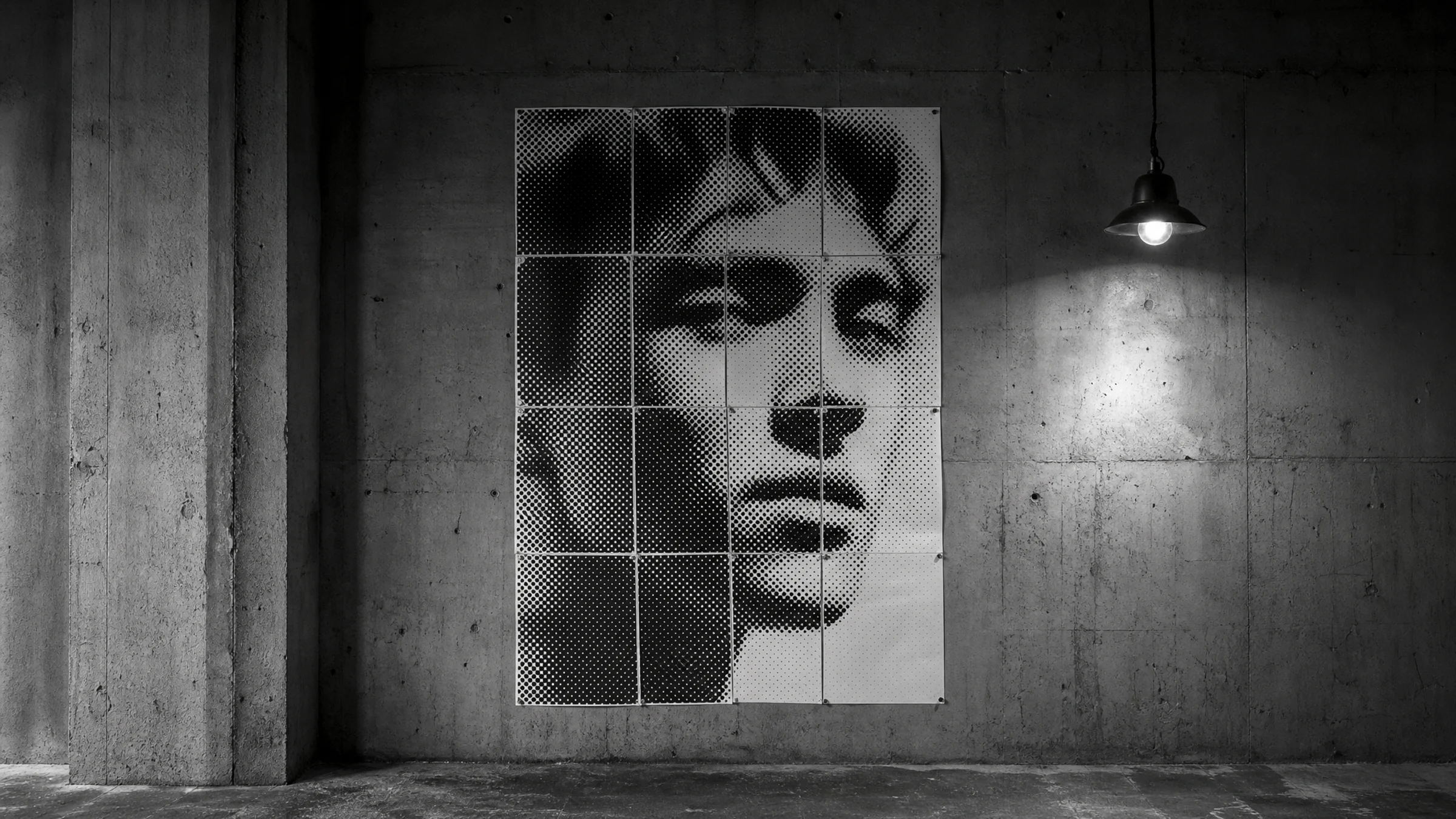
See how black-and-white dots turn a photo into poster art, which images suit the effect, and how to export the final PDF.
Read More
Keep miniatures honest: lock the print scale, test a square, and tape the tiled pages into a map that is ready for game night.
Read More
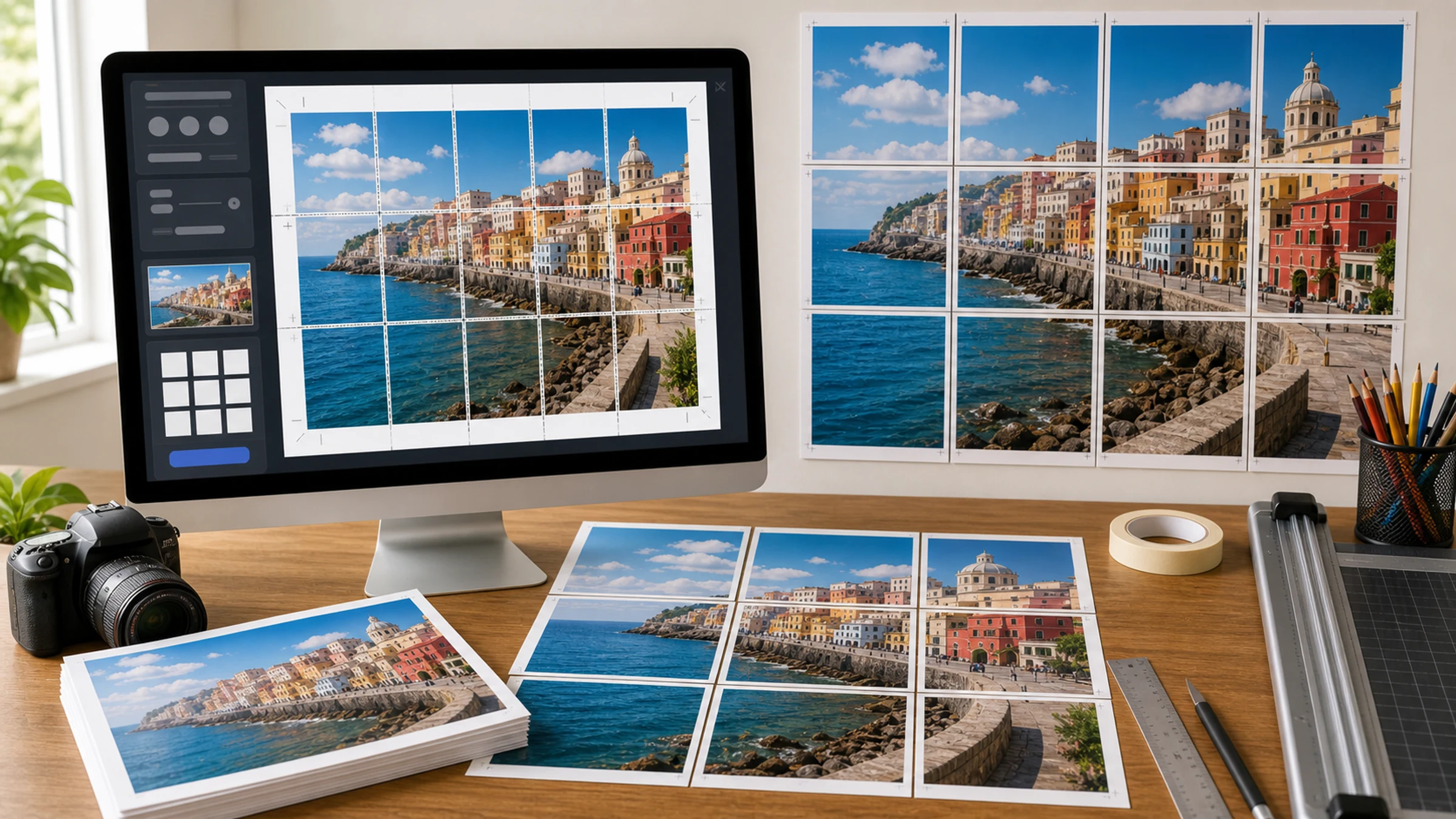
The answer is usually 12 A4, 9 A3, or 12 Letter sheets, but the safer choice depends on trimming, overlap, and printer limits.
Read More
For birthdays, showers, or photo corners, tiled A4 pages can cover a wall when scale, trimming, and tape are handled calmly.
Read More
Start with the image file, choose the finished size, export tiles, and let Windows print the PDF without surprise scaling.
Read More
A map poster works when borders, labels, and page joins stay predictable. This walks through sizing, printing, trimming, and mounting.
Read More
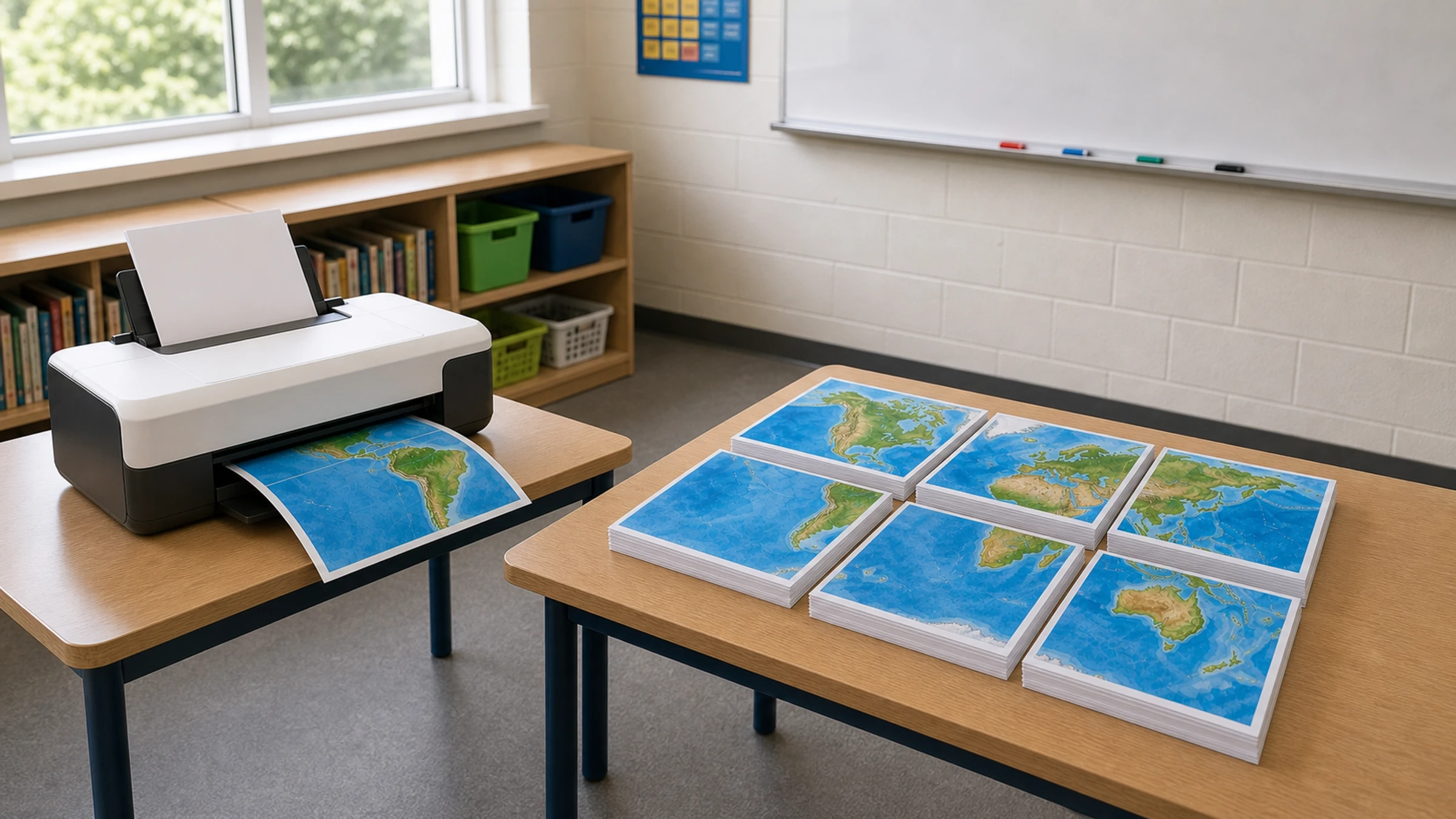
Use normal paper for a bigger PDF poster, with crop marks, overlap, and scale checks that prevent a lopsided final piece.
Read More
A good halftone starts with shape and contrast. This guide shows which settings make dots readable instead of muddy.
Read More
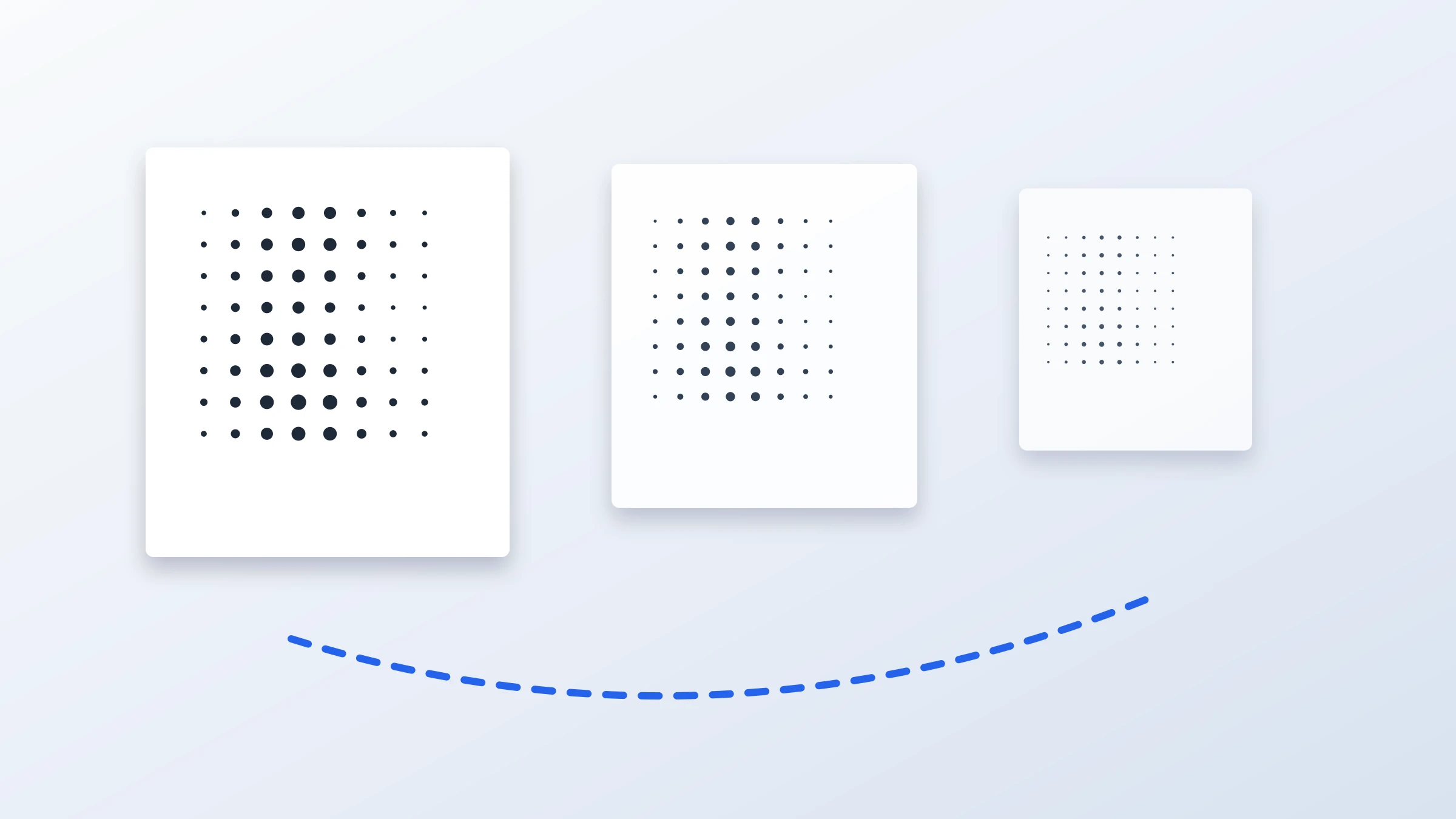
Big photo posters can tolerate softer files from across a room. Small text, maps, and close viewing need a stricter pixel check.
Read More
Replace the sample image, check the dot feel, set the poster size, and print a black-and-white wall piece without rebuilding every setting.
Read More
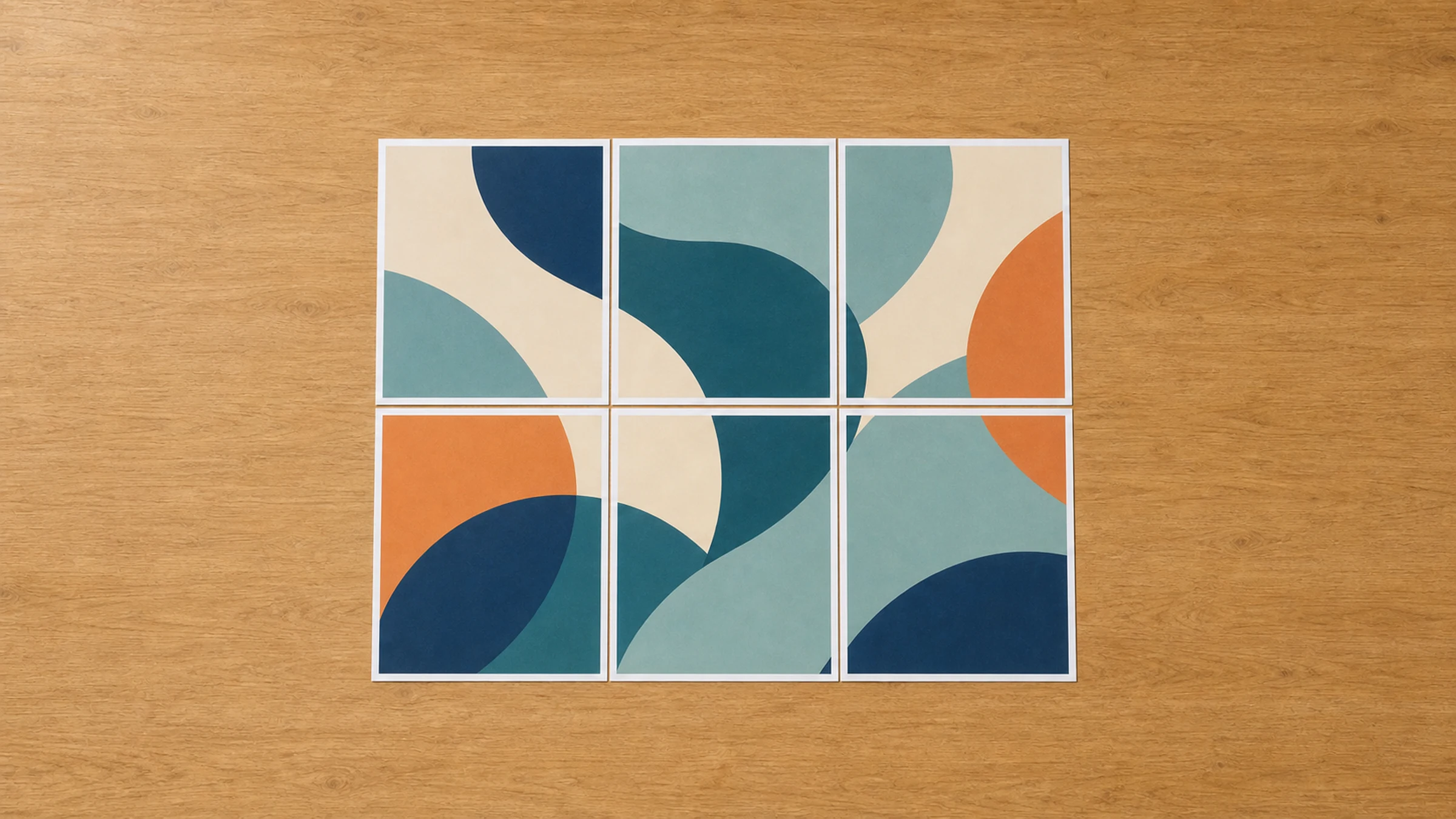
A small setting mismatch can open seams across the whole poster. Use this checklist to decide whether to fix, trim, or reprint.
Read More
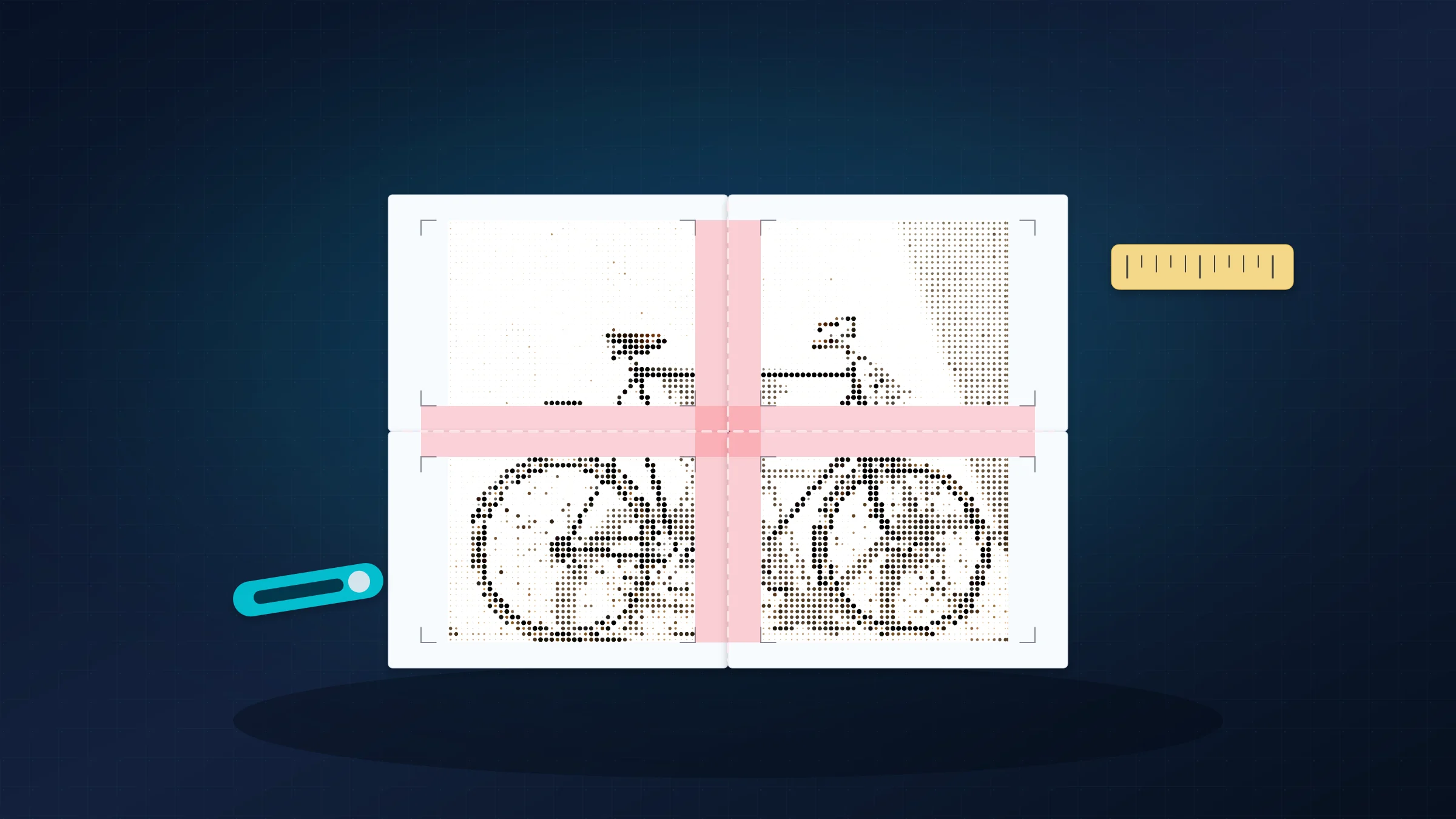
With a clear map file and a measured board, a home printer can produce a classroom map that labels still hold up in lessons.
Read More

This is the fast 4-page version: upload one JPG, export a tiled PDF, print at 100%, and line up the joins.
Read More
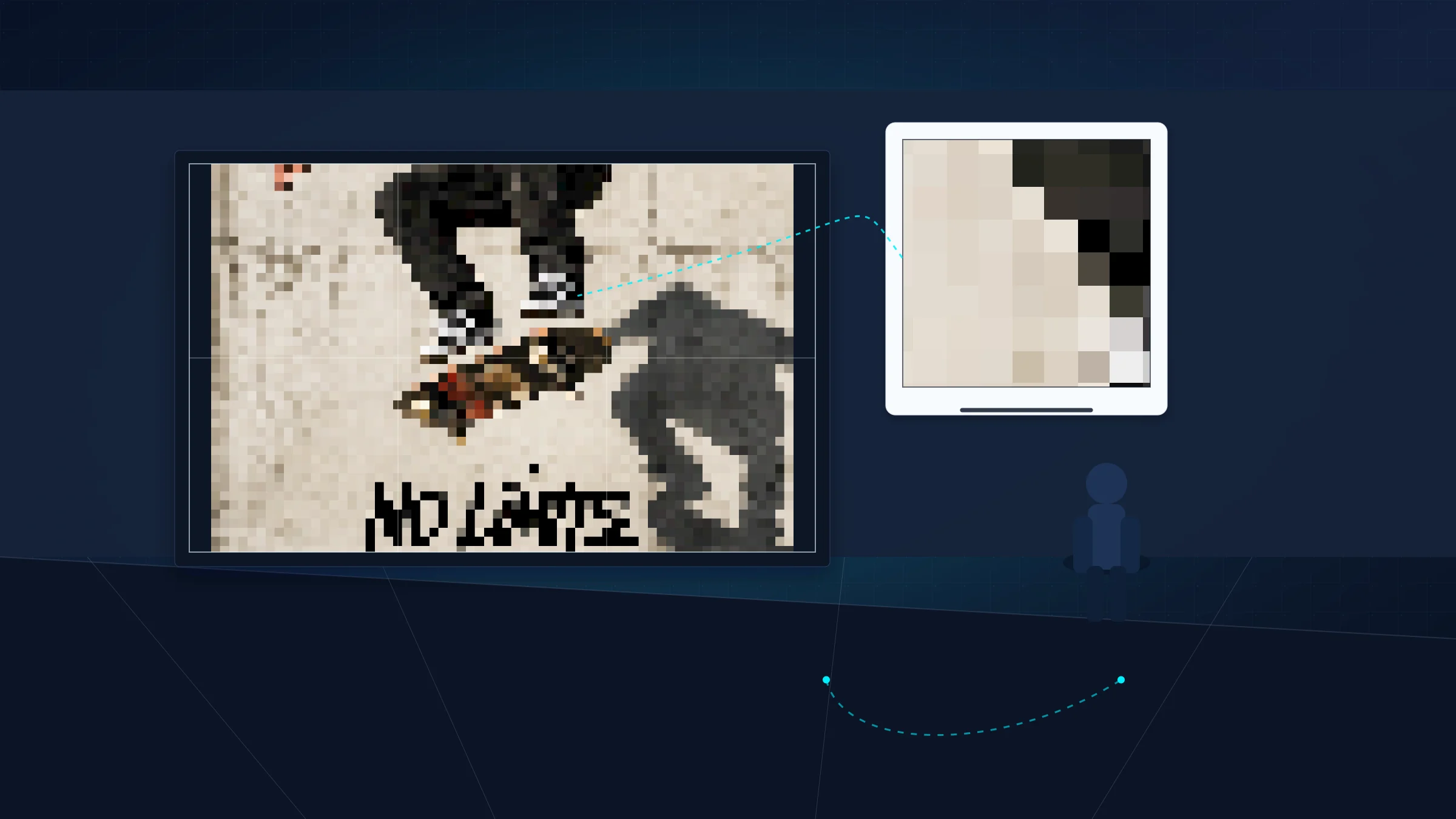
Before chasing 300 DPI, calculate what the audience can actually see. Some posters need more pixels; others just need a better source crop.
Read More
Fit to Page quietly shrinks tiles. Actual Size or 100% keeps the grid honest, especially when seams and overlap have to line up.
Read More
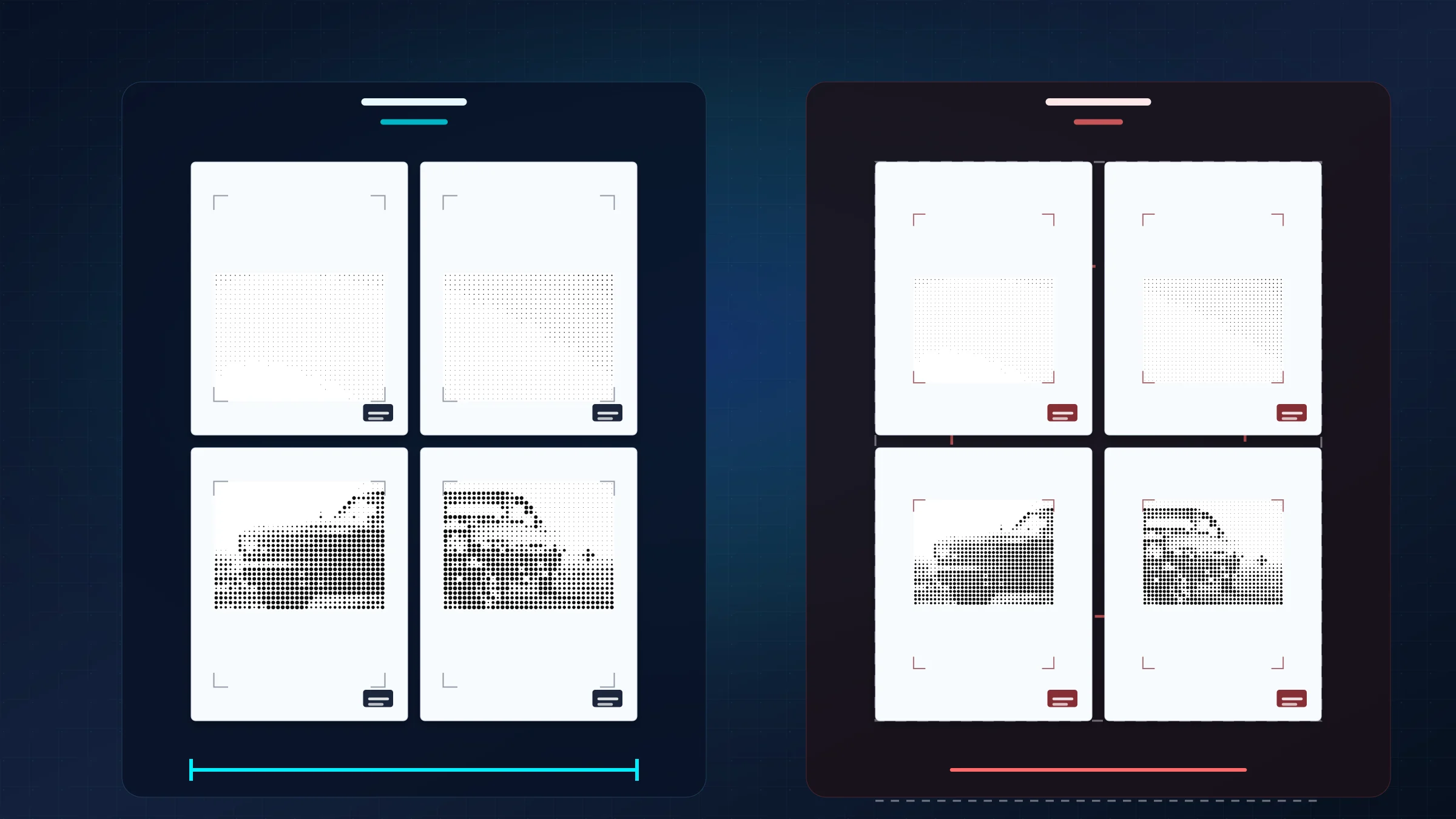
One image becomes a tiled A4 poster once the sheet overlap, printer margins, and trimming plan are set before printing.
Read More