
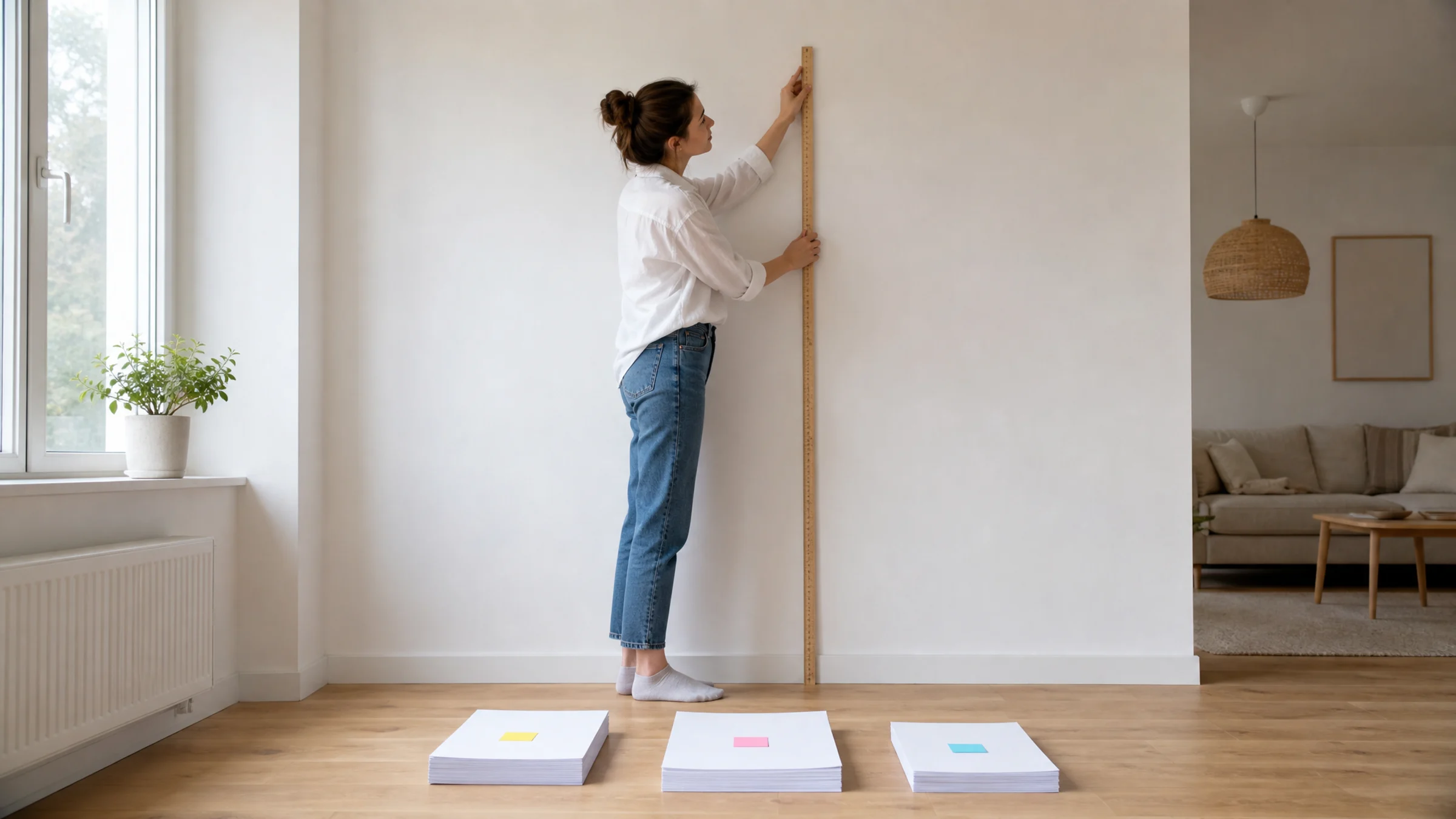
A one-meter poster sounds straightforward until you try to print it at home. The sheet count changes based on what "one meter" means: one meter wide, one meter tall, or roughly one square meter. It also changes with paper size, page orientation, printer margins, and how you plan to trim and join the sheets.
As a quick estimate:
| Target poster size | A4 sheets | A3 sheets | US Letter sheets |
|---|---|---|---|
| About 100 x 70 cm | 12-15 | 6-8 | 15 |
| About 100 x 100 cm | 20 | 12 | 20 |
| About 100 x 140 cm | 25-28 | 12-16 | 28-30 |
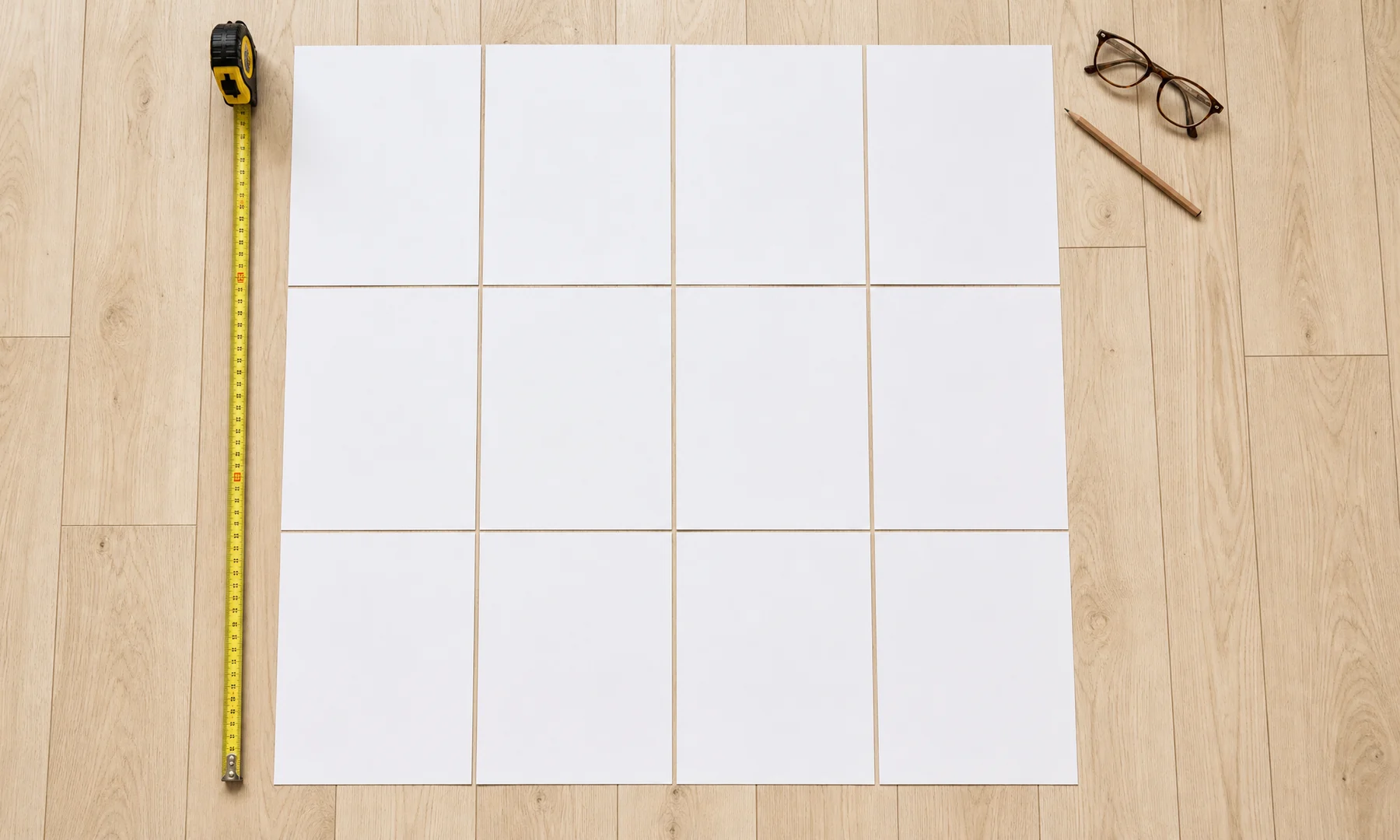
Most home printers cannot print to the very edge of the page, leaving a 3-5 mm white border. For a clean tiled result, plan to trim these edges. Trimming is not a mistake or a workaround here; it is a normal part of assembling a neat poster.
Need an exact grid? Use the poster size calculator to compare layouts and preview your sheet count before printing.
What does "a one-meter poster" mean?
Before you count pages, decide which dimension is actually one meter.
Common meanings include:
One meter wide: for example, 100 x 70 cm, 100 x 100 cm, or 100 x 140 cm
One meter tall: for example, 70 x 100 cm
One square meter: often close to 100 x 100 cm
About one meter in final size: a rough wall-size target rather than an exact measurement
In everyday use, most people mean a poster that is about 100 cm wide.
Measure the wall before you think about paper
Do not start with A4, A3, or Letter. Start with the wall.
Check:
The maximum width you can use
The maximum height you can use
Space around shelves, switches, frames, and furniture
How close people will stand to the poster
Whether you want some empty wall around it
A one-meter-wide poster can feel big in a small room. It is usually comfortable at around 1.5 to 3 meters viewing distance. If your wall is closer than 1.5 m, consider a smaller poster or a higher-resolution source image so the print does not look soft up close.
Paper sizes used for tiled poster printing
These are the paper sizes most people use at home:
| Paper size | Dimensions | Dimensions in cm |
|---|---|---|
| A4 | 210 x 297 mm | 21.0 x 29.7 cm |
| A3 | 297 x 420 mm | 29.7 x 42.0 cm |
| US Letter | 8.5 x 11 in | 21.6 x 27.9 cm |
A3 has twice the area of A4, so it often cuts the sheet count almost in half. US Letter is close to A4, but a little wider and shorter.
Important caveat: printable area is smaller than paper size
Most home printers leave an unprintable margin of about 3-5 mm on each edge. That means the usable printed area is smaller than the sheet itself.
Approximate safe printable areas:
| Paper size | Full sheet size | Approximate safe printable area |
|---|---|---|
| A4 | 21.0 x 29.7 cm | about 20.0-20.4 x 28.7-29.1 cm |
| A3 | 29.7 x 42.0 cm | about 28.7-29.1 x 41.0-41.4 cm |
| US Letter | 21.6 x 27.9 cm | about 20.6-21.0 x 26.9-27.3 cm |
For tiled posters, you will trim at least one edge of most sheets to create clean joins.
Very few consumer printers support true borderless printing for all paper sizes. Even when available, borderless mode may enlarge or crop the image slightly. For tiled posters, normal printing with manual trimming is more predictable.
The simple sheet-count formula
A quick estimate works like this:
Sheets across = poster width ÷ usable page width, rounded up
Sheets down = poster height ÷ usable page height, rounded up
Total sheets = sheets across x sheets down
Example for a 100 x 70 cm poster on A4 in portrait orientation:
Usable A4 width: about 20.0-20.4 cm depending on printer margins
Usable A4 height: about 28.7-29.1 cm
Sheets across: 100 ÷ 20.0 = 5
Sheets down: 70 ÷ 28.7 = 2.44, rounded up to 3
Total: 5 x 3 = 15 sheets
This example uses portrait-oriented tiles. Rotating tiles to landscape orientation may reduce the count to 12 sheets for this poster size.
That is why two tools can give slightly different answers and both still be reasonable.
A practical way to think about the grid
The easiest way to picture a tiled poster is as a grid.
A 5 x 3 grid means 15 sheets
A 4 x 3 grid means 12 sheets
A 5 x 4 grid means 20 sheets
A 5 x 6 grid means 30 sheets
For a one-meter poster, the real question is usually not "How big is each page?" but "How many pages across and down will I need?"
If you want to test different layouts quickly, the poster size calculator is the fastest way to compare them.
How many A4 sheets for a one-meter poster?
A4 is the most common option because nearly every home printer supports it.
Approximate A4 counts:
| Poster size | Practical A4 grid | Total A4 sheets | Notes |
|---|---|---|---|
| 100 x 60 cm | 5 x 3 | 15 | Comfortable width, moderate height |
| 100 x 70 cm | 5 x 3 or 4 x 3 | 12-15 | Depends on tile orientation and margins |
| 100 x 100 cm | 5 x 4 | 20 | Common square wall poster |
| 100 x 140 cm | 5 x 5 or 4 x 7 | 25-28 | Tall poster, a lot of assembly |
A good rule of thumb for A4:
A one-meter-wide poster usually needs 12 to 20 A4 sheets, depending on height.
If you are planning a 100 x 100 cm poster, expect about 20 A4 sheets.
How many A3 sheets for a one-meter poster?
A3 reduces both the number of seams and the time spent trimming.
Approximate A3 counts:
| Poster size | Practical A3 grid | Total A3 sheets | Notes |
|---|---|---|---|
| 100 x 60 cm | 4 x 2 | 8 | Much fewer joins than A4 |
| 100 x 70 cm | 4 x 2 or 3 x 2 | 6-8 | Depends on orientation and margins |
| 100 x 100 cm | 4 x 3 | 12 | Good square layout |
| 100 x 140 cm | 4 x 4 or 3 x 4 | 12-16 | Better than A4 for taller posters |
A good rule of thumb for A3:
A one-meter-wide poster needs 6 to 12 A3 sheets.
A3 is the more comfortable choice if your printer can handle it, or if you are printing the tiled PDF at a copy shop.
How many US Letter sheets for a one-meter poster?
US Letter behaves a lot like A4 for tiled posters, but its shorter height can push taller designs onto more pages.
Approximate US Letter counts:
| Poster size | Practical Letter grid | Total Letter sheets | Notes |
|---|---|---|---|
| 39 x 24 in | 5 x 3 | 15 | About 99 x 61 cm |
| 39 x 28 in | 5 x 3 | 15 | About 99 x 71 cm |
| 39 x 39 in | 5 x 4 | 20 | About 99 x 99 cm |
| 39 x 55 in | 5 x 6 | 30 | About 99 x 140 cm; taller posters need more sheets, and exact count depends on tile orientation and margins |
A good rule of thumb for Letter:
A one-meter-wide poster usually needs 15 to 20 Letter sheets, and taller posters may need more.
A4 vs A3 vs Letter: which should you choose?
| Choice | Best for | Pros | Cons |
|---|---|---|---|
| A4 | Most home printers outside North America | Easy to find, cheap, widely supported | More seams, more trimming |
| A3 | Larger printers or copy shops | Fewer sheets, cleaner joins, faster assembly | Not every printer supports it |
| US Letter | Home printing in the US and Canada | Common and easy to buy | Slightly shorter than A4, sometimes more sheets for tall posters |
| Large-format copy shop print | One-piece posters | No tiled seams | Costs more and usually needs a print-ready file |
If cost and convenience matter most, A4 or Letter is fine. If you want fewer seams and easier assembly, A3 is the nicer option.
Example: planning a 100 x 70 cm poster
Suppose you want a poster about one meter wide and 70 cm tall.
| Paper | Likely grid | Sheets | Comment |
|---|---|---|---|
| A4 | 5 x 3 or 4 x 3 | 12-15 | Flexible, common home option |
| A3 | 3 x 2 or 4 x 2 | 6-8 | Fewer seams |
| Letter | 5 x 3 | 15 | Similar to A4 in practice |
This is a realistic size for a bedroom, desk wall, or studio corner. It looks large without becoming awkward to assemble.
Example: planning a 100 x 100 cm poster
A square one-meter poster is bigger than many people expect.
| Paper | Likely grid | Sheets | Comment |
|---|---|---|---|
| A4 | 5 x 4 | 20 | Works, but many joins |
| A3 | 4 x 3 | 12 | Much easier to handle |
| Letter | 5 x 4 | 20 | Similar to A4 |
If you are unsure whether to go this large, tape out a 100 x 100 cm square on the wall first.
Viewing distance and image quality
Not every large poster needs razor-sharp photo detail. It depends on how close people will stand.
| Viewing distance | Typical use | What matters most |
|---|---|---|
| Under 1 meter | Close-up wall art | High source resolution |
| 1-2 meters | Bedroom or office poster | Generally good image quality |
| 2-4 meters | Larger wall display | Strong shapes and contrast |
| Over 4 meters | Event or decorative display | Overall impact more than fine detail |
If the source image is small, a one-meter print may still work for bold graphics or high-contrast artwork, but it will look softer up close.
How to reduce seams and paper waste
A little planning makes tiled posters look much better.
Choose the largest paper your printer can handle
Try to avoid layouts that create narrow leftover strips
Use a small overlap if your print setup supports it
Trim only the edges you need for each join
Assemble rows first, then join the rows together
Work on a large, clean, flat surface
For joining the sheets:
Use a glue stick for the joins because it is cleaner and less likely to wrinkle the paper
Avoid glossy transparent tape on the front of the poster if glare or visible seams matter
If you want extra strength, use tape on the back side only after the front alignment looks right
Glue stick plus back-side tape is usually the cleanest home method.
Print settings that matter
Most poster alignment problems start with scaling.
Use these settings:
Actual Size
100%
No Fit to page
No Shrink oversized pages
No automatic scaling
Also check:
The paper size matches your real paper: A4, A3, or Letter
The page orientation is correct
Margins are what you expected
Print quality is high enough for the image
You print one test sheet before the full set
Even a small scaling change can make the grid impossible to line up neatly.
Should you use Adobe Acrobat Reader Poster printing?
Adobe Acrobat Reader's Poster option works well when you already have a correctly sized PDF.
It can help with:
Tiling a PDF across pages
Adding overlap
Showing the page grid
Basic cut-mark planning
If you are starting with an image and need to decide the wall size first, a poster size calculator is simpler.
Rasterbator.pics processes images locally in your browser, so you can set up the poster clearly and export a predictable PDF for printing.
Checklist before you hit Print
Measure the wall and choose the final width and height
Pick A4, A3, or Letter paper
Estimate the grid with the poster size calculator
Allow for the usual 3-5 mm unprintable margins
Decide whether you want overlap or butt joins
Set print scale to Actual Size or 100%
Turn off Fit to page and other automatic scaling
Print one test sheet first
Prepare a ruler, craft knife or scissors, glue stick, and tape for the back
Assemble the sheets on a flat surface before mounting the poster
FAQ
How many A4 sheets do I need for a one-meter poster?
For a one-meter-wide poster, plan for about 12 to 20 A4 sheets depending on height. Use the poster size calculator if you want the exact grid for your chosen dimensions.
How many A3 sheets do I need for a one-meter poster?
A one-meter-wide poster usually needs about 6 to 12 A3 sheets. A3 is often easier to assemble because it reduces the number of seams.
How many Letter sheets do I need for a one-meter poster?
Plan for about 15 to 20 Letter sheets for many one-meter-wide posters. Taller versions can need more, often up to 30 sheets around 99 x 140 cm.
Why does my sheet count differ from another tool?
Different tools make different assumptions about printable margins, overlap, page orientation, and rounding. Home printers also vary slightly. Always trust the final page preview more than a rough estimate.
Can I print a one-meter poster without cutting the margins?
No. Most home printers leave unprintable 3-5 mm margins on each edge. For a clean tiled poster, you must trim at least one edge of most sheets and overlap or butt-join them carefully.
Should I print borderless?
Very few consumer printers support true borderless printing for all paper sizes. Even when available, borderless mode may enlarge or crop the image slightly. For tiled posters, normal printing with manual trimming is more predictable.
Is A3 better than A4 for a one-meter poster?
Usually yes, if you can print A3. It needs fewer sheets and creates fewer joins. A4 is still the more convenient option for most home printers.
What is the cleanest way to assemble the sheets?
Trim the needed edges, align the image carefully, use a glue stick for the joins, and reinforce from the back with tape if needed. Avoid front-side tape when visible seams or glare would spoil the result.
Can I use Adobe Acrobat Reader for tiled printing?
Yes. Acrobat Reader's Poster option is useful when you already have the poster prepared at the correct size as a PDF. If you are still deciding on wall size and page count, start with the poster size calculator.
Where can I calculate the exact number of sheets?
Use the poster size calculator to compare A4, A3, and Letter layouts and choose a realistic poster size before printing.
Try Rasterbator.pics
Use Rasterbator.pics to test the article advice with your own image, page size, overlap, margins, and tiled PDF export.
Try Rasterbator.pics