
Rasterbator poster split for home printing.
Use Rasterbator as a poster split for printing: upload an image or PDF, choose A4 or Letter pages, then download a printable tiled poster. Your file stays in your browser.
Engineered for Precision
Local browser processing, smart page tiling, margins, overlap, and page labels keep the final print crisp, aligned, and ready to assemble.
Instant Generation
Processing happens directly in your browser. No waiting for server uploads.
Smart Tiling
Automatically calculates overlaps and margins for seamless assembly.
100% Private
Your photos never leave your device. Secure and private by design.
Poster ideas
What you can print
Rasterbator turns common files and classroom materials into a printable tiled poster you can print, trim, and assemble at home, school, or work.
Photo posters
Scale family photos, artwork, and portraits into wall-size posters without sending the original image to a server.
Tiled A4 or Letter images
Split one picture across standard home-printer sheets with a grid you can tape together cleanly.
PDFs and documents
Use a PDF page or document artwork as the source when the final output needs multiple printable sheets.
Classroom maps
Create large maps, timelines, and visual aids for lessons, notice boards, and group activities.
Line art and blueprints
Keep diagrams, drawings, and plan-style images readable with predictable scale and tile layout.
Event banners
Build lightweight signs for parties, clubs, pop-ups, and one-off announcements.
Print controls
Print-safe controls
The generator keeps page setup visible so you can choose real-world size, printer paper, A4 poster split settings, joins, labels, and export format before printing.
Exact dimensions
Set the finished poster size by width or height instead of guessing from a preview.
Rows x columns
Lock a fixed sheet grid when you already know how many pages should be used.
Custom paper
Use A4, Letter, or custom paper sizes for local printer setups.
Margins
Reserve printer-safe edges so important image content does not sit under unprintable areas.
Overlap
Add glue overlap between sheets to make trimming and alignment easier.
Page labels
Export pages with readable labels so the assembly order stays clear.
Calibration
Print a calibration sheet when you need to check scale before the full poster.
Preflight
Review size, page count, and output warnings before generating files.
PDF export
Download one multi-page PDF for straightforward printing.
ZIP JPG/PNG export
Export individual JPG or PNG pages when your print workflow needs separate image files.
Same-page workflow
How it works
Start the generator, split an image or PDF into paper pages, then download print-ready output from the same home screen.
Upload an image or PDF
Choose a local file or sample image. Rasterbator processes the source in your browser.
Choose size and paper
Set poster dimensions, grid, A4 or Letter paper, margins, overlap, and preview the room or print layout.
Export printable pages
Download a PDF or ZIP of page images with labels, crop marks, and assembly-ready output.
Sample output gallery
Browse style previews and sample source images before launching the generator on this same page.
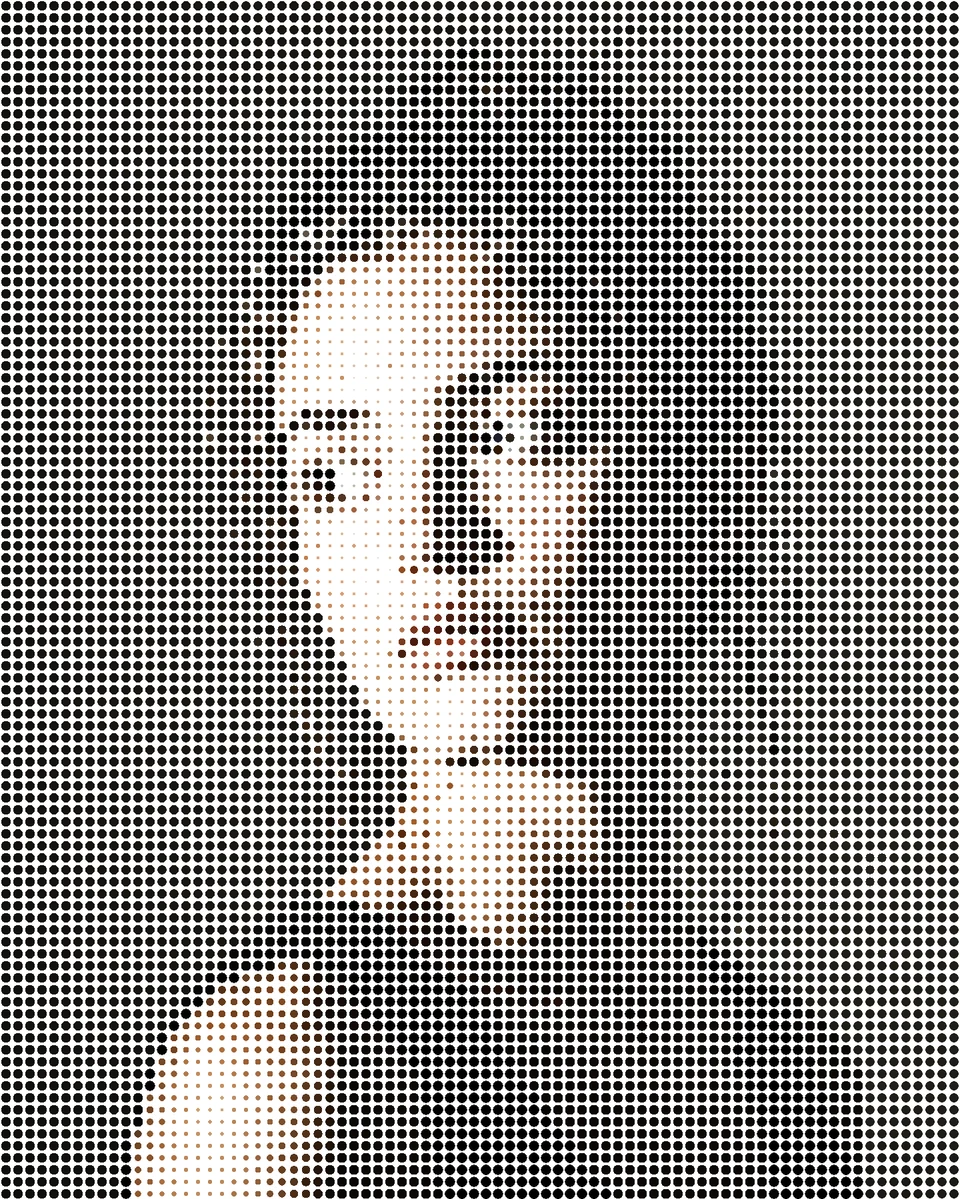
Rasterbation
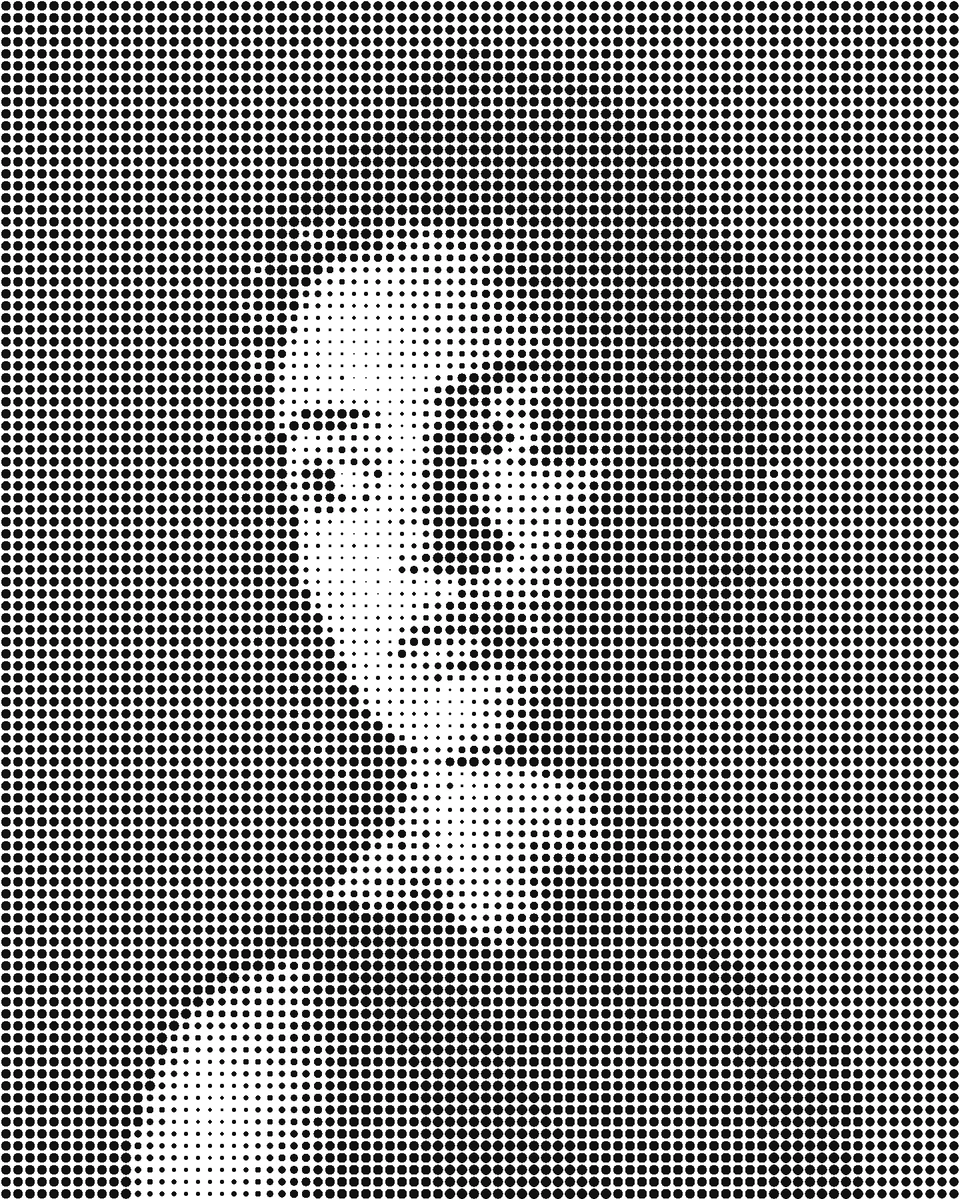
B&W Rasterbation
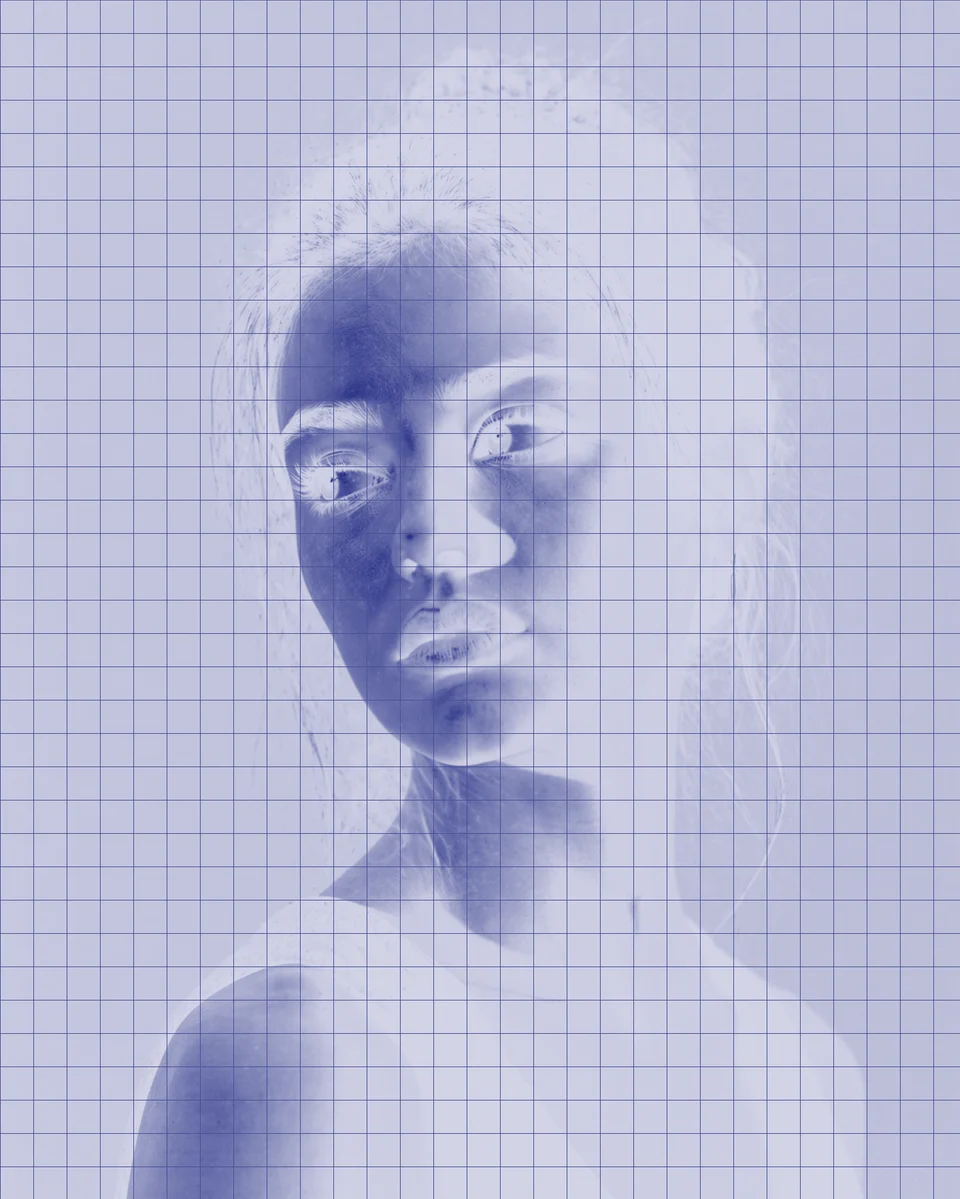
Blueprint

Inferno
Printing guides
Helpful printing guides
Use these existing guides when you need help with page tiling, scale, DPI, four-page posters, or classroom map planning.
A4 tiling
Print an image on multiple A4 pages
Step-by-step setup for tiled home printing on A4 sheets.
Scale
Actual size vs fit to page
Understand when to preserve exact scale and when to fit the printer page.
DPI
Poster DPI guide
Pick a practical resolution for wall posters and viewing distance.
2x2 posters
Print a JPG on four A4 pages
Make a simple four-sheet poster from one image file.
Classroom
Classroom world map poster at home
Plan a large map poster for lessons and classroom walls.
Answers
Frequently asked questions
Can Rasterbator print one image across multiple pages?
Yes. Use the poster split for printing workflow: upload the image, choose poster size or rows and columns, then export a PDF or page images for home printing.
Does Rasterbator upload my image?
No. The generator is designed to process your image locally in the browser.
Can I export a PDF and individual image pages?
Yes. Use PDF export for a single print file or ZIP JPG/PNG export for separate page images.
Can I use A4, Letter, and custom paper?
Yes. The generator supports common paper sizes and custom paper dimensions with margins and overlap.
Make a printable tiled poster
Turn one image into page-ready tiles you can print, trim, and assemble at home.