
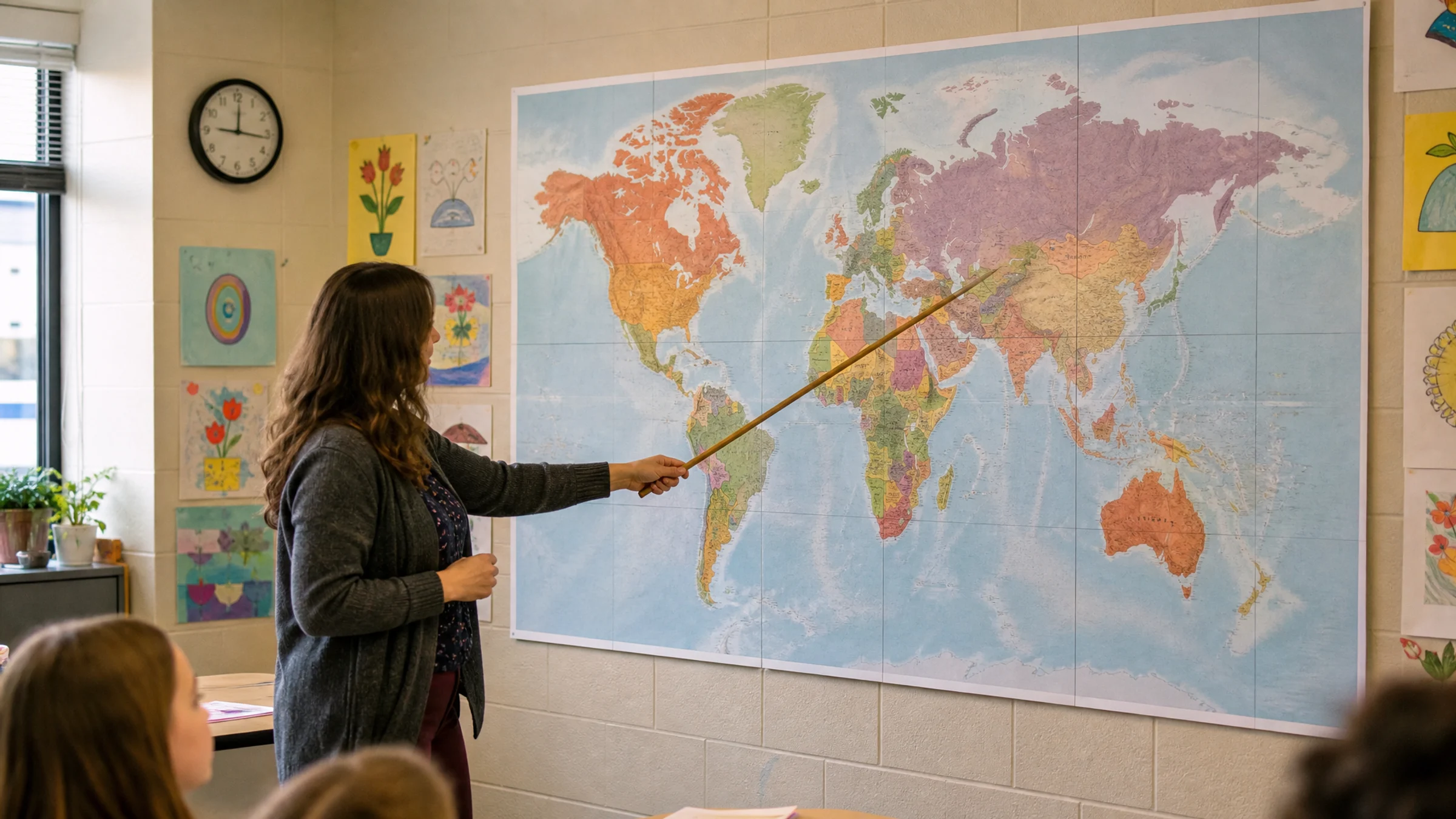
A classroom world map needs to do two things at once: feel big enough for the room and stay readable when students walk up to it or look from their seats.
If you are printing on a home or school printer, the practical questions are usually these:
How many A4 or Letter sheets will it take?
Will labels stay legible?
Can the poster fit on the wall or bulletin board?
How do you align and join tiles cleanly?
What print settings prevent unwanted scaling?
Rasterbator.pics processes your map locally in the browser and generates a ready-to-print tiled PDF. For related school display workflows, see the guide to classroom posters.
Start with how the map will be used
Choose the size based on classroom use, not just on wall space.
A map used for quick teacher reference can be smaller than one used for group discussion. A map that students will label with sticky notes needs more room than a simple display map. Younger students often benefit from bold shapes and fewer labels, while older students may need more political detail.
If students need to read country names from their desks, choose a larger poster and a simpler map. If they will walk up to the wall, you can use a somewhat smaller poster with more detail.
Recommended classroom map sizes
| Poster size | Approximate dimensions | Best for | Typical A4 sheet count |
|---|---|---|---|
| Small classroom reference | 80 x 50 cm / 31 x 20 in | Small rooms and homeschool walls | 8 to 10 |
| Standard classroom map | 120 x 75 cm / 47 x 30 in | Most classrooms and bulletin boards | 18 to 24 |
| Large teaching map | 160 x 100 cm / 63 x 39 in | Front wall and group activities | 32 to 40 |
| Extra-large wall map | 200 x 125 cm / 79 x 49 in | Large rooms or corridor displays | 50 to 65 |
For most classrooms, 120 x 75 cm is the best starting point. It feels large enough to work as a teaching poster without becoming too expensive or awkward to assemble.
If students should read smaller country labels from several meters away, move up to 160 x 100 cm or choose a simpler map with fewer labels.
Readability matters more than raw size
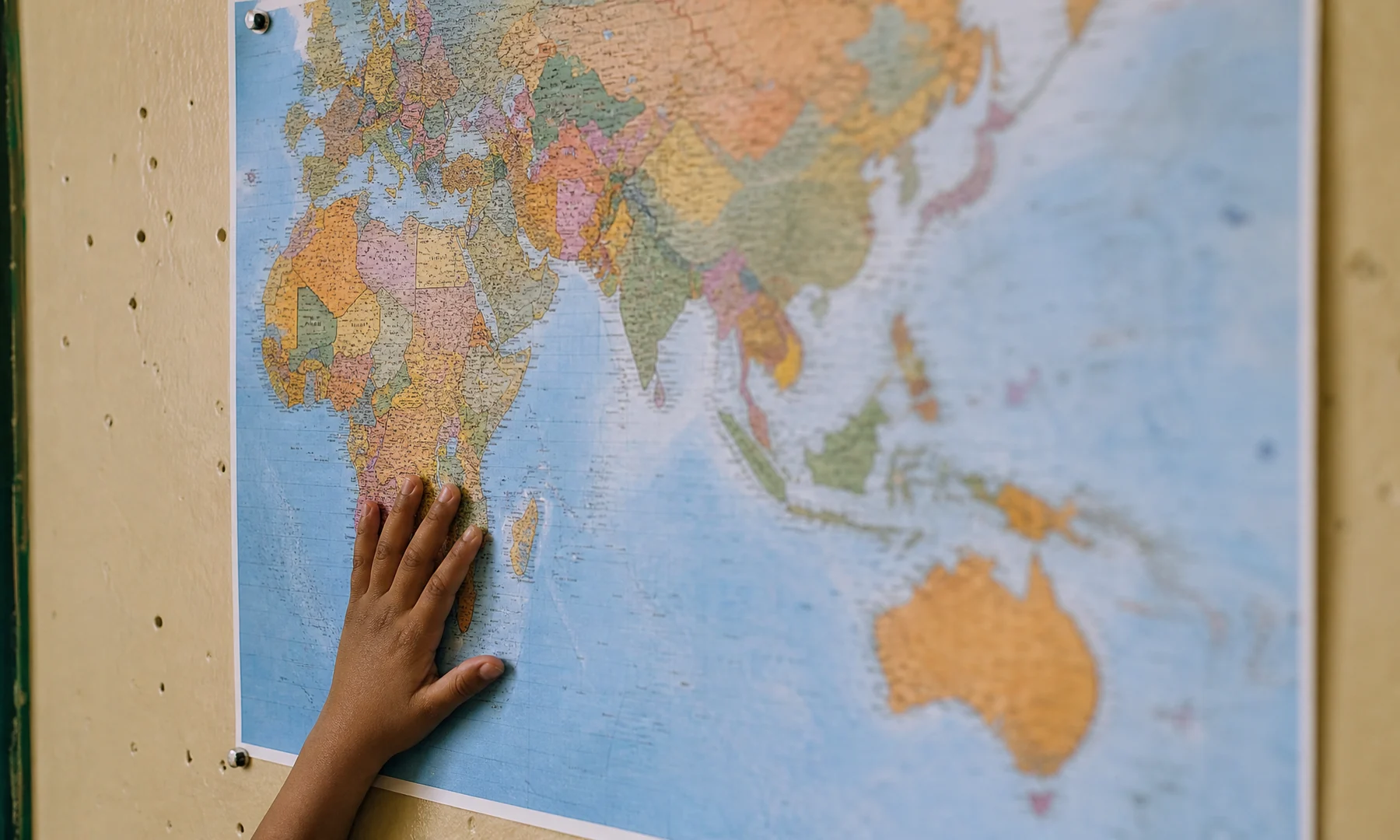
A larger poster does not automatically make a clearer map. The source file still needs labels and borders that print well.
As a practical rule:
large labels such as ocean names should read from across the room
country names should be readable from a normal standing distance near the poster
dense areas such as Europe, the Caribbean, and Southeast Asia may only be fully readable up close
if the original file has tiny or fuzzy text, enlargement will not fix it
For classroom use, a good world map usually has clear borders, strong land-water contrast, large labels, minimal decorative texture, and enough resolution for the final size.
Choose the source map carefully
Use a map you have permission to print and display. Good sources include public-domain map collections, government geography resources, and properly licensed educational artwork.
If you use a PNG or JPG, zoom in on the labels before printing. If names already look fuzzy on screen, they will probably look weak on paper too. A vector PDF may keep labels sharper when enlarged, but you should still print a test tile before committing to the full poster.
Prepare the tiled layout
A simple workflow:
Choose a clean world map image or PDF.
Crop away unnecessary borders if they waste wall space.
Decide the final poster width based on viewing distance.
Generate the tiled poster layout with overlap enabled.
Print one test tile from a dense-label area.
Check labels under classroom lighting.
Increase poster size or choose a simpler map if the test is weak.
Print the full set only after the test page looks right.
Most home and school printers cannot print to the edge of the paper. They commonly leave 3-5 mm unprintable white margins on each side. That means overlap and trimming are normal parts of a clean classroom map, not mistakes.
A4, Letter, and school printer limits
Most classroom posters are made from A4 or US Letter sheets. Do not mix a PDF prepared for one paper size with a different physical paper size in the tray.
Before printing the full map:
match the PDF paper size to the printer paper
set scale to Actual Size or 100%
turn off Fit to Page and Shrink to Fit
keep the page orientation that matches the PDF
do not tile an already tiled PDF again
Even a small scaling change can make rows drift and seams harder to align.
Assembly plan: floor first, wall second
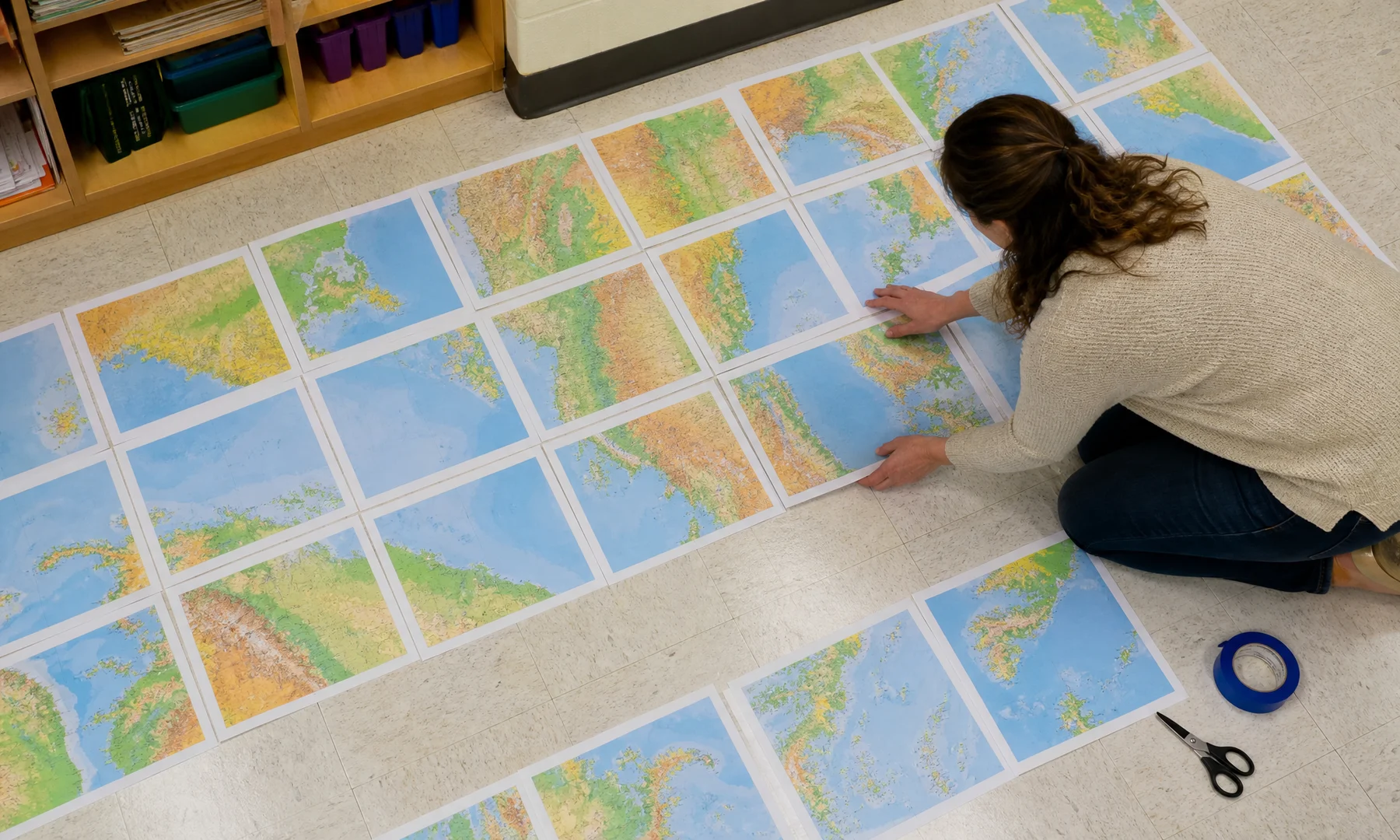
Do not start attaching pages directly to the wall. Assemble the poster on a large table or clean floor first so you can spot errors before mounting it.
Useful supplies:
printed map tiles
scissors or a craft knife
metal ruler or straightedge
glue stick
back-side reinforcement tape
painter's tape for temporary wall positioning
optional backing paper, card, foam board, or bulletin board paper
Trim one side of each overlap, align coastlines and borders, use a glue stick for the visible join, and reinforce the seam from the back. Avoid glossy tape across the front because it catches classroom light and makes seams more obvious.
Classroom activity ideas
Once the map is on the wall, it can support more than basic geography:
current events markers
student heritage or language displays
climate zone overlays
trade route arrows
migration and exploration timelines
sticky-note country research tasks
time zone comparisons
continent and ocean review games
If students will add notes or labels, mount the map on a larger backing sheet so there is room around the edges.
FAQ
What is the best size for a classroom world map poster?
For most classrooms, 120 x 75 cm is a strong starting point. It is large enough for daily reference and still manageable to print on A4 or Letter paper. If students need better visibility from their seats, 160 x 100 cm is often better.
How many A4 sheets do I need for a classroom world map?
A map around 120 x 75 cm usually takes about 18 to 24 A4 sheets, depending on orientation, overlap, margins, and exact proportions. A 160 x 100 cm version may take about 32 to 40 A4 sheets.
Which test page should I print first?
Pick a tile from a dense-label area such as Europe, the Caribbean, or Southeast Asia. Those areas reveal readability problems quickly.
Should I print in color or black and white?
Color is usually better for a world map because it helps students separate land, water, borders, and regions quickly. Black and white can still work if the map has strong line contrast and large labels.
Can students write on the printed map?
Yes, but plain printer paper wears out quickly. For repeated classroom use, mount the map on backing paper or board. If available, protect it with lamination or another clear covering.
Final recommendation
Start with a clean, readable source and print at about 120 x 75 cm for everyday use or 160 x 100 cm if students need clearer distance viewing. Plan the sheet count, allow for printer margins, test a dense-label tile first, and print the finished tiled PDF at Actual Size.
Try Rasterbator.pics
Use Rasterbator.pics to test the article advice with your own image, page size, overlap, margins, and tiled PDF export.
Try Rasterbator.pics