
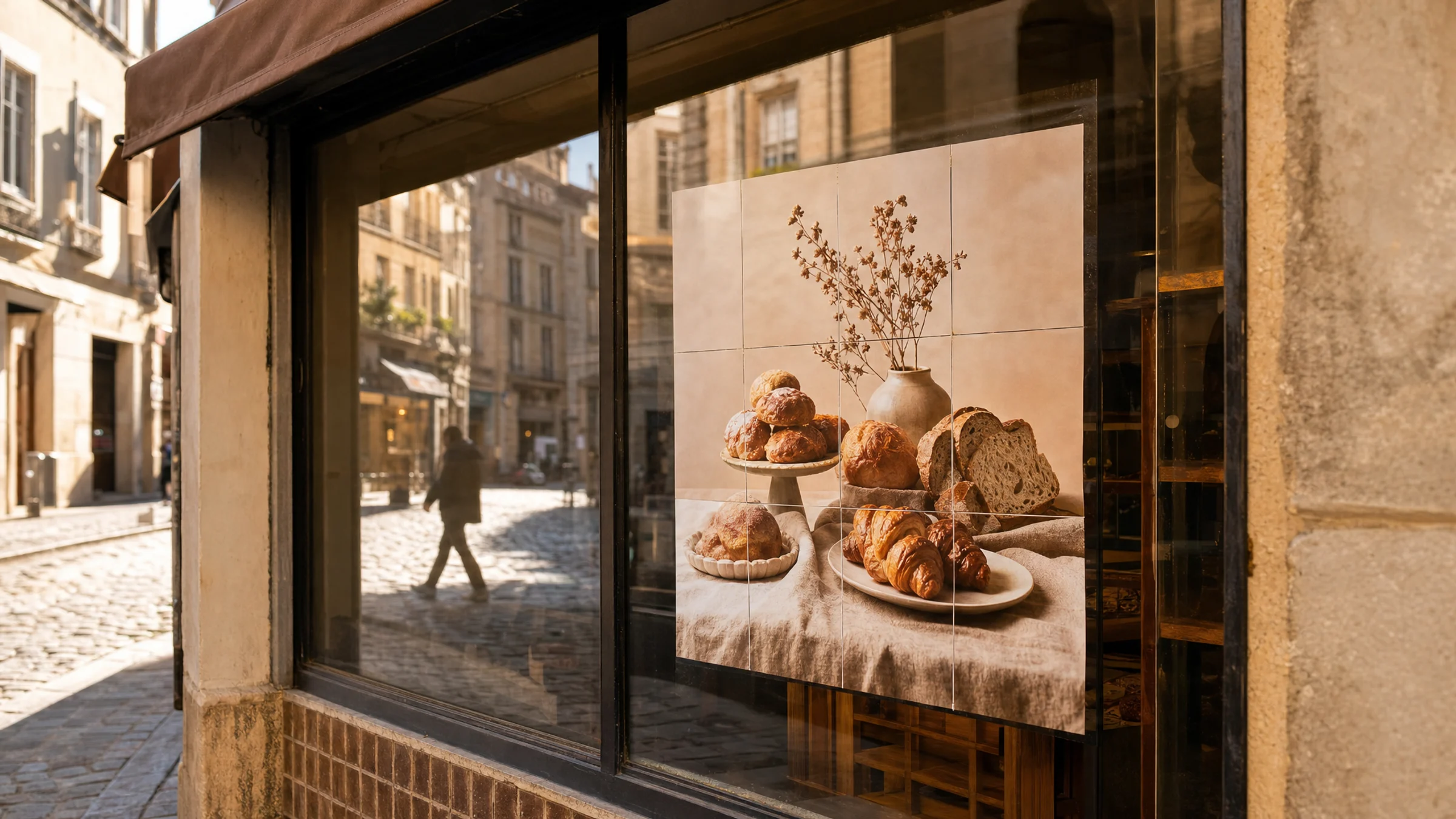
A shop window poster is advertising. Even if you print it at home on A4 sheets, tape it together yourself, and display it for only a weekend, the image can still raise copyright, trademark, model release, or licensing issues.
Most home and office printers cannot print to the edge of the paper; they leave an unprintable 3–5 mm margin. Expect to trim these white edges to ensure the tiles align perfectly.
This guide helps you decide whether an image is suitable for a shop window poster, avoid risky sources, and prepare a rights-safe tiled print project.
This article is practical guidance, not legal advice. If the poster is important, expensive, or part of a larger campaign, ask the image owner, licensing platform, or a qualified legal professional.
If you are also checking whether your use counts as business or promotional printing, see Commercial use and Rasterbator.pics.
What Rasterbator.pics Does and Does Not Allow
Rasterbator.pics is a browser-based tool that splits an image into printable tiles across multiple A4 pages. All processing happens on your device in the browser. The tool creates a PDF; it does not verify image rights or grant you permission to use the image.
That means:
Your image is processed locally in the browser on your device.
Rasterbator.pics does not grant you ownership of the image.
The tool does not check copyright, trademark, privacy, model releases, or advertising permissions.
You are responsible for choosing an image that you have the right to print and display.
A poster made with home tile printing can still count as commercial use if it promotes a shop, event, product, service, or brand.
Most home and office printers cannot print to the edge of the paper; they leave an unprintable 3–5 mm margin. Expect to trim these white edges to ensure the tiles align perfectly.
For more detail, see Commercial use and Rasterbator.pics.
Why Shop Window Posters Are Higher Risk
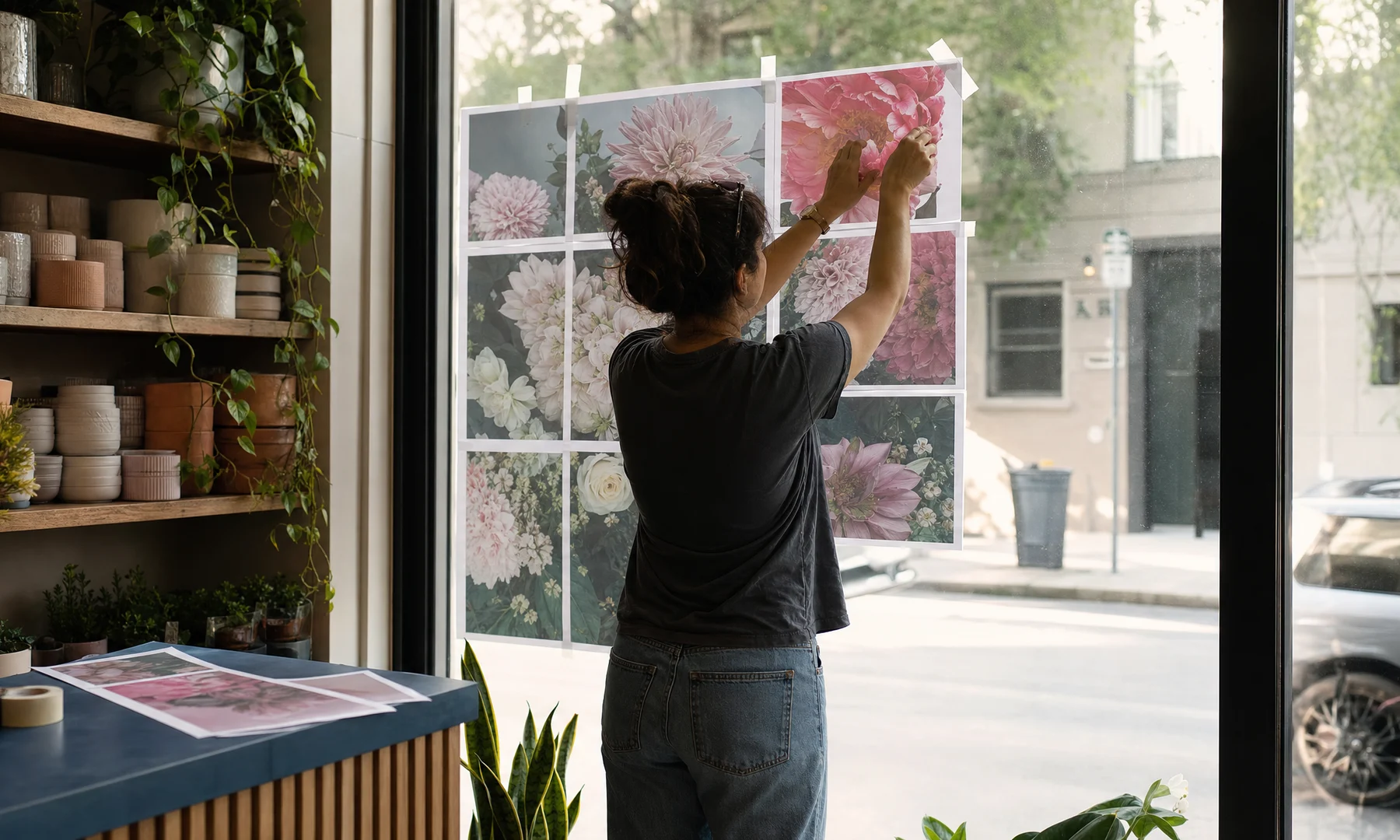
A personal bedroom poster is usually low visibility. A shop window poster is different because it is public and promotional.
Common shop window uses include:
sale posters
new product announcements
seasonal decorations
restaurant menus
event posters
hiring notices
opening hours signs
service promotions
local campaign or fundraiser posters
These uses are usually connected to a business, organization, venue, or public event. That makes image rights more important.
Quick Decision: Is This Image Safe Enough?
Use this fast test before you start poster printing.
| Question | Safer | Risky |
|---|---|---|
| Did you create the image yourself? | Yes | No |
| Do you have written permission or a license? | Yes | No or not sure |
| Does the license allow commercial use? | Yes | Personal use only |
| Does the image show recognizable people? | No, or you have releases | Yes, no release |
| Does the image show famous characters, logos, art, or brands? | No | Yes |
| Did you find it through a random web search or social media? | No | Yes |
| Can you prove where the image came from? | Yes | No |
| Will the poster be visible from a public street or shop window? | Yes, and rights are clear | Yes, but rights are unclear |
If you cannot answer the rights questions confidently, choose a safer image.
What Counts as Commercial Use?
For shop window posters, assume the use is commercial if the poster helps promote anything connected to money, customers, attendance, sales, or brand awareness.
Examples of commercial use:
A bakery prints a large croissant photo for its window.
A gym prints a motivational athlete poster to attract members.
A hair salon prints a hairstyle image to sell appointments.
A bookstore prints a character-themed poster to promote a sale.
A café prints a stock photo of coffee beans for a street-facing window.
A local organizer prints an event poster for paid tickets.
Even if the poster is printed at home, on A4 sheets, and assembled by hand, the use can still be commercial.
Risky Image Sources to Avoid
Some sources are tempting but often unsafe for shop window posters.
Avoid using images from:
Google Images without checking the original license
Pinterest boards
Instagram posts you did not create
Facebook event photos from other pages
screenshots from films, TV shows, games, or music videos
celebrity photos from news sites
product photos copied from manufacturers without permission
images containing recognizable artwork, murals, posters, or branded packaging
“free wallpaper” sites with unclear ownership
marketplaces where the license says “personal use only”
A downloadable file is not automatically legal to use in a shop window. Always verify the source and license before printing.
Safer Image Sources
Choose sources where commercial use is clearly allowed and the license is easy to save.
Safer options include:
photos you took yourself
original designs made by your business
paid stock images with a commercial license
free stock images with commercial use allowed
public domain images from reputable archives
Creative Commons images that allow commercial use, if you follow the terms
images supplied by a photographer, designer, brand partner, or event organizer with written permission
product photos from a supplier, if your agreement allows promotional use
Save and keep:
the image file
the license page or receipt
the creator name
the source URL
the date you downloaded it
any attribution requirements
any usage limits such as print quantity, territory, duration, or placement
License Terms to Check Before Printing
Before creating your tiled print, look for these terms in the image license.
| License point | What to check |
|---|---|
| Commercial use | Does the license allow advertising, retail display, or business promotion? |
| Print use | Does it allow printed posters, not only digital use? |
| Size and quantity | Are there limits on poster size, number of copies, or impressions? |
| Public display | Is shop window display allowed? |
| Modification | Can you crop, enlarge, add text, or recolor the image? |
| Attribution | Must you credit the creator? If yes, where will the credit appear? |
| Exclusivity | Could another local business use the same image? |
| Model release | Are recognizable people cleared for commercial advertising? |
| Property release | Are private buildings, interiors, artworks, or distinctive objects cleared? |
| Trademark restrictions | Are logos, packaging, or protected brand elements included? |
| Sensitive use | Does the license restrict health, politics, finance, religion, dating, or similar contexts? |
If the license is silent or unclear, do not assume permission.
Recognizable People: Model Release Warning
A smiling person in a photo may look perfect for a window poster, but using recognizable people creates additional risk.
You may need a model release if:
the person’s face is visible
the person can be identified by tattoos, clothing, location, or context
the poster implies they use, recommend, or support your business
the poster is promotional, not editorial
Examples:
A yoga studio uses a stock photo of a person stretching: check commercial license and model release.
A dental clinic uses a close-up smile photo: check model release and sensitive-use restrictions.
A café uses a photo of real customers: get written permission before displaying it.
For business advertising, use images with clear model releases or choose illustrations, product photos, typography, or your own photography.
Logos, Characters, and Famous Brands
Be careful with images that contain:
sports team logos
movie characters
game characters
cartoon characters
luxury brand products
branded packaging
band logos
university logos
famous artworks
street art or murals
recognizable architecture used as a brand symbol
Even if you legally purchased a product, that does not give you the right to use its logo or image in your own advertising.
For example, a toy shop should not assume it can enlarge a superhero movie still for a window display. A café should not copy a famous coffee brand logo into a poster. A clothing store should be careful with celebrity photos, even if the celebrity is wearing similar products.
Image Quality for a Shop Window Poster
A rights-safe image can still look bad if it is too small.
Check that:
the original image is not just a tiny social media download
important details are sharp at the intended poster size
text inside the image remains readable
the image is not full of compression artifacts
the crop still works after tiling
faces, product labels, and prices are not split awkwardly across page joins
For shop windows, bold images and large text usually work better than detailed designs.
Practical Poster Size Table for A4 Tile Printing
When planning a shop window poster, decide the finished size before you print.
Approximate sizes using A4 sheets:
| Layout | A4 sheets | Approx. finished size before trimming | Common use |
|---|---|---|---|
| 1 × 1 | 1 | 210 × 297 mm | Small notice, opening hours |
| 2 × 2 | 4 | 420 × 594 mm | Small window sign, menu highlight |
| 2 × 3 | 6 | 420 × 891 mm | Tall narrow offer poster |
| 3 × 3 | 9 | 630 × 891 mm | Medium shop window poster |
| 3 × 4 | 12 | 630 × 1188 mm | Large sale poster |
| 4 × 4 | 16 | 840 × 1188 mm | Large square display |
| 4 × 5 | 20 | 840 × 1485 mm | Big window campaign |
| 5 × 6 | 30 | 1050 × 1782 mm | Very large display, needs careful assembly |
Plan the poster around viewing distance as well as size. A street-facing sale poster usually needs larger text and simpler imagery than a close-up indoor display.
Preparing a Rights-Safe Tiled Print Project
Before you start
Most home and office printers cannot print to the edge of the paper; they leave an unprintable 3–5 mm margin. Expect to trim these white edges to ensure the tiles align perfectly.
Step-by-step workflow
Save the original image and your license proof.
Make a working copy so you do not overwrite the original file.
Add your own text, price, date, or call to action.
Keep the design simple enough to read from outside the shop.
Use Rasterbator.pics to create a tiled poster: upload your image, choose your poster size and style, then download the generated PDF.
If the poster includes prices, dates, or fine text, print one test tile first. Check that text is sharp and readable at the intended viewing distance before printing all pages.
Print at Actual Size or 100%. This is the most common place where tiled posters go wrong. Do not use “Fit,” “Shrink,” or similar scaling unless you intentionally want a different final size.
Remember that most home printers leave a 3–5 mm white border. Plan to trim or overlap edges before joining sheets.
Trim the page edges you need for alignment.
Assemble with a glue stick or double-sided tape on the back of the seams. Avoid tape on the front of the poster, as it creates a glossy, visible join that distracts from the print.
Reinforce joins from the back with tape if needed. Back-side tape is less visible and helps the poster stay flat.
Display the poster securely and avoid blocking required safety notices, visibility lines, or emergency information.
Prefer glue stick or tape from the back for clean joins. Front-side tape is quick, but when glare or visible seams matter, it looks worse.
Local Rules and Permissions
Before displaying a poster, check:
your lease or rental agreement
local advertising or signage regulations
whether the poster blocks required safety notices or emergency exits
shopping center or mall display rules, if relevant
A rights-safe image can still break local rules.
Adobe Acrobat Reader Poster Printing: When It Helps
Adobe Acrobat Reader includes a Poster option for tiled printing. It splits a finished PDF across multiple pages, which can be useful if you already have a complete design.
For image-based posters, Rasterbator.pics is usually clearer for poster setup because you choose the poster size first and get a predictable generated PDF to print. If you do use Acrobat Reader, still print at Actual Size or your intended scale and double-check tile overlap before committing to the full job.
Checklist Before You Hit Print
I know who owns or licenses the image.
I have permission for commercial use.
Printed posters and public display are allowed.
I saved the license, receipt, or written permission.
Any required attribution is included or not required.
Recognizable people are covered by model releases if needed.
Private property, artwork, or distinctive interiors are cleared if needed.
The image does not rely on unauthorized logos, characters, celebrities, or brands.
The image resolution is good enough for the final poster size.
The design is readable from the expected viewing distance.
I allowed for 3–5 mm unprintable printer margins.
I will print at Actual Size or 100%.
I have planned trimming, alignment, glue stick assembly, and back-side tape reinforcement.
I checked lease, mall, local, or safety rules before display.
Safer Poster Ideas for Shops and Events
If you are unsure about image rights, use a design that depends less on third-party imagery.
Safer approaches:
large typography with your own brand colors
your own product photos
simple abstract backgrounds
public domain patterns
original illustrations commissioned for your business
staff-made photos with written permission from anyone visible
supplier-approved promotional images
plain price boards and menu layouts
seasonal shapes without protected characters
A clean text-first poster can be more effective than a risky image.
Example: A Safer Sale Poster Workflow
A small clothing shop wants a large “Winter Sale” window poster.
Safer workflow:
The shop uses its own photo of folded sweaters.
No customers, faces, or third-party artwork are visible.
Brand logos on labels are cropped out.
The owner adds text: “Winter Sale — Up to 40% Off.”
The design is exported as a high-resolution image.
The file is uploaded to Rasterbator.pics.
The owner chooses a 3 × 4 A4 poster layout and downloads the PDF.
One test tile is printed and checked for sharp text.
The full poster is printed at 100%.
Pages are trimmed, joined with a glue stick, and reinforced with back-side tape.
This is much safer than copying a fashion photo from the web without permission.
Example: A Risky Poster Workflow
A café wants to promote a movie-themed weekend.
Risky workflow:
The owner downloads a famous movie still from Google Images.
The poster includes the film title, actor faces, and studio artwork.
The café adds “Special menu this weekend.”
The poster is printed large and displayed in the street-facing window.
This can create copyright, trademark, and publicity-rights problems. A safer option would be an original text-based design with generic cinema-style graphics, or licensed promotional material from an authorized distributor.
FAQ
Can I use an image from Google Images for a shop window poster?
Do not assume you can. Search results show images from many sources, but they do not grant commercial display rights.
Can I use a free stock photo?
Yes, if the license allows commercial use and your specific poster use follows the license terms. Keep a copy of the license record.
Is a poster still commercial if I print it at home?
Usually yes if it promotes a shop, product, service, event, or brand. The printer location does not decide the usage rights.
Does Rasterbator.pics give me rights to the image?
No. Rasterbator.pics processes your image locally in the browser and creates a tiled output, but image permissions remain your responsibility.
Can I use an image from Google Images for a shop window poster?
Not without confirming the original source and license. Google Images is a search engine, not a rights clearinghouse. Always visit the source page and save proof that commercial print display is allowed.
Can I use a free stock photo?
Sometimes. Check the license carefully. Make sure it allows commercial use, print use, public display, and modification if you plan to crop or add text. Also check whether recognizable people have model releases.
Is a poster still commercial if I print it at home?
Yes, it can be. The printing method does not decide whether the use is commercial. If the poster promotes a shop, service, event, product, or organization, treat it as commercial use.
Does Rasterbator.pics give me rights to the image?
No. Rasterbator.pics processes your image locally in the browser to create a tiled poster. It does not grant copyright, trademark, or advertising rights.
Can I use my supplier’s product photos?
Only if your supplier allows it. Some suppliers provide approved marketing images for retailers; others restrict use. Ask for written permission or check your retailer agreement.
Can I use photos of my customers in a window poster?
Get written permission, especially if faces are recognizable and the poster promotes your business. For children or sensitive services, be extra careful and get proper consent.
Can I use a celebrity photo if it is only decorative?
For a shop window, celebrity images are risky. They may imply endorsement and can involve copyright and publicity rights. Use licensed images specifically cleared for commercial advertising, or choose a different concept.
What if I only display the poster for one day?
A short display can still infringe rights. Duration may affect the practical risk, but it does not automatically make unauthorized commercial use acceptable.
Do I need to credit the photographer?
Only if the license requires it, but credit does not replace permission. If a license requires attribution, follow the exact credit format and placement rules.
What should I do if I am unsure?
Use a safer source: your own photo, a properly licensed stock image, a public domain image from a reputable archive, or an original commissioned design. For important campaigns, ask a legal professional before printing.
Try Rasterbator.pics
Use Rasterbator.pics to test the article advice with your own image, page size, overlap, margins, and tiled PDF export.
Try Rasterbator.pics