How to Make a Large Classroom World Map Poster at Home
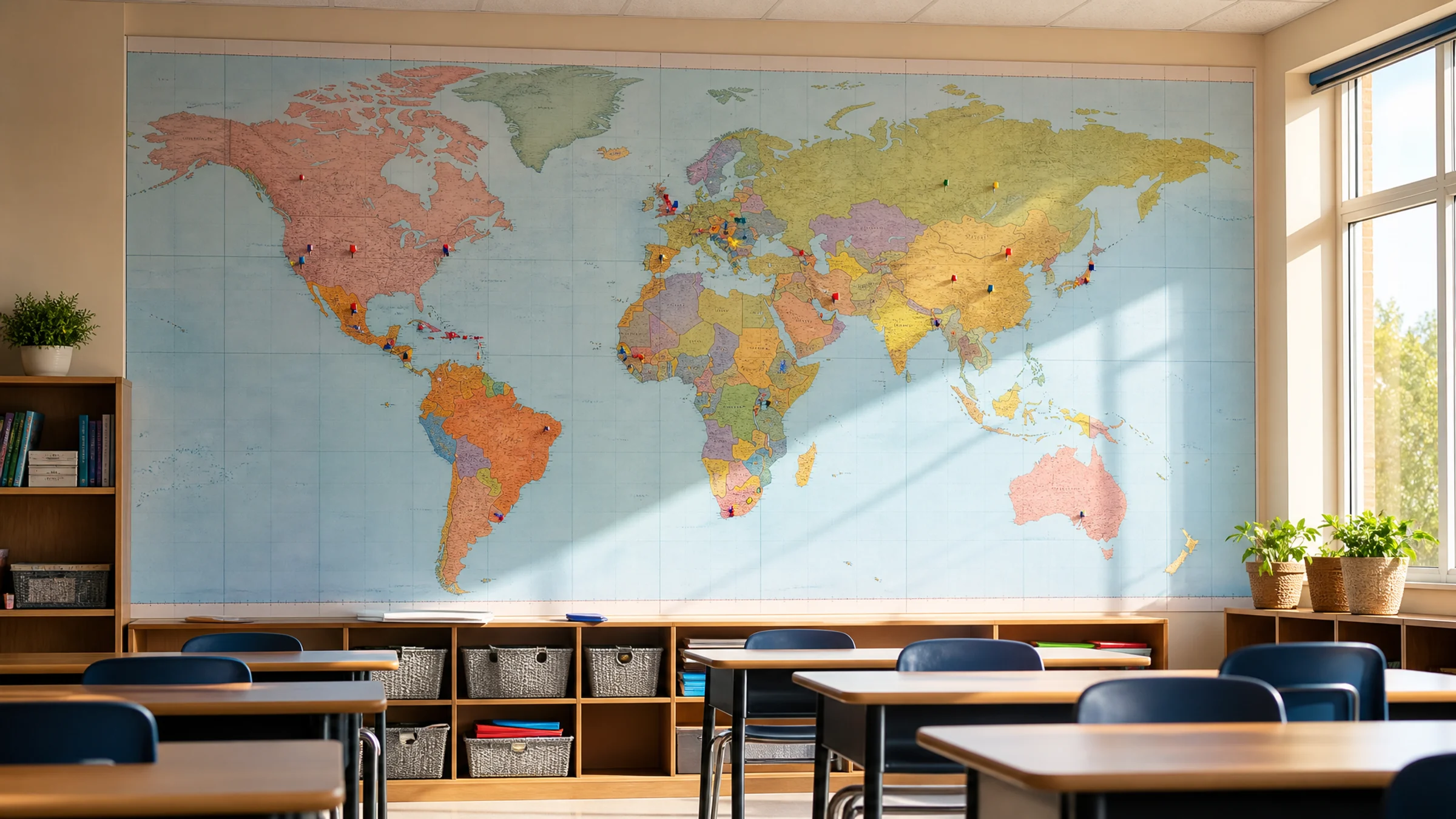
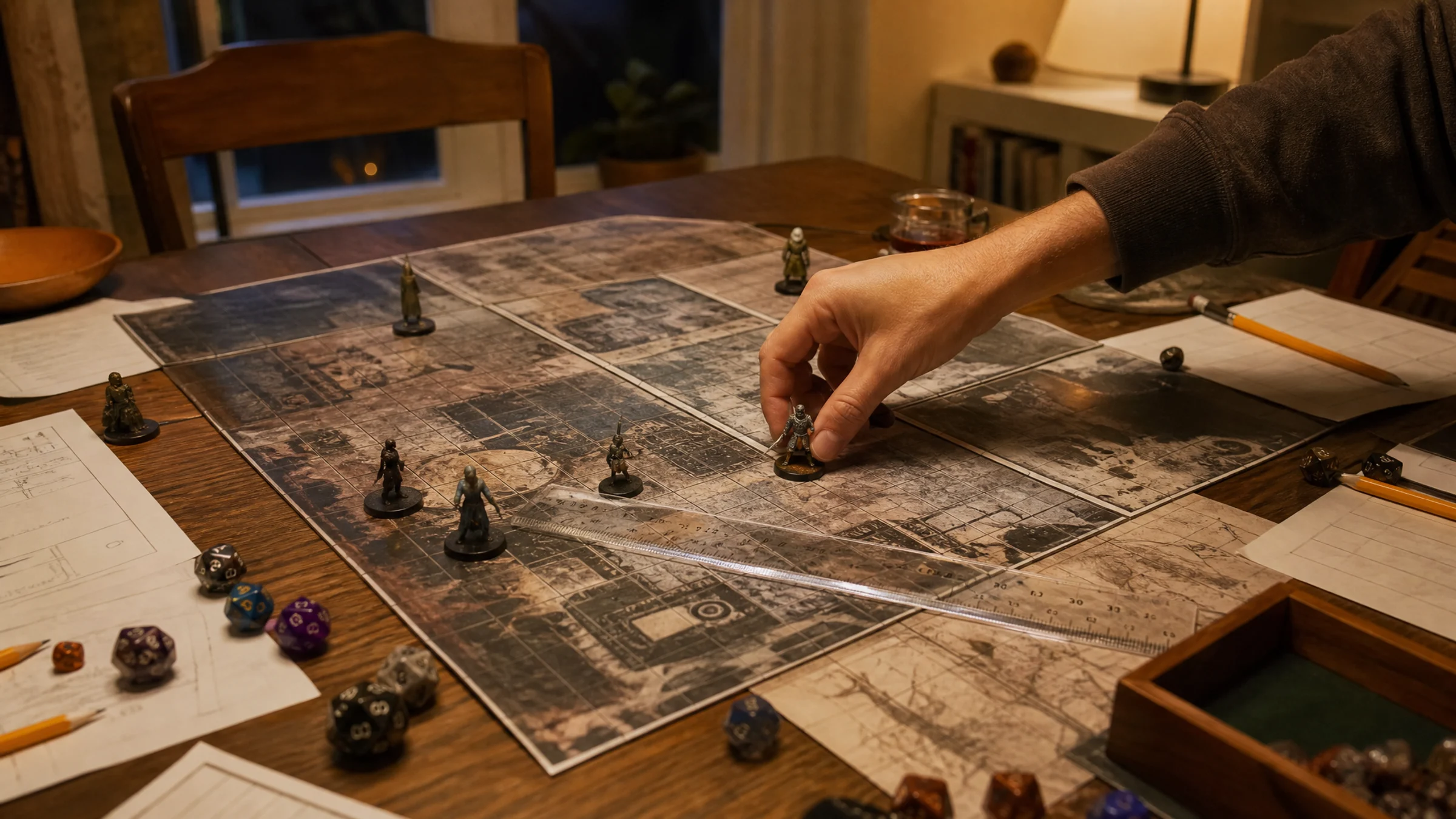
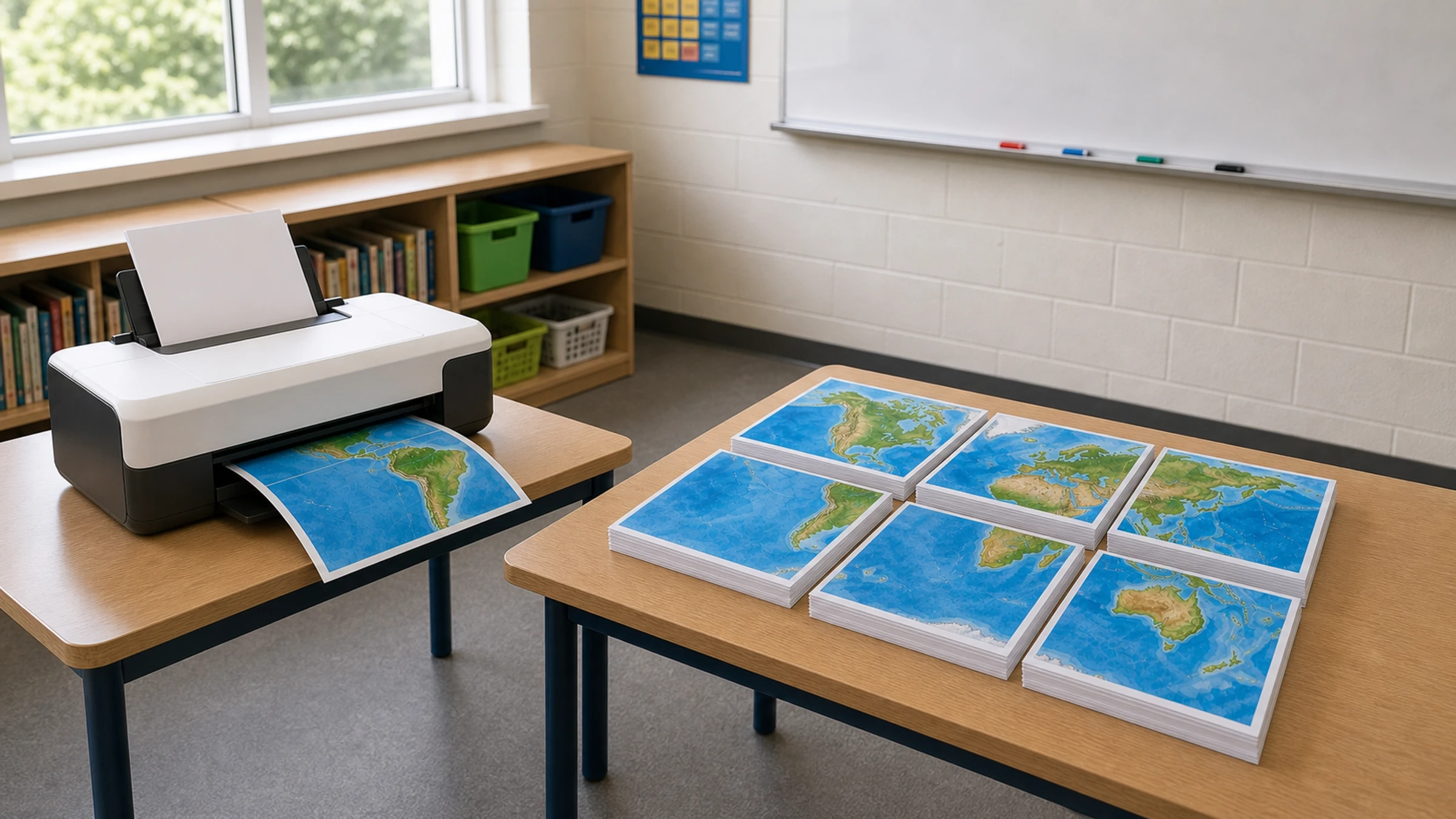
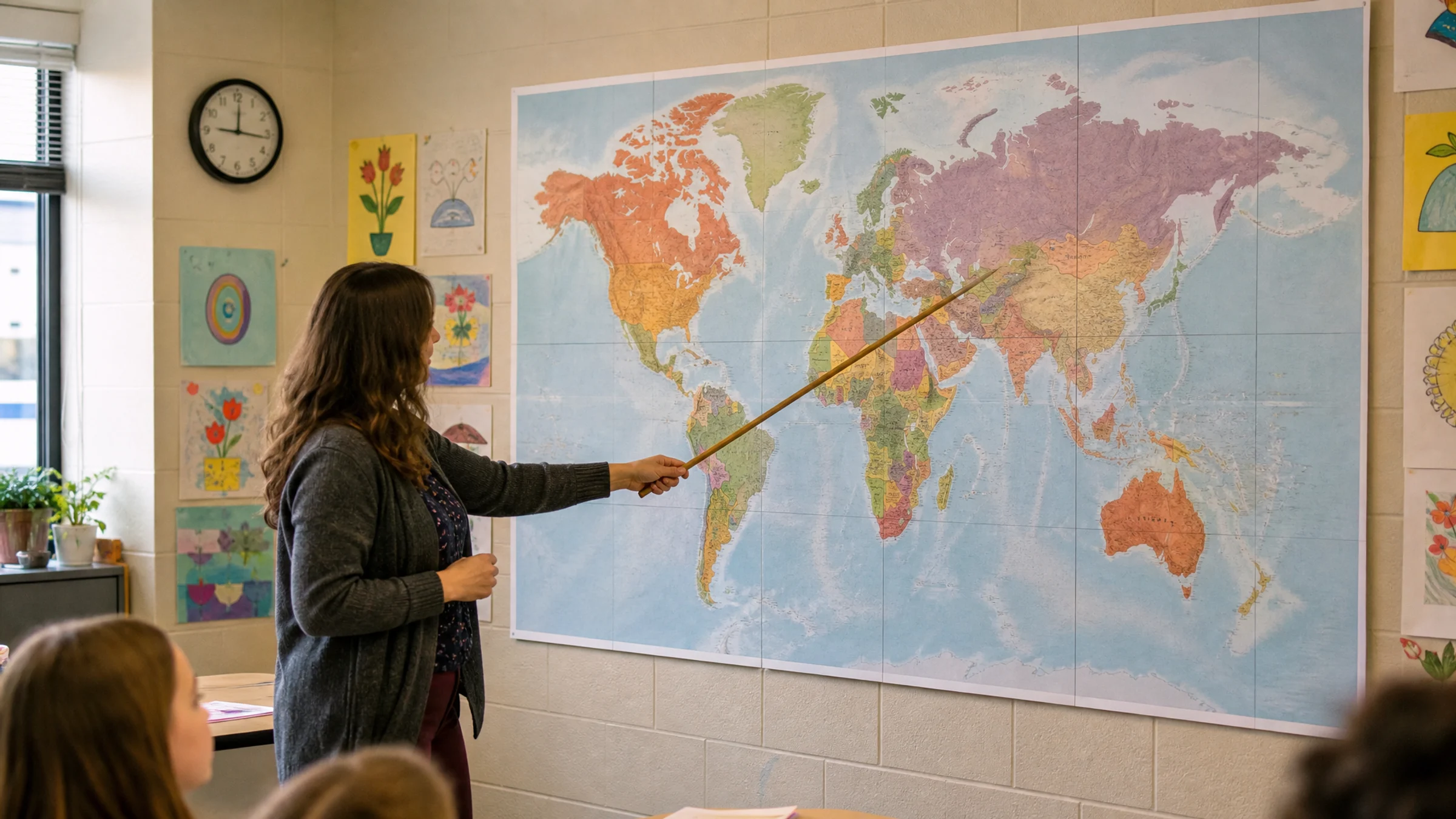
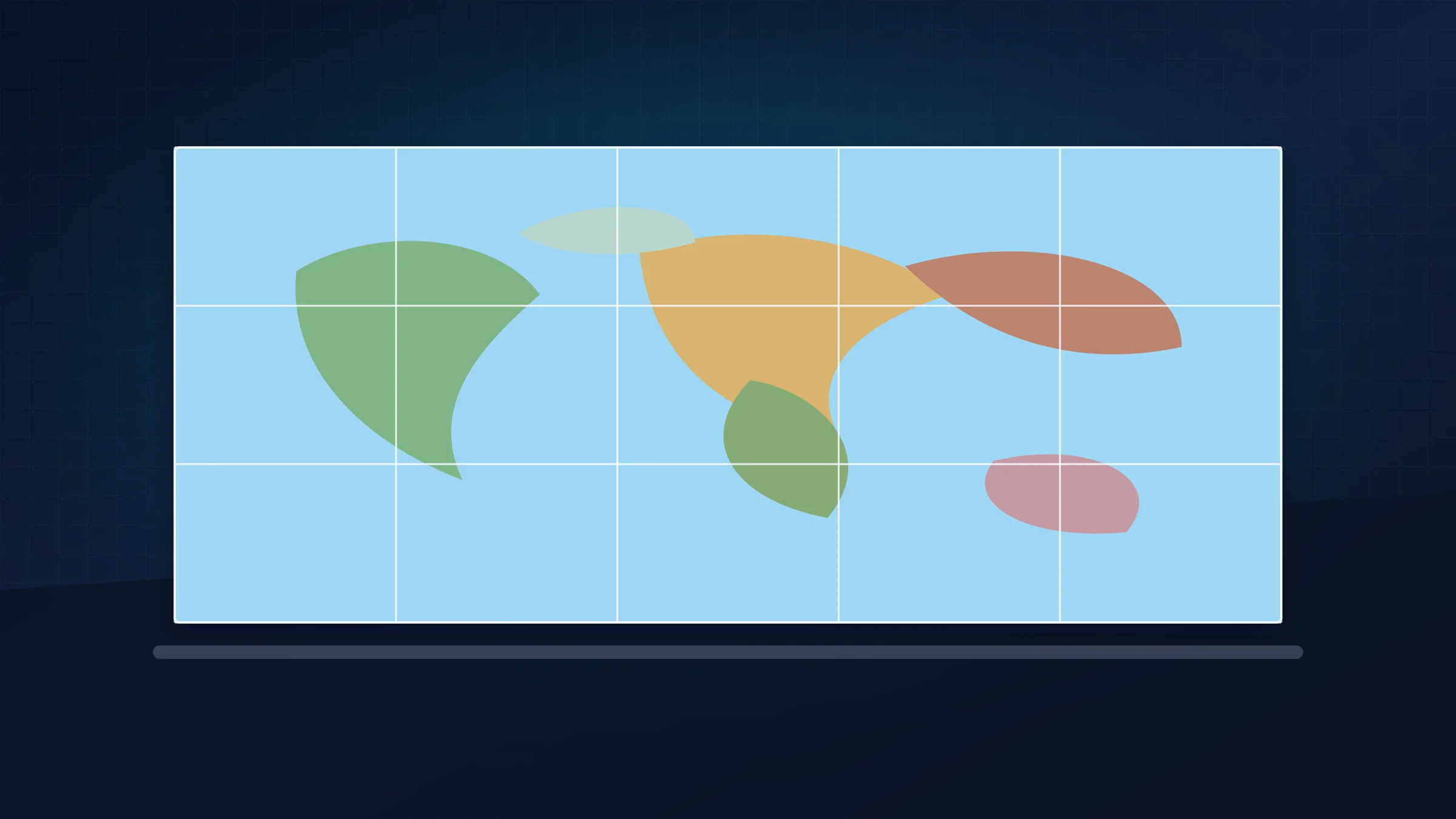
A clear map image, a measured wall, and a browser-local poster export are enough to build a readable classroom world map without a print shop.
Mehr lesenExplore Rasterbator guides for printing giant posters at home, choosing image sources, styling wall art, and assembling multi-page prints cleanly.

A clear map image, a measured wall, and a browser-local poster export are enough to build a readable classroom world map without a print shop.
Mehr lesen
Updated 29. Apr. 2026 / 9 min
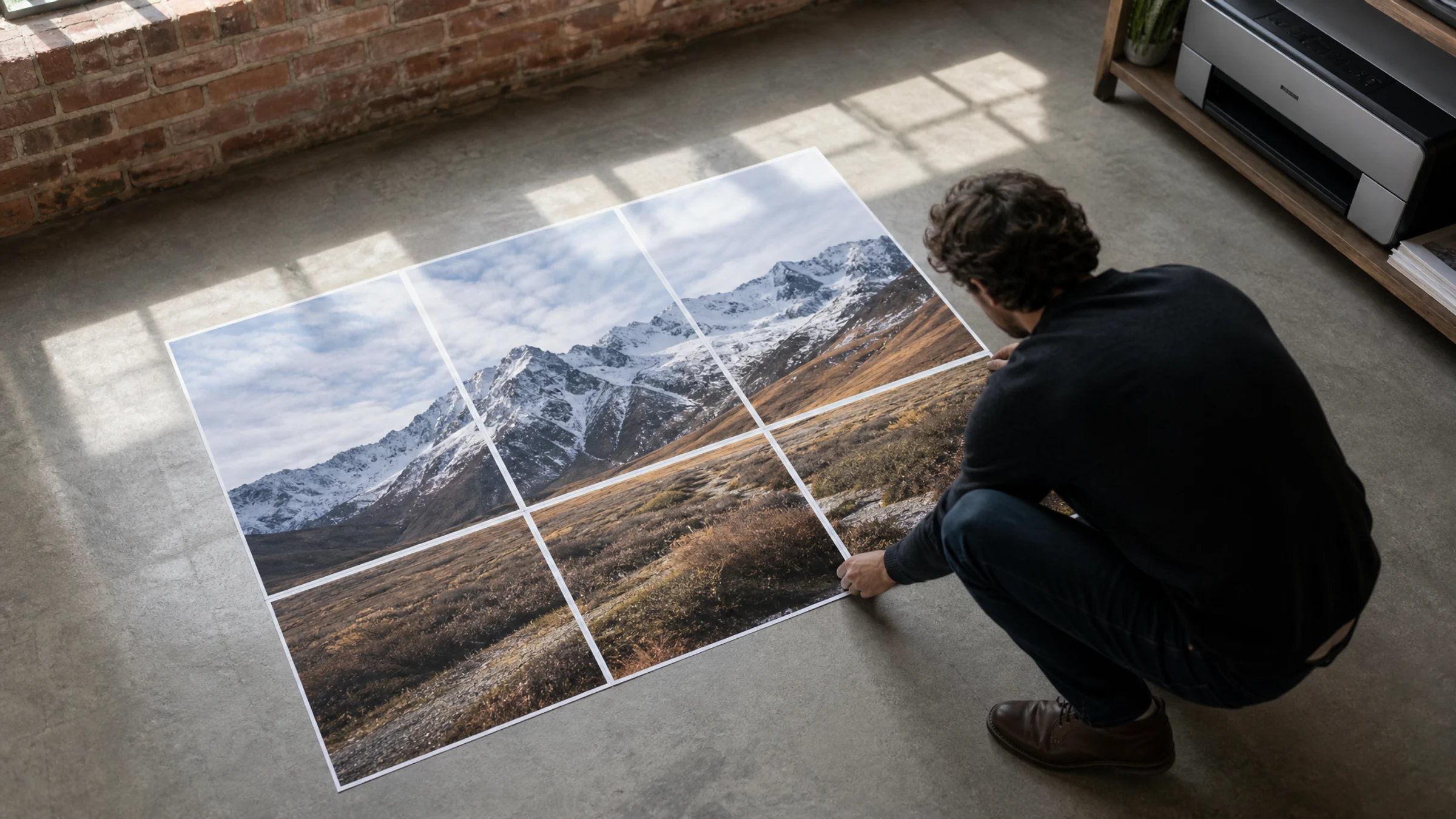
Turn one JPG into a 4-page A4 poster you can print at home with browser-local image processing, correct scale settings, and clean sheet alignment.
Mehr lesen
A clear map image, a measured wall, and a browser-local poster export are enough to build a readable classroom world map without a print shop.
Mehr lesen
Turn one JPG into a 4-page A4 poster you can print at home with browser-local image processing, correct scale settings, and clean sheet alignment.
Mehr lesen
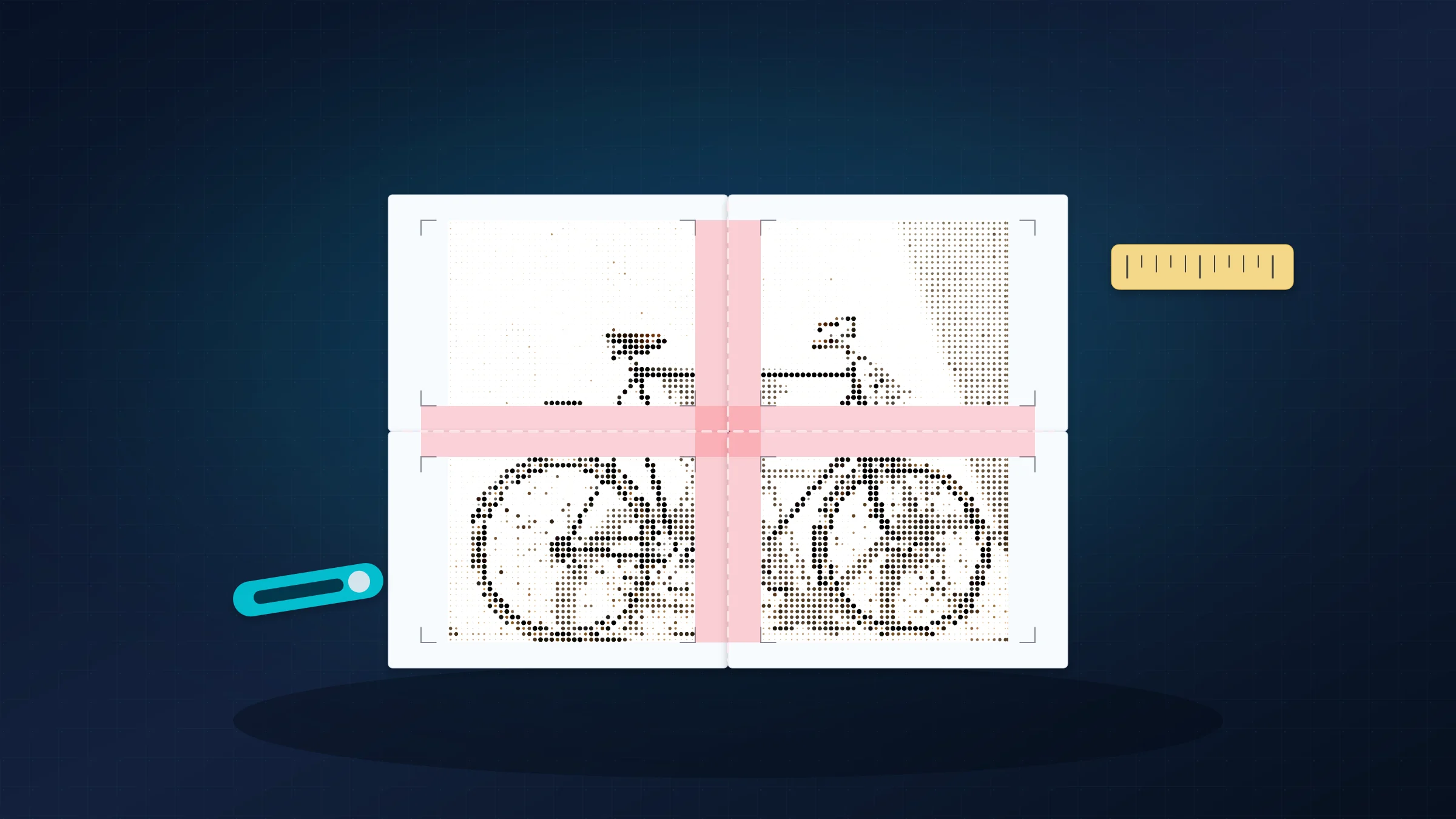
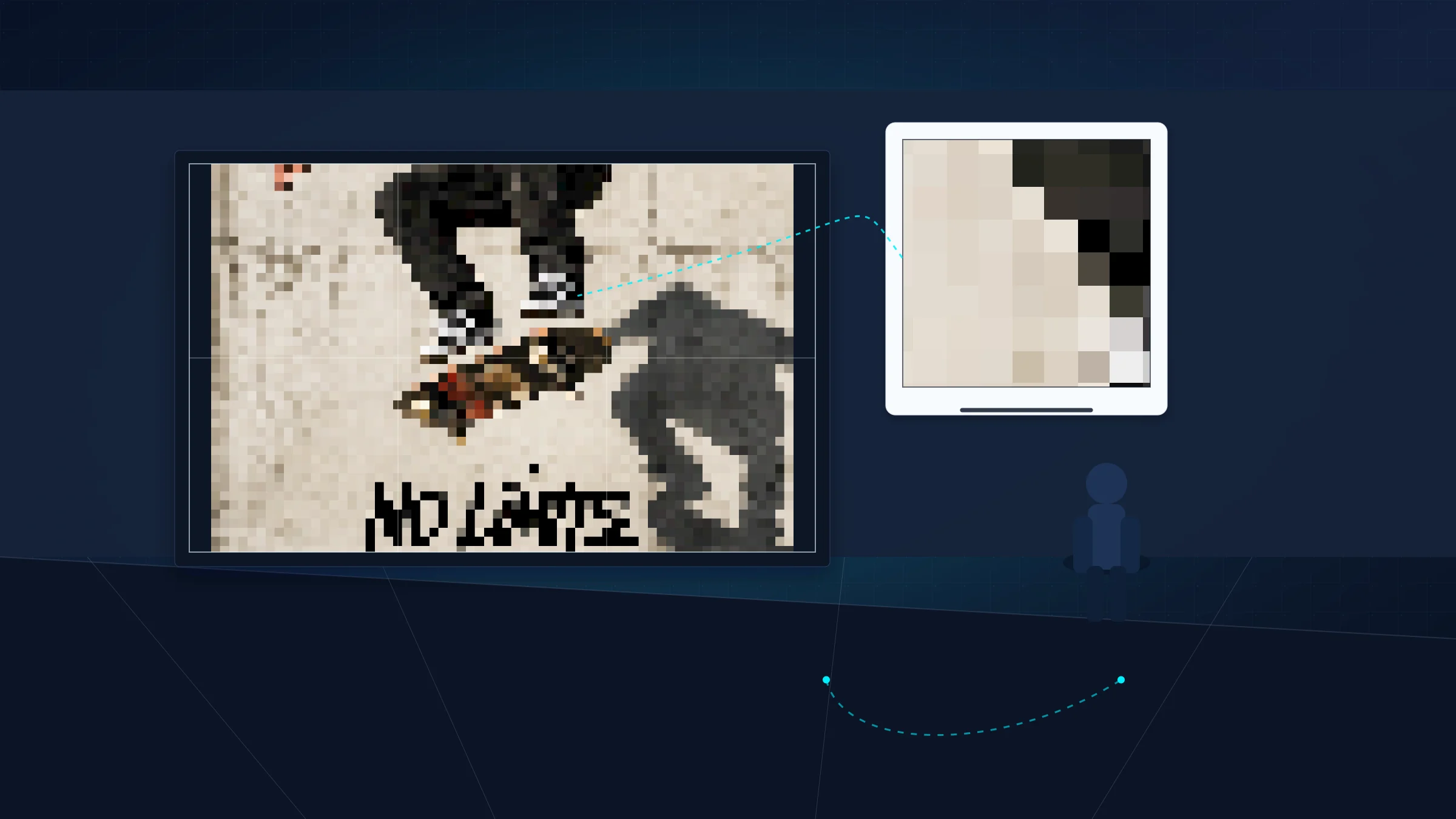
Large posters do not always need 300 DPI. Match image resolution to poster size and viewing distance before you reject or print a source file.
Mehr lesen
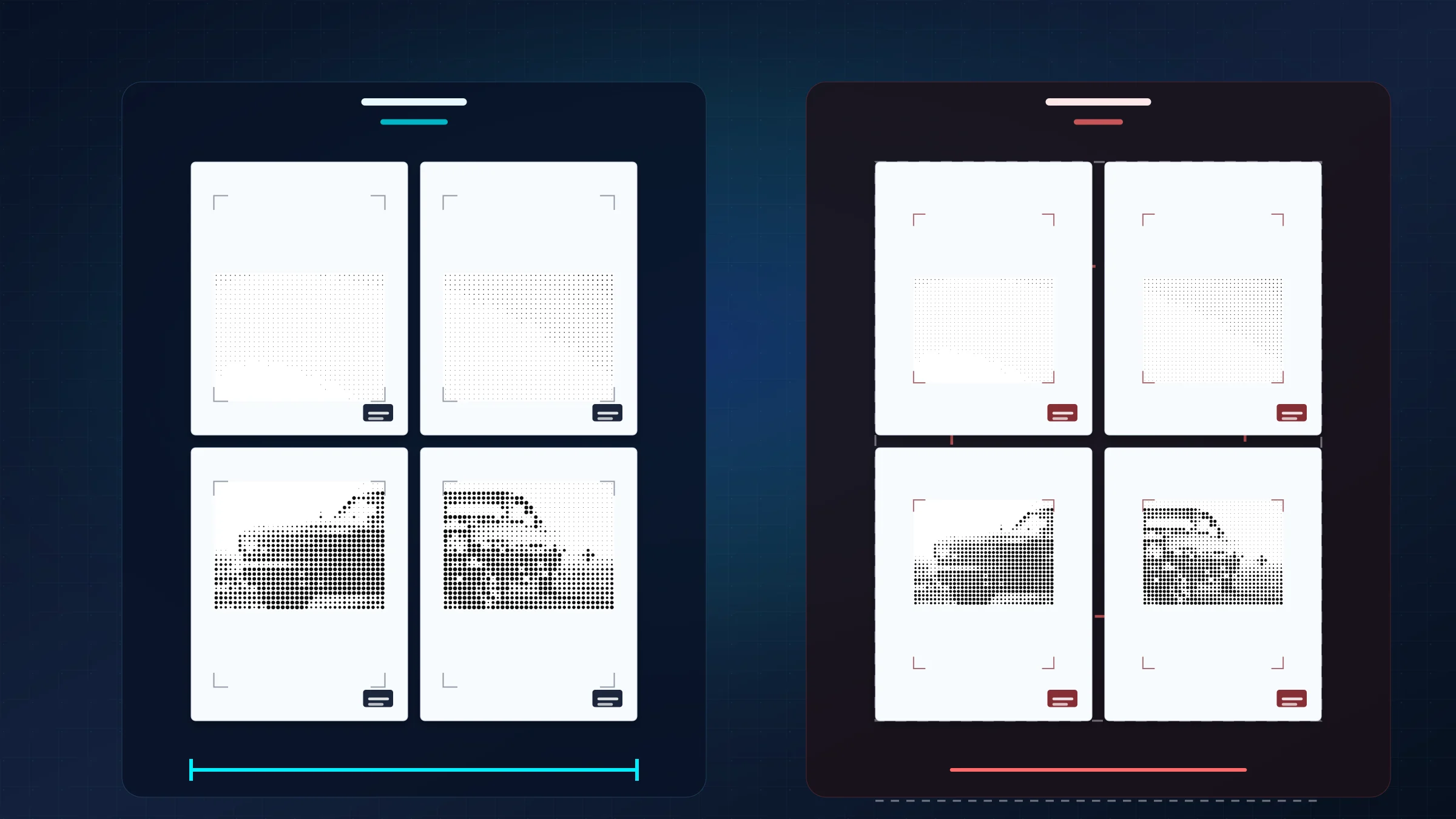
Wenn Ihr Poster-PDF korrekt ist, der Druckdialog aber auf An Seite anpassen steht, kann der Drucker jede Kachel verkleinern und die Ausrichtung beeinträchtigen.
Mehr lesen
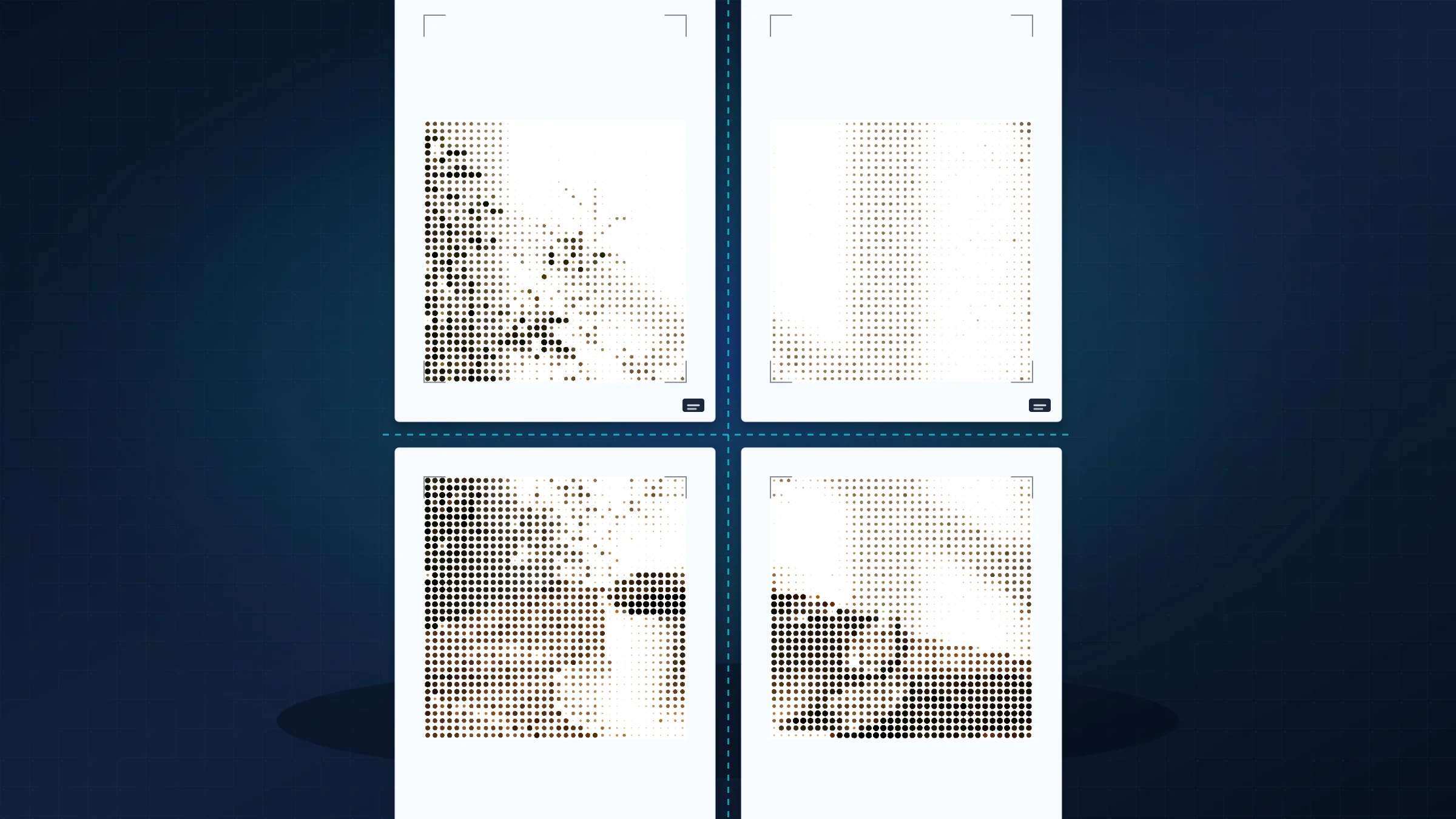
Nutze Rasterbator.pics, um ein Bild in ein mehrseitiges A4-Poster zu verwandeln, und drucke, schneide und montiere es sauber mit Überlappung und exakter Skalierung.
Mehr lesen